

Interactive Fashion Homepages: Alternatives to Static Heroes
Replace a static fashion hero by mapping homepage intent, comparing a quiz, outfit feed, and try-on, then testing one onboarding path with a real holdout first.

A better fashion homepage than a static hero is the one that matches why the shopper arrived: a path into the catalog, a shoppable outfit, or a preview of one chosen garment. Map that intent first, compare a quiz, an outfit feed, and try-on as different jobs, then show the onboarding in order and guard the test so homepage engagement is not mistaken for revenue.
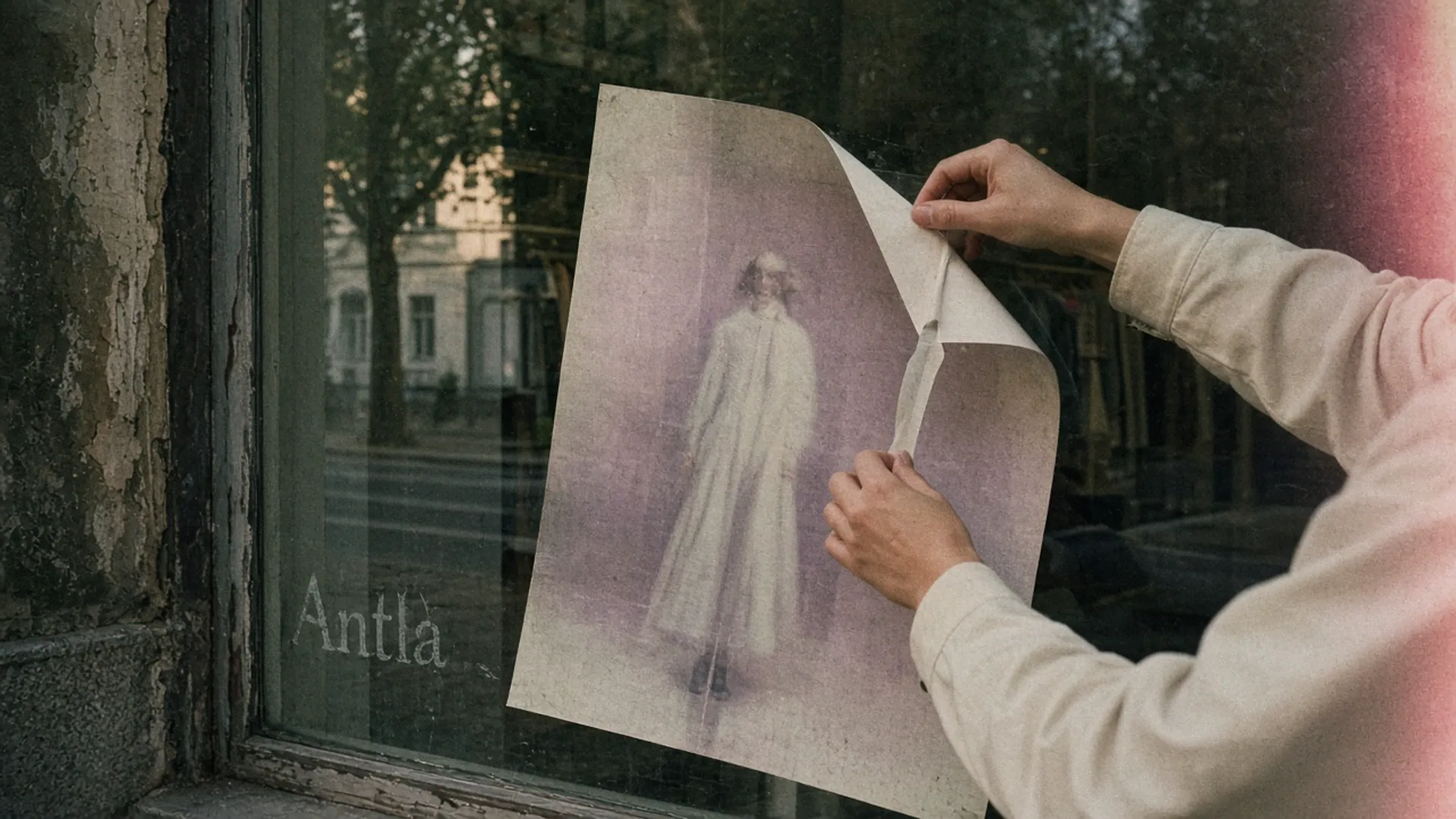
The poster can come down. The next thing on the glass still has to lead to clothes. Editorial image in Classic Antla disposable-camera style.
The hero has been the March campaign since March. It is a beautiful photograph of a coat nobody can click, or a click that opens a collection the photograph does not match. Swapping it for a quiz, a moving outfit feed, or a try-on button feels like progress because the homepage finally does something. Motion is not a strategy. The homepage has to send a specific shopper toward a specific garment.
Paid traffic deserves better than a grid is about what happens after you buy the click. This is the homepage itself: what replaces the static hero for the people who start there, including the ones who did not come from an ad.
Map shopper intent
Baymard’s homepage research describes three ways people find products from the front door: category navigation, search, and curated paths such as new arrivals or guided edits. Their late-2020 benchmark also found a scattered result, with 32% of reviewed sites mediocre or poor, often because the first screen set the wrong expectation. Treat that as a dated benchmark with a durable point: the homepage should show what you sell and offer more than one way in. The write-up lives in Baymard’s homepage UX notes.
Before you pick a widget, label the sessions that actually land on home. Shopify’s behavior reports can show sessions by landing page. Pull home separately from product and collection landings. A store that receives most paid traffic on product URLs should not rebuild the homepage to fix those ads.
On the homepage sessions, sketch four intents. You will not have perfect identity. Landing source and the first click are enough to stop guessing.
| Intent | How you recognize it | What they need in the first screen | A static hero’s usual failure |
|---|---|---|---|
| New to the brand | First visit, home landing, then nav or search | Proof of what you sell, and a way into categories | One look that implies you sell only that look |
| Hunting a type | Uses search or a category immediately | An obvious search field and real category paths | A full-bleed image with no path |
| Styling a look | Clicks outfits, editorial, or “shop the look” | Named, in-stock pieces | A film still with no products |
| Deciding on one garment | Arrives with a product in mind, or clicks a single featured SKU | That product, the right color, a next step | A collage that sends them hunting |
If the first screen serves none of these, an interactive layer will entertain the wrong job. Shoppers who browse and leave are often missing outfit context after they are inside the catalog. Do not make the homepage repeat that gap with a prettier poster.
Compare quiz, outfit feed and try-on
These three get pitched as “interactive homepage” as if they were substitutes. They answer different questions. Shipping all three is how a homepage becomes a lobby.
A quiz helps when the catalog is wide and the shopper will trade two or three answers for a shorter list: occasion, climate, a size range they already know. It hurts when it gates the clothes. Eight questions, an email wall, and then a generic collection is a form, not a homepage. Keep a visible skip to new arrivals and to search. If most people skip, the quiz is not the front door. It can live one click in.
An outfit feed helps when styling is the product. Each outfit needs the pieces, the price of the lead item, and links that go to in-stock variants. A feed of campaign stills is the static hero, sliced into a carousel. Baymard’s homepage pitfalls include carousels that people do not actually use. If you rotate outfits, the first frame must stand alone, because plenty of sessions will never see frame two.
Try-on helps after a garment is chosen, when the open question is appearance on the shopper’s photo. It is a weak homepage, because a preview without a product is a camera permission. Antla does this on the product page, in a popup or the gallery, for a specific piece. A homepage can feature that piece and send people to the preview. It should not ask for a photo over a logo.
| Option | Best first question | Needs before it works | Do not use it to |
|---|---|---|---|
| Quiz | ”Which part of a wide catalog is mine?” | A mapped result that is a real collection, plus a skip | Hide prices or force an email |
| Outfit feed | ”What is worn with what?” | Shoppable, in-stock pieces on every slide | Replace category navigation |
| Try-on | ”How might this chosen piece look on me?” | One product and one color | Size the shopper, or greet a cold visit |
An AI styling assistant can sit beside an outfit feed later. It is not required to retire a static hero. Retire the hero by making the first click land on clothes.
Show onboarding flow
Whatever you pick, the order is the design. Write it as screens, then click it on a phone.
Quiz path. Home shows categories and one optional prompt, three questions at most, a result grid with filters still available, then a product page. The result must be editable. A shopper who said “black” and then sees only black should be able to undo that without restarting.
Outfit path. Home shows one look with the lead product named. The next screen is that product, or a short list of the pieces in the look. There is no account step in between. Sold-out pieces are marked on the look, not discovered after the click.
Try-on path. Home features one garment. The click opens that product on the promised color. The upload sits where the product page already explains the cloth. The size guide remains on the page. The photo is used to show appearance. Copy that promises a size recommendation is a different tool, and this flow does not include one.
A cold upload is the flow to reject: home, permission, camera, wait, then a surprise garment. You have spent the shopper’s trust before they have seen a price.
Keeping people on the site longer is a poor scoreboard for this. A quiz can inflate time on site by being slow. The onboarding is finished when a qualified session reaches a product page, not when the homepage has been busy.
Set experiment guardrails
One change. A new hero image, a quiz, and a try-on module in the same release is three tests wearing one coat.
Guardrails I would write into the brief:
- Holdout. A random share of homepage sessions keeps the current hero. Everyone else sees the single new path. If you cannot split, use two equal quiet weeks and list every email and discount that also ran.
- Primary metric. Product-page sessions from home, then add to cart on those products, then contribution after returns. Homepage clicks are a diagnostic, not the decision.
- Comparison group. Homepage sessions in the new path versus homepage sessions in the holdout. Do not compare quiz finishers with everyone. Finishers already agreed to stay.
- Mobile first. Read the primary metric on phones separately. A desktop lift can hide a mobile loss, and home is often a phone.
- Stop rules. If the new path cuts product views from home, end it. If it raises product views and lowers contribution, you sent people to the wrong products.
- No stacked prompts. One email capture on the site, not a quiz gate plus a popup plus a try-on login.
Shopify’s marketing summary can show sessions and conversion by activity once the links carry a campaign you recognize. The help page on analyzing marketing campaigns is the place to confirm you are reading the same channel you think you launched. It will not rescue a homepage test that changed three things.
Leave try-on out of the first homepage test unless the intent map says a single hero SKU is the visit. In that case the module links to the product page where the preview already lives, and the metric is still holdout homepage sessions, not try-on users alone.
What a livelier homepage will not fix
- Product pages that still hide measurements, shipping, or the real color.
- A catalog the first screen misrepresents. If you sell trousers and the only image is a gown, interaction will not correct the lie.
- Paid sessions that never see home. Fix their landing URL.
- A test read on “engagement” after four days and a newsletter.
Replace the hero in one step
Label last month’s homepage sessions with the four intents above, using source and first click. Pick the largest intent. Ship the matching option only: a skippable three-question quiz, one shoppable outfit, or one featured product with a path to preview. Hold out a slice of home traffic. Decide on product views and contribution, on mobile, after two full weeks.
About the author: Aaron likes a homepage that tells you where the clothes are.