

Handle Out-of-Stock Fashion Products on Shopify
A sold-out PDP still has a shopper on it. Keep the page indexed and interactive, let her try the piece on, and route that demand to stock you can ship.

The dress sold through faster than expected. Google still ranks the page. An old Pinterest save still points at it. Your best-performing email still links to it. Shoppers who want that dress now arrive on a page whose only remaining feature is a greyed-out button.
Then they leave, and nothing about that visit is recorded anywhere useful.
Keep the page. A sold-out product page still has a shopper on it, so leave it indexed, leave try-on running, and use the session to move her toward sizes and colorways you can actually ship. Try-on does not create inventory. It holds attention long enough for you to redirect it.
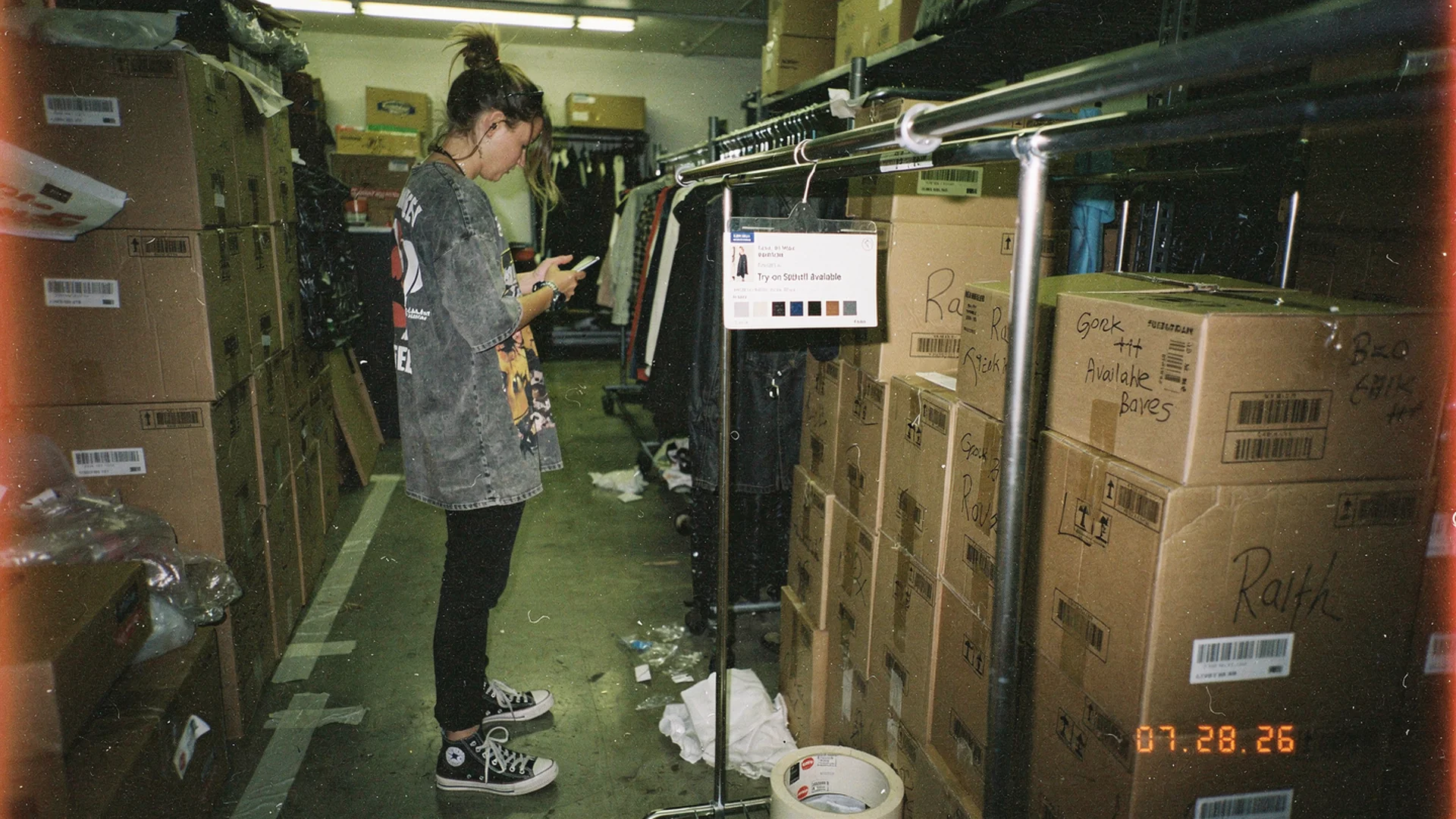
Selling through is a good problem. Handing the shopper a dead page is a self-inflicted one. Disposable-camera editorial, made in the spirit of the independent labels Antla works with.
Three defaults, three different losses
Most Shopify fashion stores handle sell-through with one of three settings, all of them chosen once and never revisited.
| Default | What the shopper sees | What you lose |
|---|---|---|
| Delete or redirect the product | A 404, or a collection page she did not ask for | Rankings, backlinks, and every legacy link in old sends and saved pins |
| Hide the sold-out variant | A size run that looks like you never made a 14 | Demand signal, plus a shopper who concludes the brand is not cut for her |
| Leave a dead “Sold out” button | The full page with nothing to do on it | The session, silently, with no record that she wanted it |
The third is easy to overlook because it looks handled. The page loads, the photography is good, the copy is good, and then the only interactive element is disabled. She reads a product description for a garment she cannot buy and closes the tab.
Shopify’s optimization guidance treats every landing page as a decision surface with a next step. A sold-out PDP that offers no next step is the clearest violation of that on most fashion stores, and it usually has real traffic behind it.
Keep the URL and tell the truth in the markup
Deleting a page that ranks is a slow way to pay for a fast sell-out. Keep the URL live and let the structured data carry the status.
Google’s product structured data documentation supports availability values including out of stock, back order, and pre-order. Marking availability correctly keeps the page eligible in product results and, more usefully, stops the mismatch where a shopper clicks a rich result promising stock you do not have.
Three practical settings on Shopify:
- Do not unpublish. An unpublished product returns a 404 and takes its accumulated authority with it. A short sell-out window rarely justifies that.
- Keep the variant visible and labelled. Show the 14 as sold out rather than removing it. The size run is information, and an incomplete one reads as an incomplete brand.
- Decide collection visibility separately. Sold-out pieces can drop out of a browse grid while their pages stay live for direct and search traffic. The grid is for shopping. The PDP is for the shopper who already chose.
Shopify’s product page primer frames the PDP as the page carrying the most purchase intent on the store. Sell-out does not lower that intent. It just removes the obvious way to act on it.
Let her try on something you cannot ship
The objection comes up every time: showing a shopper how good the sold-out dress looks on her, when there is no dress to send, feels like a tease.
It only feels that way if you think try-on exists to sell that one SKU. Her actual question is narrower and more portable. She wants to know whether that neckline works on her shoulders, whether the midi hem lands well on her height, whether the cut sits right on her frame. Answer it, and you have a shopper who now knows something about your brand’s fit, on a page where the alternative was a bounce.
Antla virtual try-on stays available on the PDP regardless of inventory state, because the preview is generated from product photography rather than from stock. Across Antla stores, shoppers who open the preview stay engaged roughly two to three times longer than shoppers who scroll past it. On a sold-out page, that engagement is the entire asset. It buys you the seconds in which a redirect is possible.
Be blunt with yourself about the limit. Preview does not manufacture units, shorten a lead time, or fix an undersized buy. It stops the page from becoming a dead end and gives the shopper a reason to consider the next thing you show her.
Route the session in priority order
Once she has tried the piece on, the page has roughly one move left. Spend it well. A generic recommendation carousel of unrelated SKUs is not a move, it is a shrug.
- The same style in a size you have. If she tried on the 12 and you have the 14, explain what changes through the hip, shoulder, and sleeve. A fit note gives her more to judge than an available-size dropdown.
- The same style in another colorway. Cheapest substitution you can offer, because the fit conversation is already settled and only the color decision is open.
- The nearest silhouette you can ship. Same rise, same hem length, similar fabric weight. This is a merchandising judgment, not an algorithmic one. Curate it by hand for the sold-out pages that still receive meaningful traffic.
- A restock alert, last. Useful, but it defers the sale to a date you may not hit.
The order matters because each step down trades a sale this week for a maybe. Most stores run that list backwards, leading with the email capture and treating substitution as an afterthought.
For the shoppers who leave anyway, the intent is worth keeping. Re-engaging shoppers who were interested covers what a try-on session records and how that signal travels back to her later.
The restock send is a different job
Notify-me lists, back-in-stock creative, and launch-style sends belong to the release calendar rather than to the PDP. If your sell-out is really a relaunch, run it as one: hyping fashion pre-drops and pre-orders covers the send and the pre-order page that should sit behind it.
What the sold-out page tells buying
Every sell-out generates data your buying team is not currently reading.
Try-on volume after the sell-out is timestamped demand. If the sold-out midi keeps generating previews well after the last unit ships, the buying team has a reorder signal that does not depend on instinct. The size mix of those previews may also reveal where the original size curve missed demand.
Using try-on data for merchandising decisions goes deeper on reading those signals, and AI inventory forecasting for fashion retail covers where demand signals feed the buy. Shopify’s virtual fitting room overview is useful background on why preview interactions read as intent rather than as browsing noise.
Track three things per sold-out SKU: sessions after sell-out, previews after sell-out, and the substitution rate into in-stock alternatives. The third number is the one that tells you whether your routing works or whether the page is still a dead end with better decoration.
A sold-out PDP checklist
- The URL still resolves and the product is still published
- Availability is marked correctly in structured data
- Sold-out variants are visible and labelled, not deleted
- Try-on works on the page regardless of stock state
- Substitution is specific, curated, and above the restock form
- Sessions, previews, and substitution rate are tracked per sold-out SKU
The list is short because the page has one job: turn stranded interest into an honest next step.
Questions about sold-out product pages
Should I delete or redirect a product that is permanently discontinued?
For a genuinely permanent discontinuation, redirect to the closest live product rather than to a collection page or the homepage. For anything seasonal or restockable, keep the page. The traffic and the demand signal are worth more than the tidiness of a smaller catalog.
Does virtual try-on on a sold-out item annoy shoppers?
Not in the pattern merchants see, provided the stock state is honest on the page. The shopper knows the piece is unavailable. She is still deciding whether your brand fits her, and answering that question is what makes the substitution offer credible instead of random.
What is the fastest fix if my sold-out pages are dead ends today?
Take your highest-traffic sold-out URLs and hand-pick one substitute for each: same fit, shippable now, with a sentence explaining the difference. This gives the shopper a specific route today and shows you which substitutions deserve a permanent place on the page.
Can try-on help me decide what to reorder?
It gives you a demand read that does not require a sale. Preview volume and the size mix of those previews after sell-out show you what shoppers still want and in what proportion, which is a better input to a reorder call than last season’s sell-through curve alone.
Nearby reads on demand and inventory
- Shopify fashion growth use cases maps the rest of the jobs in this set, including where each one starts
About the author: Aaron leads Antla and treats a sold-out product page as inventory of a different kind: attention a fashion store has already paid for, and usually throws away.
Pull your highest-traffic sold-out URLs and check what happens on each one after the shopper lands. If the answer is nothing, add Antla to your Shopify store, keep the preview live through sell-out, and give each page one specific, shippable next step.