

How to Hype Fashion Pre-Drops and Pre-Orders
Launch ops for fashion pre-drops: publish the pre-order PDP early, let the waitlist try the garment on before inventory lands, and deep-link every launch send.

Announcing a drop is the easy part. You have the teaser reel, the countdown sticker, the waitlist form, and a sample that arrived late from the factory. What you do not have, on launch morning, is a shopper who knows whether the oversized shirt jacket will sit on her shoulders the way it sits on the sample rail.
That is the quiet reason drops underperform their hype. The audience is warm and the page is cold.
To build hype for a fashion pre-drop, publish the pre-order product page as soon as the sample, ship window, and terms are ready. Let waitlist members try on the unreleased garment, then send every launch link to that exact product and variant. The page should collect informed demand before inventory arrives.
Launch operations, in the order you actually run them, below.
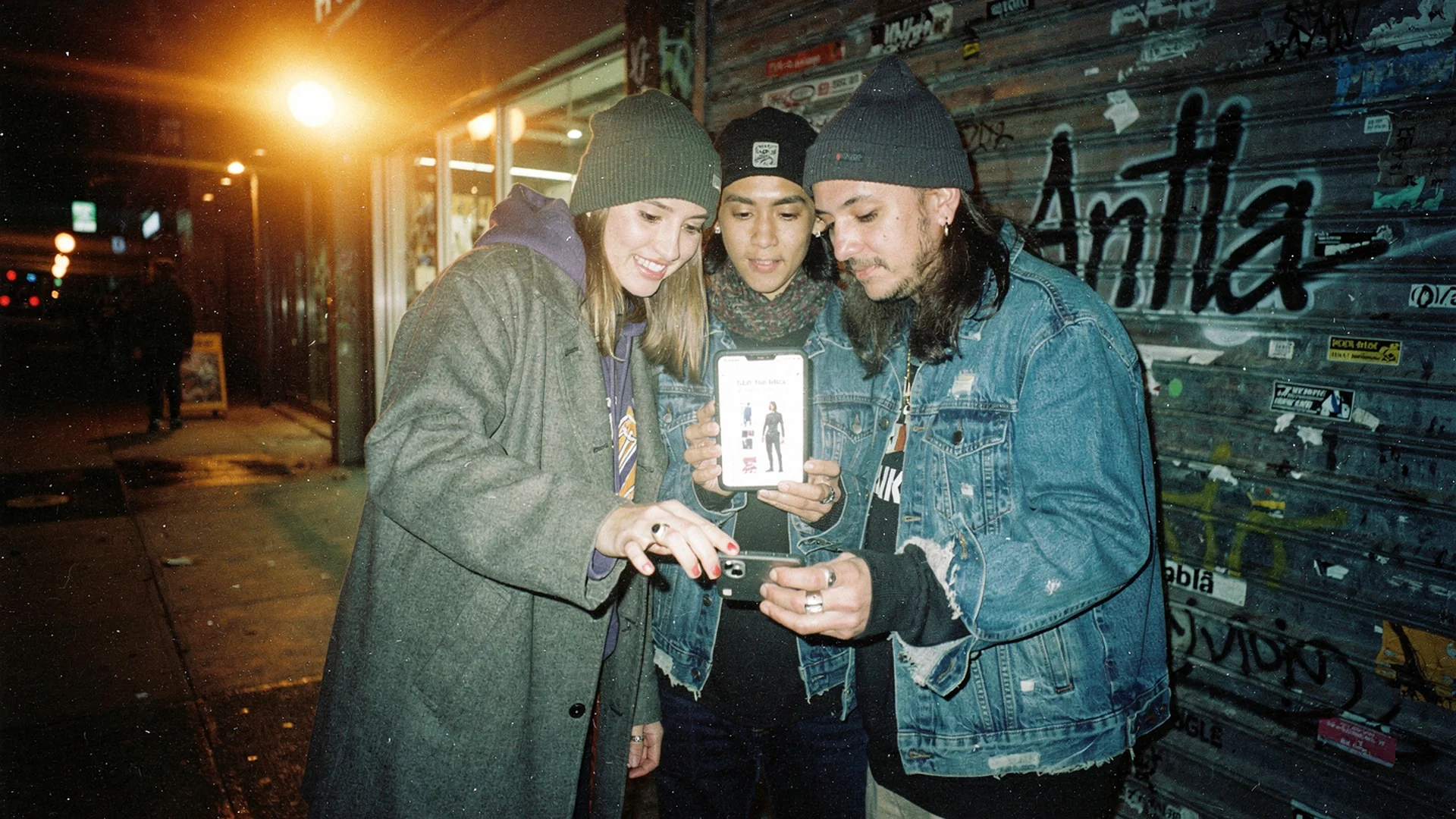
A drop is an operations problem before it is a marketing problem. The pre-order page has to answer fit questions the teaser reel raised. Disposable-camera editorial, in the spirit of the Antla brands who build collections one drop at a time.
Hype sells the wait, but the page must sell the garment
Scarcity mechanics work. Shopify’s merchandising research puts limited releases and drop calendars firmly in the modern merchandising toolkit, and any brand with a loyal following can fill a waitlist in a week.
The trouble is what the waitlist receives while it waits. Three flat-lay teasers, a shot of the label, a moody hem detail, and a date. Every asset in that sequence sells urgency. None of them answers the question the shopper will ask two seconds before she taps pre-order: what does this look like on a body shaped like mine?
For a boxy cropped jacket, that question has real content. Where does the hem land on a longer torso. Does the drop shoulder read as intentional or as accidental. Is the fabric heavy enough to hold the shape or will it collapse at the first wash. A countdown timer answers none of it, and a pre-order asks the shopper to commit before she can check.
Publish the pre-order page before inventory arrives
Most brands treat the PDP as a launch-day asset. Flip that. The page goes live as soon as you have photography of the sample, with pre-order framing instead of a buy button and an honest ship window in the same eyeline as the price.
At minimum, a pre-order page owes the shopper:
- A ship window, not a vibe. “Ships week of 12 September” beats “shipping soon” and cuts the support tickets that eat your launch week.
- Fit intent in words. Say whether the fit is true to size, cut generous through the chest, or drafted short in the sleeve. Sample-stage fit notes are the cheapest content you will ever publish.
- The full size run and what is genuinely limited. If one size has a much smaller cut, say so once, plainly.
- Cancellation and charge timing. Pre-orders live or die on trust, and this is the paragraph that builds it.
- A visualization step, which is the part almost nobody has.
That last item is the difference between a page that collects a card and a page that collects a decision. Shopify’s product page guidance treats the PDP as the store’s real closing surface, and a pre-order page carries more doubt than a normal one, not less.
Let the waitlist try the drop on
Antla virtual try-on generates the preview from your existing sample photography, so a shopper can upload a photo and see the unreleased piece on herself before the production units reach the warehouse.
No 3D asset, no scanned garment, no re-shoot. If you have a clean front-facing sample image, you have a try-on. That matters at pre-drop stage specifically, because sample photography is usually all you have.
Across the 100+ Shopify fashion brands running Antla, try-on users convert roughly 35% better than shoppers who never open the preview. A waitlist has already raised its hand for the product, so give that audience a fit decision to make rather than another teaser to save.
There is third-party signal in the same direction. Snap’s AR enterprise data reported a 24% lower return rate for Princess Polly shoppers who used fit and try-on tools, and Shopify’s virtual shopping overview documents the same pattern across preview-led experiences. On a pre-order, that shows up twice: fewer cancellations before the ship date, and fewer boomerang parcels after it.
One honest caveat. A preview will not tell her how the merino feels against the neck or how the linen wrinkles by lunchtime. Try-on closes the visual gap, not the tactile one. Say what the fabric does in the copy and let the render handle silhouette.
Launch links should land in the try-on state
You control the channels a drop runs through, which means you control where the click lands. Waste that and the warmest audience in your database arrives on a homepage carousel.
Every launch link should open the pre-order PDP with the garment selected and the try-on modal ready, not the collection page and not the homepage. The waitlist email, the SMS, the Story link, and the profile link all point at the same state.
- Waitlist email: one product, one destination, the try-on promise in the subject line and redeemable on arrival.
- SMS at T-0: shortest possible path, straight to the variant.
- Stories and profile links: the deep-link discipline is the whole game, and driving fashion traffic from Instagram Stories covers the organic side of it in detail.
- UTMs on all four, so the try-on rate per channel is a number rather than a hunch.
For the broader campaign view across paid and organic at the same time, try-on across paid social, email, and pre-orders sits alongside this page rather than repeating it.
Run the drop by readiness gates, not a generic countdown
Supplier timing varies too much for a universal T-minus calendar. Use gates that prevent the launch from moving forward with a missing decision.
| Gate | What must be true | Owner |
|---|---|---|
| Sample approved | Construction is final enough to represent; clean front-facing photography exists | Studio |
| PDP ready | Ship window, fit notes, size run, charge timing, and cancellation terms are visible | Ecommerce |
| Waitlist open | Confirmation message lands on the PDP; try-on works on a phone | CRM + ecommerce |
| Launch ready | Every channel link opens the correct product and variant; campaign tags survive the handoff | CRM |
| Orders open | Payment, preview, and support signals are monitored together | Ecommerce |
| Buy review | Pre-orders, try-on interest by size, and cancellation reasons are available to buying | Buying |
Shopify Email can handle the message side if you are not on a separate ESP. The platform matters less than the gate: do not open the waitlist until its confirmation message has a useful destination.
Measure whether the waitlist is making decisions
Waitlist size only says how many people raised a hand. These measures show whether launch operations helped them decide.
- Waitlist-to-PDP arrival. This catches confirmation links that point somewhere vague or fail inside a mail app.
- Try-on starts per pre-order PDP visitor. A low share means the launch promise and page state are out of step.
- Try-on to pre-order rate, compared with pre-order rate for shoppers who did not open a preview.
- Size distribution of try-on interest, reviewed beside the size mix of paid pre-orders.
- Cancellation reasons before ship, especially comments about fit, delivery timing, or a misunderstood product detail.
Pre-order mistakes that survive the launch
Optimistic ship dates. A window you miss by three weeks converts a fan into a chargeback. Pad it.
Burying pre-order status. If the shopper discovers at checkout that the parcel arrives in October, you have taught her not to trust the next launch.
One hero image and a countdown. The teaser did its job. The page now has to do a different one.
No plan for the sell-out. The drop lands, the 12 goes in an hour, and the page turns into a dead end. That is a separate operation, and handling out-of-stock products on a fashion store covers what the sold-out page should do next.
Treating try-on as launch-day decoration. Enable it on the draft page at T-14. The waitlist window is the whole point.
Questions merchants ask before opening a waitlist
Can shoppers try on a product that has not been manufactured yet?
Yes, if you have sample photography. Antla generates the preview from a flat or on-model product image, so a front-facing sample shot is enough. The render shows silhouette, proportion, and how the piece reads on the shopper’s frame. It cannot show fabric hand or finished construction, so keep those in the copy.
How early should the pre-order page go live?
Publish it when the sample photography, ship window, fit notes, size run, charge timing, and cancellation terms are ready. That may be well before launch. The important rule is that the page exists before the waitlist confirmation message, so every signup has somewhere useful to go.
Does try-on make pre-order cancellations worse or better?
Try-on should make the commitment more considered because the shopper evaluates silhouette before paying. It cannot settle fabric hand, delivery uncertainty, or construction changes after the sample. Track cancellation reasons and keep those limits explicit instead of treating every cancellation as a fit problem.
Should the waitlist email lead with the discount or the preview?
Lead with the preview on fit-heavy pieces. A code discounts a decision the shopper has not made yet. Seeing the jacket on herself is what makes the decision, and it does not cost you margin on every unit in the drop.
Keep building the launch playbook
- Shopify fashion growth use cases for the wider map of jobs and which tool fills each one
- AI virtual try-on for Shopify for adoption evidence before you commit a launch to it
About the author: Aaron is the founder of Antla. He has sat through enough drop launches to know that a countdown timer is not a product page, and he pushes merchants to give a waitlist something to look at before the box ships.
For the next drop, make the PDP the first finished campaign asset. Install Antla on Shopify so the waitlist can try the sample on, test the destination inside each channel, and open signup only when the confirmation link has somewhere useful to land.