

AI Virtual Try-On for Shopify: How It Works and When to Adopt It
AI virtual try-on for Shopify lets shoppers preview outfits on their own photo. Learn how the tech works, adoption signals, and what merchants measure in 2026.

Last month a Shopify founder sent me a screenshot from her analytics. Dress PDP traffic was up. Add-to-cart was flat. Return reasons kept mentioning “looked different on me.”
She had already invested in better photography and tighter size charts. The gap was not information. It was visualization. Her shoppers could read every measurement and still could not picture the silhouette on their own body.
That is the adoption question for 2026: not whether virtual try-on sounds futuristic, but whether your store has crossed the line where flat product photos no longer carry enough decision weight.
AI virtual try-on for Shopify is a product-page tool that uses generative AI to place a garment from your catalog onto a shopper’s uploaded photo, producing a photorealistic preview of how the item is likely to look on them before checkout. Unlike legacy AR overlays that float a 2D graphic over a camera feed, modern AI try-on renders fit, drape, and proportion on the shopper’s actual image. On Shopify, it typically installs as a no-code app and embeds directly into the PDP without theme surgery.
Below: what the technology does now, how it differs from the AR tools merchants remember from five years ago, the signals that say your store is ready, and a practical rollout path that does not require rebuilding your entire catalog.
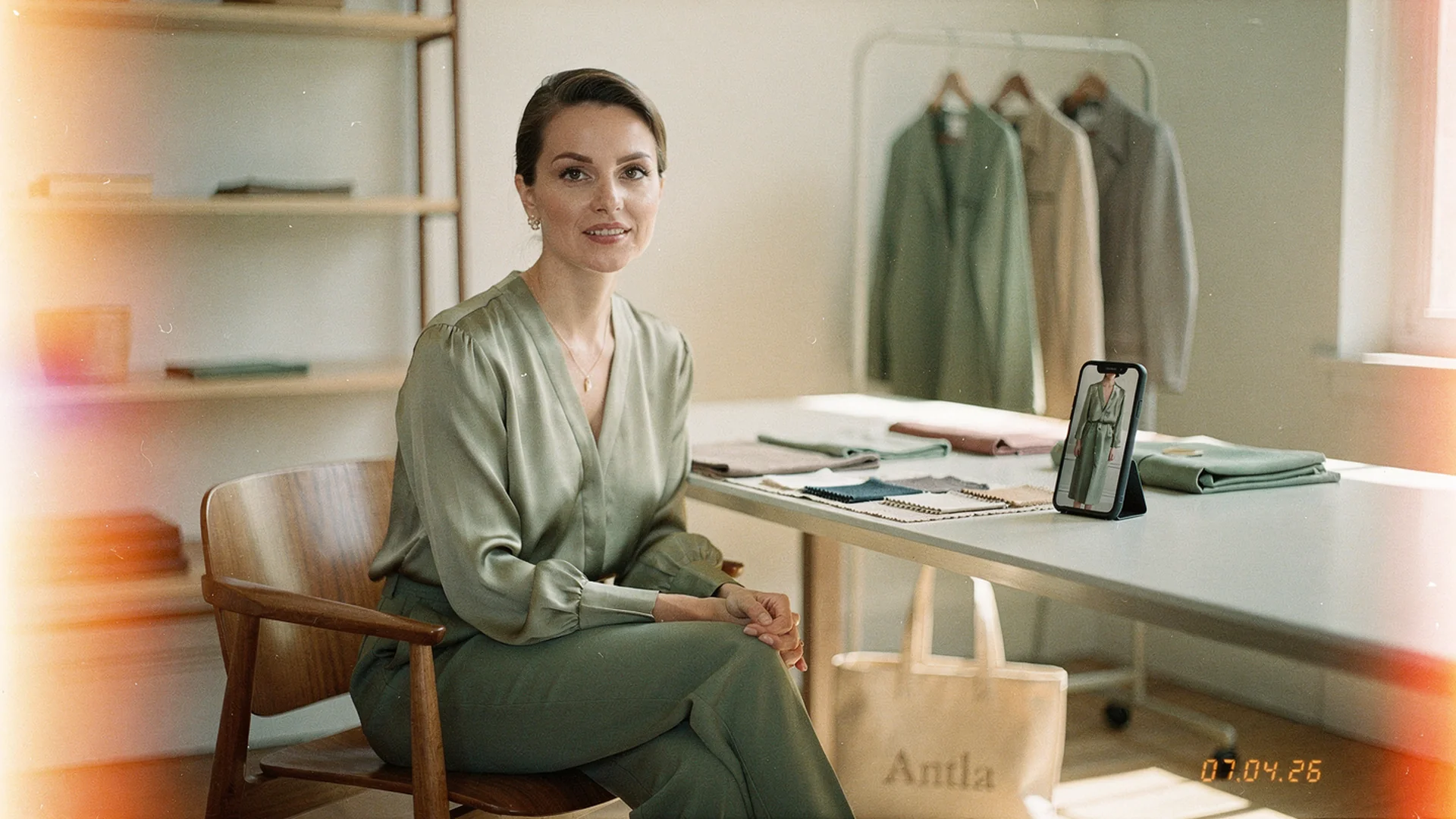
On Shopify fashion stores, AI try-on turns a shopper selfie and a product photo into a personal fit preview without custom development. Hero photography in 1950s film-inspired Antla editorial style, reflecting the timeless fashion brands our Shopify customers build.
How AI Virtual Try-On Works on a Shopify Product Page
The shopper flow is simpler than most merchants expect. She lands on a dress or top PDP, taps a try-on button, uploads a selfie or full-body photo, and the AI generates a preview of her wearing that specific SKU.
No 3D model of the garment is required. The system reads your existing product photography and maps the item onto her image. Setup on Shopify is typically an app install, product selection, and placement near your core media. Theme-agnostic apps handle the embed without developer hours.
Shopify’s virtual shopping guide frames this as part of a broader shift toward immersive PDP evaluation. The merchant benefit is not novelty. It is giving the shopper a self-referenced answer to the question your size chart cannot fully resolve: how will this look on me?
For a deeper platform-agnostic view, AI virtual try-on in ecommerce explains the same mechanism outside Shopify-specific constraints.
Why AI Photorealism Changed the Adoption Math
Merchants who tried AR overlays in 2019 often walked away skeptical. The experience felt like a sticker pasted over a live camera feed. Silhouette was approximate. Fabric behavior was absent. Shoppers treated it as a gimmick.
Generative AI try-on works differently. Business of Fashion’s generative try-on coverage describes the shift from overlay graphics to AI-rendered previews that account for body proportion, garment cut, and visual context. The output is closer to a personalized product photo than a filter.
That quality jump matters commercially. Shopify’s virtual fitting room research identifies fit and style uncertainty as the core barriers a preview tool has to clear. When the render feels credible, shoppers engage longer and convert with more confidence.
Google and Vogue Business’s Unfolding AI research also shows rising consumer interest in AR try-on among values-driven shoppers. The expectation is forming upstream of your store. Adoption is less about being first and more about not being the last credible option in your category.
The Store Signals That Say You Are Ready
Not every Shopify fashion brand needs try-on tomorrow. Several patterns reliably predict payoff:
Fit and size dominate your return reasons. If your return center tags are heavy on “didn’t fit” or “looked different,” you have a visualization problem, not just a sizing problem. Does virtual try-on reduce returns? walks through the evidence stack for that claim.
Shoppers dwell without buying. Long PDP time with weak add-to-cart often means the shopper is still simulating the outcome mentally. Try-on externalizes that simulation.
Bracketing is eating margin. When customers order two or three sizes to hedge, you are paying for their uncertainty. Self-preview reduces the need to bracket on silhouette-sensitive categories.
Your catalog mix is unforgiving. Dresses, tailored pieces, occasionwear, and anything where drape matters expose flat-photo limits faster than basic tees. Which fashion categories need virtual try-on helps prioritize where to start.
If none of those signals appear, try-on may still help with engagement, but it is not urgent infrastructure yet.
Outcomes Merchants Actually Track
Vendor slides promise everything. Operating teams measure a short list.
Across the 100+ Shopify fashion brands running Antla, shoppers who complete a try-on session convert at roughly 35% higher rates on average than those who do not. PDP engagement for active try-on users commonly stretches to two or three times longer, which gives merchandisers more room to win the decision before the shopper leaves.
Those are leading indicators. The lagging indicator is return quality. When visualization closes the expectation gap pre-checkout, merchants in our network have seen returns fall by up to 30% on categories where fit uncertainty was the primary driver.
You do not need to trust our numbers alone. Run a pilot on five to ten SKUs, split try-on users against a control cohort, and read conversion, bracketing, and return-reason mix after 30 days. For vendor comparison before you commit, best virtual try-on for Shopify fashion evaluates options by merchant outcome rather than feature count.
A Rollout Path That Stays Manageable
Most successful rollouts follow the same sequence, even when the teams look different.
Week 1: Pick one category, not the whole catalog. Start where visualization uncertainty costs you the most. Dresses and tailored tops are common first picks.
Week 2: Clean the PDP before adding the widget. Model height, size worn, and garment measurements should be in place. Try-on amplifies a clear PDP. It cannot rescue a vague one.
Week 3: Install and place near primary media. Mobile placement matters. Burying the button below the fold kills usage before you learn anything. Antla virtual try-on embeds into the product gallery so the preview feels native, not bolted on.
Week 4: Measure and expand. Compare try-on users on conversion and returns. If the cohort moves, roll to the next category. If usage is low, fix visibility before you fix the technology. For Shopify-specific install steps, how to add virtual try-on on Shopify covers the platform path.
Frequently Asked Questions
What is AI virtual try-on for Shopify?
AI virtual try-on for Shopify is an app-based tool that lets shoppers upload a photo and see a generative AI preview of themselves wearing a product from your catalog. It installs without code, works across Shopify themes, and uses your existing product photography rather than 3D garment files.
How is AI try-on different from AR filters?
Legacy AR overlays place a flat graphic on a live camera feed. AI try-on generates a new image that maps the garment onto the shopper’s uploaded photo with more attention to proportion, silhouette, and visual realism. The output is closer to a personalized product shot.
Do I need 3D models of my products?
No. Photo-based AI try-on tools read standard product photography. That is the main reason mid-size fashion brands can adopt now without a six-figure 3D asset pipeline.
When should a Shopify fashion brand adopt virtual try-on?
Adopt when fit-related returns, PDP dwell-without-purchase, or bracketing are material costs in categories where silhouette matters. If those signals are absent and your catalog is mostly forgiving basics, a pilot can wait.
Where to Go Next in the Try-On Adoption Series
This cluster tracks adoption proof: whether try-on works, what it costs, and where it applies. The returns data spoke linked above holds the evidence stack. From there:
- How to add virtual try-on to your website for the platform-agnostic integration routes
- Does virtual try-on work? for an honest read on accuracy and limits
- Virtual try-on benefits for fashion stores ranked by merchant impact
- Virtual try-on software cost for market pricing bands
- Virtual try-on technology in fashion for the three technology generations
- Virtual try-on for wedding and prom dresses for the highest-stakes category
About the author: Aaron is the founder of Antla. After years of frustrating returns, never looking like the supermodels on product pages, he set out to make fashion personal by helping shoppers see themselves in the outfits they want to buy. He wrote this hub after watching too many merchants buy tools before defining the problem.
If your PDP traffic looks healthy but conversion and return reasons tell a different story, start with one silhouette-sensitive category. Install Antla on Shopify and measure try-on user conversion against your baseline before you scale.