

How to Add Virtual Try-On to Shopify (Fashion Merchant Guide)
Step-by-step guide to add virtual try-on to Shopify fashion stores: prerequisites, app install, PDP placement, QA, rollout, and measurement without custom code.

Adding virtual try-on to Shopify is not a six-month replatforming project. For most fashion merchants, it is a focused PDP upgrade: install an app, place the experience where uncertainty peaks, QA mobile, roll out to hero SKUs, measure, expand.
This guide assumes you sell apparel, you already have baseline PDP metrics, and you want a practical sequence operators can run without a developer on retainer.
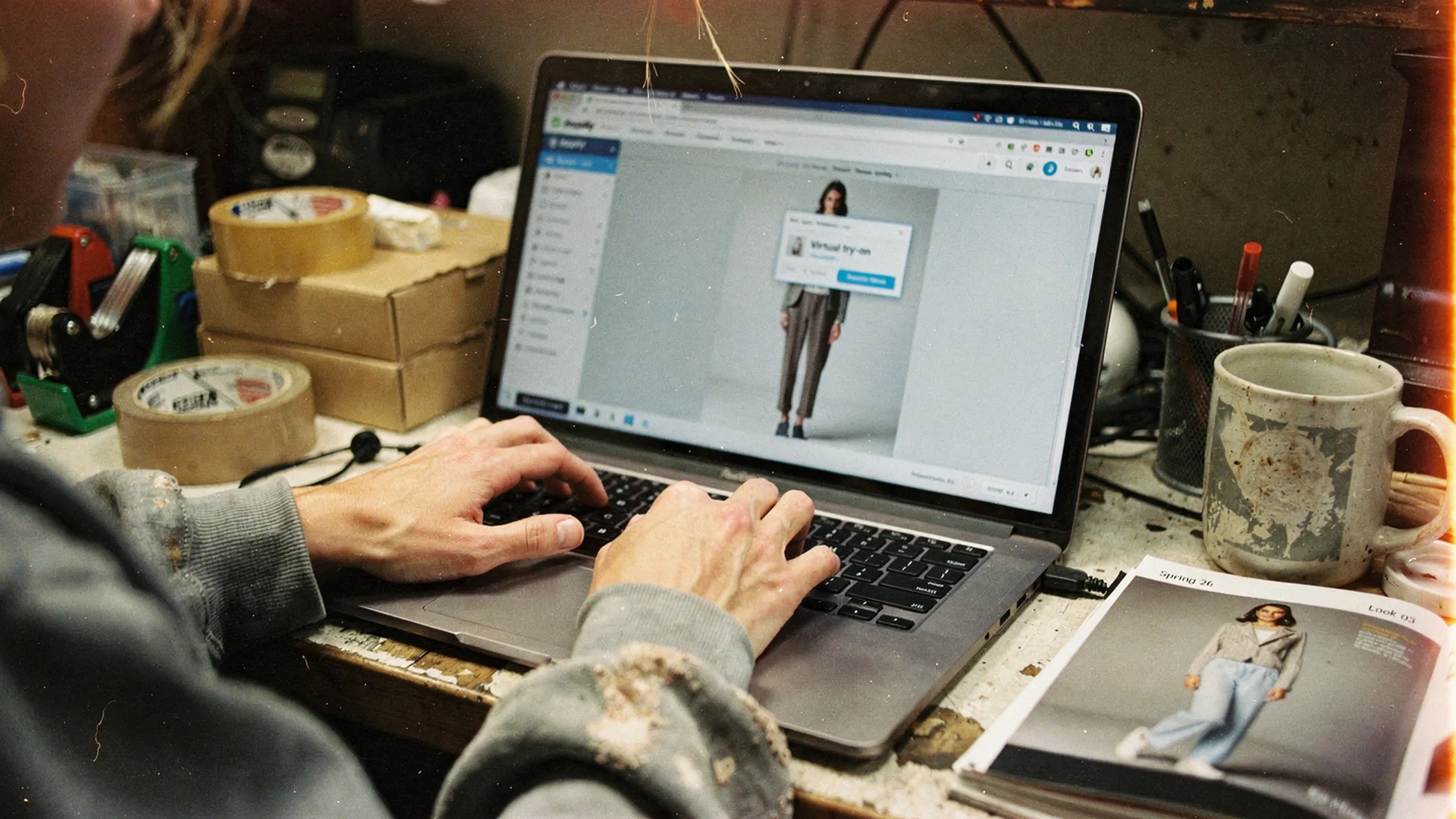
Rollout starts with one hero SKU and theme placement, not a storewide toggle on day one.
Prerequisites Before You Install Anything
Try-on amplifies what the PDP already communicates. If the page hides length or uses a misleading size chart, try-on still helps, but support tickets will tell you the rest of the story.
Complete these first:
- Return reason export for the last 90 days, grouped by SKU family
- Hero SKU list (5-10 products) with highest fit-related returns or support volume
- Mobile PDP recording so you see where shoppers stall
- Size and fit copy audit on those hero SKUs
- Baseline metrics: ATC rate, conversion, return rate, bracketing rate if tracked
Cross-check why size charts fail on Shopify fashion and fashion product pages that convert before ads.
Step 1: Choose The App Layer
For fashion-only Shopify stores, prefer an app built for apparel rather than a generic AR toolkit.
Evaluation criteria live in Shopify virtual try-on app guide and the best virtual try-on hub.
Antla installs from the Shopify App Store, supports all themes with no-code setup, and targets fashion PDPs where fit uncertainty blocks orders.
Step 2: Install And Connect
Typical flow:
- Open the app listing and click Add app
- Approve OAuth scopes documented by the vendor
- Complete in-app onboarding (store URL, contact, billing if trial ends)
- Enable try-on on one test product in a low-traffic category first
- Preview on mobile Safari and Chrome before announcing
Shopify’s help center on themes is useful if you place try-on via theme editor app blocks.
Step 3: Place Try-On On The PDP
Placement beats features. Shoppers will not hunt for try-on in a footer link.
Strong placements:
- Below or integrated with the primary image gallery
- Above the fold on mobile after the first image swipe
- Near size selector when bracketing is common
- Adjacent to fit notes on high-risk categories
Weak placements:
- Only on a separate landing page
- Hidden behind a text link below reviews
- Popup-only on desktop while mobile has no entry point
If you cannot edit Liquid, use no-code virtual try-on on Shopify patterns.
Step 4: Configure Category-Specific Copy
Add one sentence inviting try-on in plain language:
- “See how this midi length looks on you before you choose a size.”
- “Upload a photo to preview shoulder fit and drape on your frame.”
- “Check coverage and rise on your image for swim and intimates.”
Pair try-on with garment measurements, not only body charts. Virtual try-on vs size charts explains the division of labor.
Step 5: QA Checklist (Mobile First)
Run this on two real devices, not only browser resize:
- Try-on loads on hero SKU within acceptable time
- Variant changes update the correct garment image
- Add-to-cart works after try-on session
- Sticky ATC and size drawer still function
- Upload flow feels private and clear about image use
- Page passes helpful content smell test: try-on adds real decision value
Theme-specific notes: Shopify theme compatibility for try-on.
Step 6: Soft Launch On Hero SKUs
Roll out to five to ten SKUs with documented hypotheses:
| SKU type | Hypothesis | Metric |
|---|---|---|
| Denim | Try-on reduces two-size orders | Bracketing rate |
| Dresses | Try-on improves ATC | ATC after try-on |
| Swim | Try-on lowers “coverage” returns | Return reasons |
| Blazers | Try-on increases time on page | Engagement |
Compare try-on users to non-users weekly. Product page engagement and conversion quality defines healthy engagement vs distraction.
Step 7: Measure And Expand
After two to four weeks, decide expand, adjust placement, or fix supporting copy.
Signals to expand:
- Try-on start rate above your visibility threshold
- Higher conversion among try-on users
- Lower return rate or improved return reasons
- Support tickets shifting from “how does it fit” to shipping questions
Antla merchant data shows try-on users converting 35% higher on average, with sessions running two to three times longer. Your store should prove its own lift before storewide rollout.
Returns can fall up to 30% when try-on closes the dominant expectation gap, matching the pre-checkout logic in virtual try-on reduces returns before checkout.
Step 8: Feed Learnings Back To Merchandising
Try-on engagement by SKU reveals which products need better photography, copy, or assortment fixes. Send weekly exports to merchandising. Try-on data for merchandising decisions covers the loop.
Common Implementation Mistakes
Big-bang launch on every SKU. You will not know what broke or what worked.
Ignoring returns ops. Tell the warehouse which SKUs now include try-on so they watch return reason shifts.
Treating try-on as a replacement for reviews. Photo reviews still matter. See photo reviews for fashion brands.
Skipping Plus personalization context. Plus merchants should read Shopify Plus personalized buying journeys.
Launch Timeline Template
| Week | Action |
|---|---|
| 1 | Prerequisites, app install, one test SKU |
| 2 | Mobile QA, placement tweak, hero SKU selection |
| 3 | Soft launch, daily try-on start monitoring |
| 4 | Cohort metrics, expand or fix copy |
| 5+ | Category rollout, merchandising feedback loop |
Economics And Stakeholder Buy-In
Finance will ask cost vs return. Build a one-page memo using virtual try-on pricing and ROI.
Anchor external context with NRF return volume data and Shopify conversion benchmarks.
Frequently Asked Questions
Do I need a developer to add virtual try-on to Shopify?
No for most fashion merchants. Apps like Antla use no-code theme placement. Developers help only for heavily custom themes or non-standard PDP layouts.
Where should virtual try-on appear on the product page?
Near primary product imagery on mobile, close to size selection on high-fit-risk SKUs. Shoppers should see try-on before they bracket sizes or abandon.
How many products should I start with?
Five to ten hero SKUs with known fit anxiety or return volume. Measure try-on cohorts for two to four weeks before expanding.
What metrics prove virtual try-on is working?
Try-on start and completion rates, add-to-cart after try-on, conversion compare, return rate compare, and return reason shifts. Engagement alone is not enough.
Where To Go Next
- No-code virtual try-on on Shopify
- AI virtual try-on in ecommerce explained
- Virtual try-on for clothing stores
- Cost of bracketing and over-ordering
About the author: Aaron built Antla to help shoppers see themselves in outfits online. He advises merchants on no-code try-on rollout and PDP placement.
Ready to go live on hero SKUs? Install Antla and use the virtual try-on feature overview while you run the checklist below.