

No-Code Virtual Try-On for Shopify Fashion Stores
Add no-code virtual try-on to Shopify fashion PDPs using app blocks, theme editor placement, and merchant-side QA without hiring developers.

“No-code” does not mean “no thinking.” It means your merchandising or ops lead can place virtual try-on on Shopify product pages without opening Liquid files, staging theme forks, or waiting on an agency queue.
For lean fashion teams, that matters. Fit season waits for nobody.
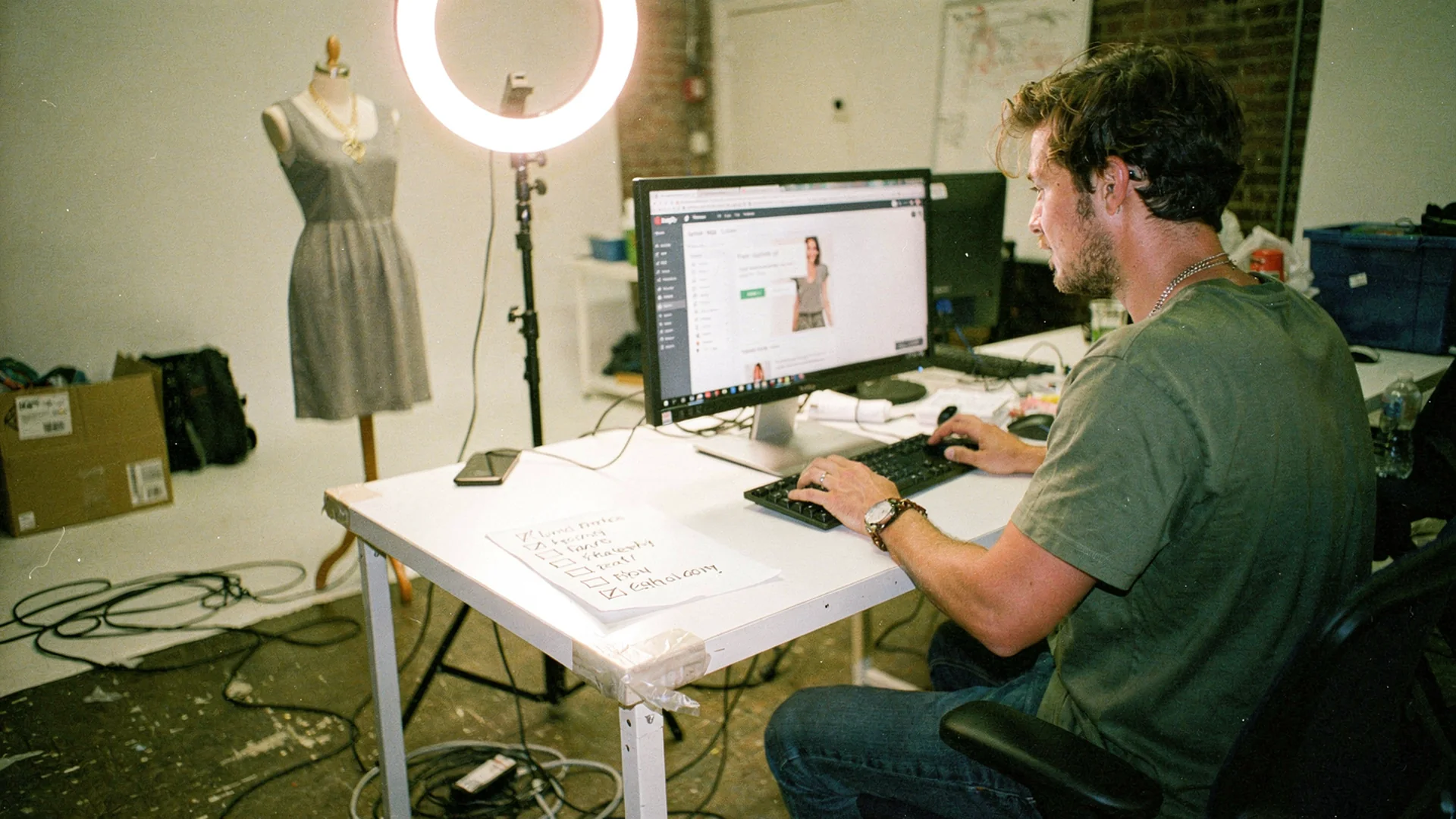
Lean teams need try-on that installs without a dev queue.
What No-Code Try-On Actually Includes
In Shopify, no-code virtual try-on usually means:
- Install from the Shopify App Store
- Enable via theme app embed or app block in the theme editor
- Select products or collections in the app admin
- Preview on mobile before publish
- Toggle off without breaking the theme if you uninstall
It does not mean zero configuration. You still choose which SKUs, where on the PDP, and what copy invites shoppers to use try-on.
Antla supports all Shopify themes with this no-code pattern, which is why 100+ fashion brands on Shopify use it without custom build projects.
Who Should Own No-Code Rollout
Ideal owner: PDP operator (merchandiser, ecommerce manager, or founder).
They already control:
- Hero SKU selection
- Image order and fit notes
- Size guide links
- Launch timing for drops
Developers enter only when your theme uses non-standard PDP templates or conflicting custom scripts. See Shopify theme compatibility for try-on.
Theme Editor Walkthrough (Conceptual)
Steps vary slightly by app, but the merchant path looks like this:
- Online Store → Themes → Customize
- Open Products → Default product (or specific template)
- Click Add block or Add app block
- Select the virtual try-on app block
- Drag block near main media on mobile preview
- Save and test live product URL
Shopify theme documentation explains app blocks and embeds if your theme version supports Online Store 2.0.
Placement Patterns That Work Without Code
Pattern A: Below hero gallery
Best for dresses and sets where the first visual hook matters.
Pattern B: Above size picker
Best for denim and bracketing-prone SKUs.
Pattern C: Inside fit tab
Works when your theme already uses tabs for size and fabric. Risk: lower visibility.
Pattern D: Sticky mobile bar companion
Some apps expose a compact entry point. Confirm it does not cover ATC.
Test one pattern per hero SKU family. Product page engagement guide helps interpret time-on-page changes.
Copy And Merchandising (Still No Code)
Add plain-language prompts near the block:
- “Preview length on your photo”
- “Check coverage before you pick a size”
- “See shoulder fit on your frame”
Update metafields or product description fit sections if your theme surfaces them. No code required, just discipline.
Pair with virtual try-on vs size charts so charts and try-on tell a consistent story.
QA Checklist For Non-Developers
Run on real phones:
- Upload or camera flow completes in under 30 seconds perceived time
- Result view loads without covering variant pickers
- Switching color variant updates garment correctly
- Try-on works logged out (guest checkout path)
- Page still passes Core Web Vitals spot check after install
If something breaks, disable the block on that template before you file support. Document SKU, theme name, and URL.
Rollout Without Engineering Sprints
| Day | Merchant task |
|---|---|
| 1 | Install app, enable one test SKU |
| 2 | Theme editor placement on mobile |
| 3 | Copy + fit notes on five hero SKUs |
| 4 | Share test URLs internally |
| 5 | Soft launch, watch try-on starts |
| 7-28 | Weekly cohort metrics |
Full sequence: add virtual try-on to Shopify.
When You Outgrow No-Code
Signals you need dev help:
- Custom PDP builder apps overriding product templates
- Headless storefront with non-standard routing
- Multiple market templates with different Liquid structures
- Strict brand animation requirements around the try-on frame
Even then, start no-code on a subset to prove ROI. Virtual try-on pricing and ROI gives finance the pilot language.
No-Code Does Not Mean No Measurement
Turn on weekly exports or dashboards if the app provides them. Track:
- Try-on starts by SKU
- Conversion: try-on vs non
- Returns by cohort
Merchants using Antla often see 35% higher conversion on average for try-on users and 2-3x engagement on PDPs. Your pilot should produce store-specific numbers within a month.
Returns may drop up to 30% when try-on addresses the primary expectation gap, aligning with returns before checkout.
Objections From The Team
“It will slow the site.” Measure LCP on hero PDP before and after. Good apps lazy-load try-on assets.
“Our theme is custom.” Run compatibility checks in theme guide.
“Shoppers will not upload photos.” Fashion shoppers already share outfit photos; privacy copy matters. Engagement data beats assumptions.
“We are too small.” Small catalogs with high fit risk benefit most per SKU. See virtual try-on for growing fashion brands.
When No-Code Is The Wrong Fit
No-code try-on still needs merchandising discipline. If your PDP hides size information, try-on works harder than it should. Fix garment measurements and model height notes first, then enable preview on the SKU with the highest bracketing rate.
If your theme uses heavy custom JavaScript around the buy box, run a one-hour mobile QA pass before you promise try-on site-wide. No-code refers to install, not to skipping QA.
Support And Rollback Habits
Document which theme template holds the app block and who can remove it if a sale week goes sideways. Screenshot the placement after install so you can restore it if Shopify updates the theme editor layout. Small habits prevent try-on from becoming a mystery widget nobody knows how to disable.
Before Black Friday, confirm the app block still renders after any theme preview publish. That single check saves more revenue than adding try-on to ten low-traffic SKUs in October.
Frequently Asked Questions
Can I add virtual try-on to Shopify without coding?
Yes. Use a Shopify app with theme app blocks or embeds, place the block in the theme editor, and enable selected products. Antla supports all Shopify themes with no-code setup.
Do I need Shopify Plus for no-code try-on?
No. Standard Shopify plans support app blocks on Online Store 2.0 themes. Plus helps with advanced personalization, not basic try-on placement.
What if my theme is older?
Older themes may need app embeds or vendor guidance. Check theme version and read the compatibility spoke before promising site-wide rollout.
Who maintains no-code try-on after launch?
Merchandising or ecommerce ops owns SKU enablement, placement, and copy. Support escalates theme conflicts to the app vendor or a developer if needed.
Internal Reads For PDP Operators
- Best virtual try-on hub
- Shopify virtual try-on app checklist
- Fashion PDP conversion optimization
- Antla virtual try-on feature
About the author: Aaron created Antla for merchants who need try-on without a dev queue. No-code setup and selective SKU rollout are his default advice.
Enable try-on without a dev ticket. Install Antla and follow how to add virtual try-on to Shopify for rollout order.