

Improve Abandoned Cart Email CTR for Fashion
Improve fashion cart email CTR by fixing the click destination: preselect the variant, preserve the cart, and open try-on when the shopper arrives.

Open your own cart-recovery email on a phone and tap the product link. If it returns you to a default product page, clears the variant, or hides the promised preview, the shopper has to rebuild the decision she already abandoned.
To improve abandoned cart email click-through rates for fashion, fix the destination behind the link. Send the shopper to the exact product and variant, preserve the cart, restore any prior preview, and open try-on on arrival. A useful landing state gives her a reason to trust and use the next cart link.
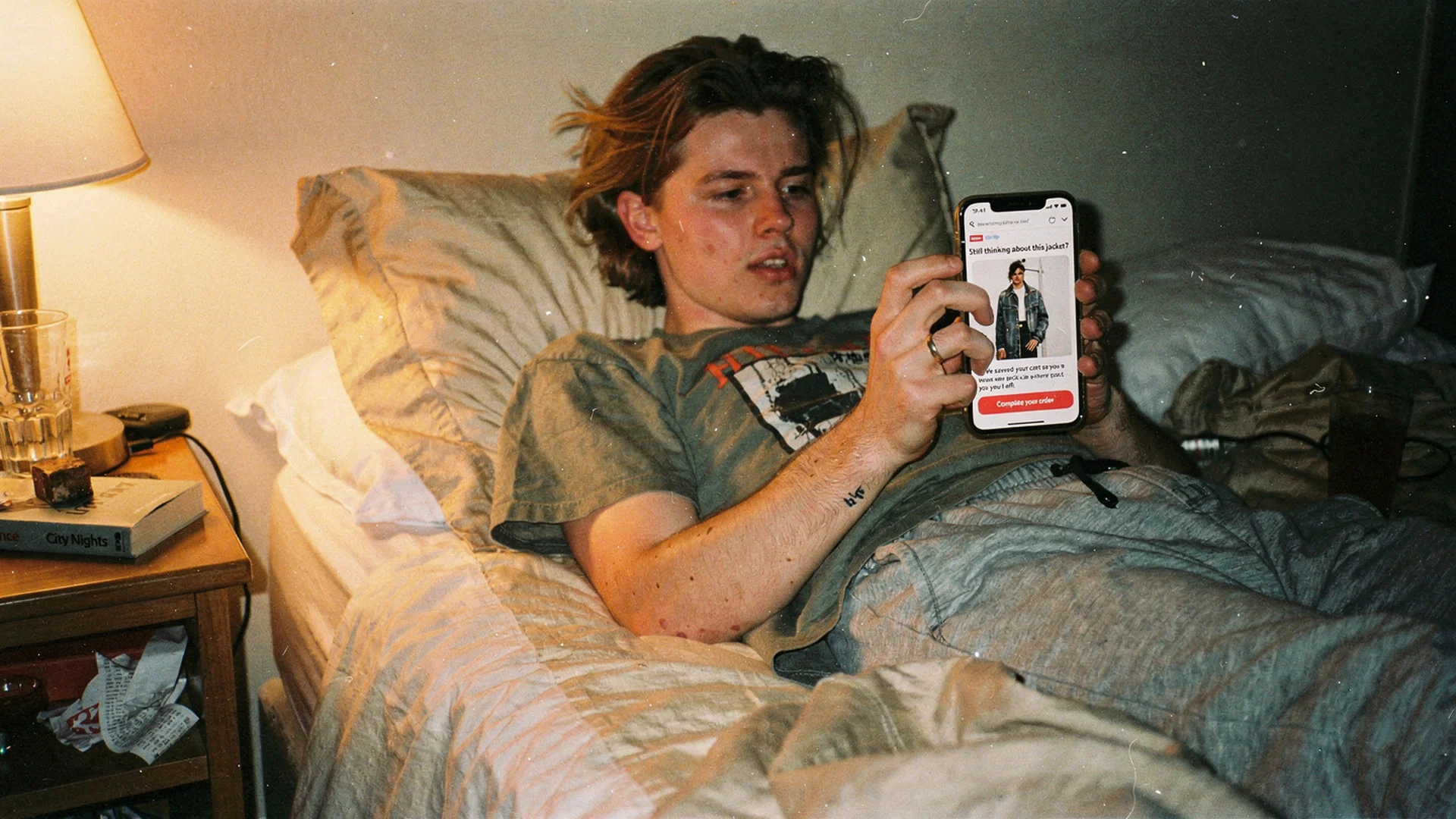
The click is worth what the landing state does with it. Disposable-camera editorial, shot in the ordinary places where cart emails actually get opened.
The click is measured in the email and decided on the page
The destination sets the ceiling on the promise. “See it on you before you buy” can earn a tap only if the next screen delivers that preview immediately. If the shopper lands on the default color with a closed modal, the message and page disagree.
The first click also teaches the shopper what future cart links do. A destination that restores her exact context is worth using again. One that makes her repeat size, color, and photo choices is easy to ignore.
Klaviyo’s benchmark research places cart recovery among the highest-value automated email categories in ecommerce. That makes the destination worth close scrutiny. High-intent traffic arriving on a page that answers nothing is an expensive wasted click.
Anatomy of a try-on-ready destination
Four properties, in order of how much they change the arrival.
The modal opens on arrival. Not a button below the fold that she has to find. The email promised a preview, so the preview should be the first thing on screen, already loading.
The exact variant is selected. Same color, same size she had in the cart. Landing on the default variant makes her redo a choice she already made, and every redone choice is an exit.
The cart survives the trip. The link should not reset her basket. If the cart persists, the try-on is a confirmation step instead of a restart.
Her previous try-on comes back. If she generated a preview before abandoning, that image should reappear rather than asking her to upload a photo a second time. Antla virtual try-on caches the shopper image locally, so a returning visitor who has not cleared cookies gets straight to the render.
That last property is easy to underestimate. Re-uploading a photo on a phone inside an in-app browser adds enough friction to end the session on its own.
Build the link parameter by parameter
The destination is a URL, so treat it like one.
| Destination | Best for | Watch out for |
|---|---|---|
| PDP with variant parameter | Single-item carts, fit-heavy pieces | Losing cart context if the theme resets it |
| PDP with variant plus try-on trigger | Any cart where preview is the promise | Trigger parameter stripped by link rewriting |
| Cart or checkout URL | Multi-item carts, repeat buyers, low-doubt basics | No room to resolve the fit question that caused the abandon |
| Collection page | Almost nothing | Sends a high-intent shopper back to browsing |
Three rules that hold across themes:
- Pick an anchor SKU for multi-item carts. Deep-link the fit-heaviest item, usually the dress or the tailored piece, and let the cart hold the rest.
- Make the trigger degrade gracefully. If your ESP rewrites links for tracking and drops a query parameter, the shopper should still land on the right variant with a visible try-on entry point rather than on a broken state.
- Test the link from the sent email, not from your desk. The URL your ESP delivers is rarely the URL you pasted into the template.
Antla runs on every Shopify theme without custom code, which keeps this a marketing configuration job rather than a development ticket. On some women’s product pages, Antla merchants report conversion roughly doubling among shoppers who use the preview compared with those who skip it. Those are PDP numbers, which is the whole argument for making the PDP the landing state.
Test the mobile handoff
Litmus client data has mobile carrying the majority of retail opens, which means the typical cart click is a tap inside a mail app that opens an embedded browser.
That handoff breaks in specific ways. In-app browsers can handle camera and photo-library access differently, so an upload-first try-on may stall. Cookie behavior varies, which can defeat image caching if the shopper opened the previous session in another browser. An image-heavy page approved on office Wi-Fi can feel inert on a constrained connection.
Practical checks: open your own cart email on iOS Mail and on the Gmail app, tap through, and try to complete a preview. Confirm the upload dialog works inside the in-app browser. Confirm the render appears without a pinch-zoom. If any step fails, your click rate is not a creative problem.
Say only what the landing state can keep
Promise discipline runs from subject line to hero to button to arrival. Every link in that chain has to say the same thing.
- Subject line references the preview, and the preview is what loads
- Hero shows the actual cart item in the actual colorway, not a category stand-in
- Button copy describes the next screen, so “See it on you” beats “Shop now”
- Landing state opens on the garment named in the subject line
A mismatch anywhere teaches the shopper that your emails overstate. That lesson is expensive because it is permanent.
The separate guide to abandoned cart email virtual try-on for fashion owns the email-side implementation. Personalization in fashion email marketing helps decide whether preview imagery is worth funding before destination work begins.
Tag the destination as well as the send
Most stores tag the send and stop. Then nobody can answer whether the click did anything.
Add campaign parameters that survive to the landing state, and record what happens after arrival: modal-open rate per click, preview completion per click, and add-to-cart or checkout resumption among shoppers who completed one. Klaviyo’s help documentation covers link tracking and UTM setup on the send side, and Shopify’s conversion guidance is a reasonable frame for what to watch once the traffic lands.
The same discipline applies to every deep link you own. Instagram Stories traffic for fashion sites uses the same destination logic from a different entry point.
Email-side click-through analysis belongs in the guide to product images versus try-on imagery. This page stays with the state the shopper reaches after the tap.
Audit the destination from a real email
- Trigger a real cart abandonment on your own store with a fit-heavy item
- Open the recovery email on a phone, in the mail app you actually use
- Tap the primary link and time how long until something useful appears
- Check that the variant matches, the cart survived, and any prior preview returned
- Complete a try-on end to end without touching a desktop
- Repeat with a two-item cart and confirm the anchor SKU is the right one
Write down each failure as a destination defect: wrong variant, lost cart, closed preview, missing cached image, blocked upload, or an unusable in-app layout. That gives the owner a state to repair instead of a vague request to “improve the email.”
Cart email destination questions
Where should an abandoned cart email link actually point?
For fashion carts with real fit doubt, point at the product page with the exact variant selected and the try-on preview opening on arrival, with the cart preserved. Reserve direct checkout links for low-doubt repeat purchases where the shopper’s hesitation was logistics rather than fit.
Does the try-on modal need to open automatically?
On a click from a cart email, yes. That click already signaled interest in one specific garment, and the email set the expectation. Auto-open behaves differently for cold traffic arriving from search, where an obvious but non-intrusive entry point works better.
What if the shopper never used try-on before abandoning?
Then the destination is her first preview rather than a returning one. Keep the variant preselected and the entry point immediate, and expect a slightly lower completion rate because she has to upload a photo. That upload is still a stronger next step than a static page she already left.
How do I know the destination is the problem and not the creative?
Inspect the session after arrival. If the link opens the wrong variant, loses the cart, hides the preview, or produces almost no preview starts, the destination is failing. Repair those states before drawing conclusions from email-level engagement because the tap is reaching a page that cannot keep its promise.
Where to read next on cart recovery
- Shopify fashion growth use cases for the rest of the merchant jobs in this set and which page answers each one
About the author: Aaron is the founder of Antla. He audits cart recovery destination-first, on the theory that a click landing on the same unanswered question is a click the shopper will not spend twice.
Click your own cart email on a phone and watch what happens. If it opens the same unresolved PDP state and asks for choices the shopper already made, install Antla on Shopify and rebuild the destination so the preview is waiting when she arrives.