

AR vs AI Photo Try-On for Apparel
AR overlays a garment on a live camera. AI photo try-on makes a still of the shopper in that piece. Pick by the question, and keep size widgets as a third job.

AR try-on overlays a garment on a live camera so the shopper can see it move. AI photo try-on makes a still image of that shopper wearing the piece from a photo they upload. Choose AR when motion or a face-anchored accessory is the open question. Choose a photo preview when the question is how the full garment looks on the shopper. A size widget is a third job: it names a size and shows neither image.
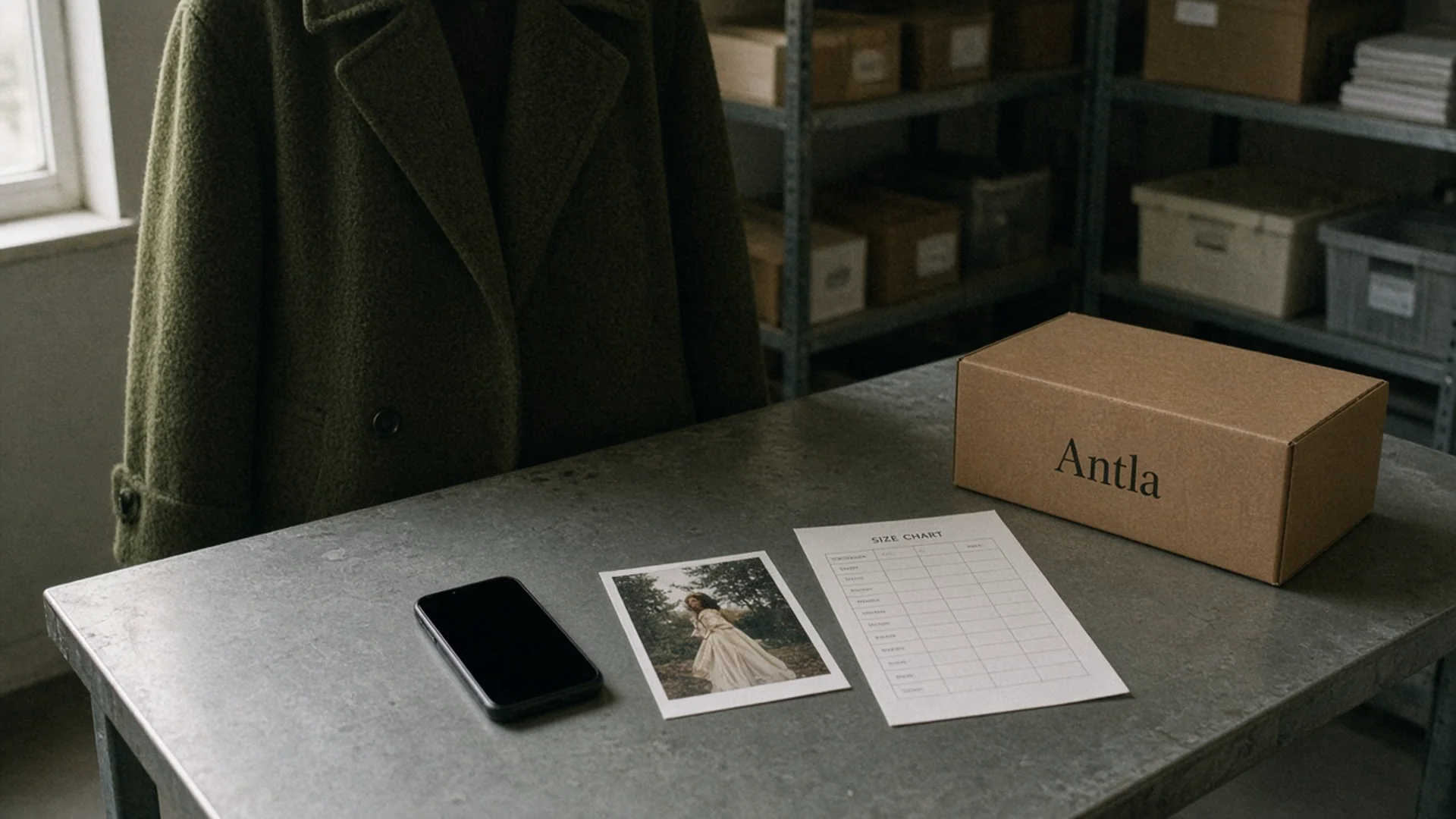
A phone, a printed still, and a size chart are three different answers. Editorial image in Classic Antla disposable-camera style.
A satin slip and a pair of sunglasses can both be called try-on in a vendor meeting. They are not the same job. The slip asks how the neckline, the hem, and the color sit on a specific person. The sunglasses ask whether the frame stays put when the head turns. A size chart on the same page is answering a third question: which label to order.
Shopify’s AR shopping guide describes 3D models shoppers can spin and place in a room. That pattern is strong for scale and finish. Apparel usually fails on something quieter: how a shoulder or a skirt reads on the shopper’s own proportions. Shopify’s virtual fitting room overview groups AR, AI, VR, and 3D under one category. The grouping is a fair map. It is a poor buying rule, because the shopper input and the picture that comes back are different.
Define both approaches
AR try-on places a digital garment into a live or captured camera view. The shopper points a phone at themselves, or at a space, and sees the product move with them. The useful version stays anchored while they turn. Eyewear, makeup, hats, and some jewelry are the clean cases, because the anchor is a face, a head, or a wrist, and the product is small enough to track.
AI photo try-on starts from a still of the shopper and a still of the garment. A model generates a new image of that person wearing that piece. The output is a picture you can look at, save, or place back on the product page. It does not track a live head turn. It answers how a dress looks on this person as a composed image, not as a mirror.
A size widget stays a third job. It takes height, a known size, a fit preference, or a measurement and returns a label: medium, UK 12, waist 30. It does not show the garment. Two shoppers can receive the same label and disagree completely about the neckline.
Calling all three virtual try-on is how a store ends up with a camera icon that recommends a size and never shows the dress. Name the output before you name the vendor.
The technology behind fashion try-on is the longer map of how these systems are built. This page is the buying cut: what goes in, what picture comes back, and whether the garment survived.
Compare shopper input and outputs
The shopper cost changes who will try the tool, which changes the data you get back.
| Approach | What the shopper gives | What they get back | What you can keep |
|---|---|---|---|
| AR overlay | Camera permission, a live view, sometimes a 3D asset | A moving overlay in their space | Launch, dwell, product viewed. Often a thin record of which color they considered |
| AI photo try-on | A photo or selfie, the selected product image, consent | A still of them in that garment | Product and variant tried, completion, repeat tries, save or email, purchase state |
| Size widget | Measurements, a known size, fit preference, sometimes order history | A recommended label | Answers given, label shown, label bought, later return reason |
AR asks for a camera in a bedroom or a store aisle. Some people will not grant it, and some phones will struggle to hold the anchor. A photo upload asks for a picture of their body. That is a clearer picture and a larger privacy ask. A size widget asks for numbers, which feels ordinary, and it still stalls when the form runs to seven fields before it shows anything useful.
Outputs diverge on full garments. An overlay of a jacket can look pasted on if the shoulders never meet the shopper’s shoulders. A generated still can look like a campaign frame and quietly change the print. A size label can be confident and wrong when the garment measurements behind it are wrong. None of the three is a tape measure.
Baymard’s apparel research treats imagery, fit, and product information as separate guidelines because shoppers hold separate questions. A store that installs one widget and retires the size chart has answered one question and hoped the others were never real.
If the open question is silhouette rather than a label, start with silhouette uncertainty on fashion product pages. If the open question is the chart itself, why size charts fail is the companion. It is not a substitute for choosing a picture technology.
Evaluate garment accuracy
Score the garment, not the mood of the demo. Use the same five checks on an AR pitch and a photo pitch, on a SKU that has a logo, a print, or an unusual neckline. A blank hero tee will flatter both methods and teach you nothing.
- Identity of the piece. Is it the dress from the product photo, or a nearby dress the model invented? Count pockets, hoods, buttons, and straps.
- Color and print. Did the stripe stay straight? Did sage become a neighboring green under the shopper’s lighting?
- Construction. Neckline, sleeve head, hem length, rise. These are the places apparel returns actually start.
- Anchor. In AR, does the product stay attached when the shopper turns 30 degrees? In a still, do the shoulders meet the body without a floating seam?
- What it refused to do. It did not measure the body. A beautiful picture of the wrong size is still the wrong size. Keep that sentence in the QA notes so nobody promotes the preview into a fit claim.
Photo generation fails by invention. It may add a belt, smooth a wrinkle that is part of the design, or mirror a graphic that was meant to read in one direction. AR fails by attachment. The asset can hover, clip through an arm, or use a flat PNG that never had a side view. Both failures are visible if you bring a hard SKU. Both are invisible if the vendor picks the SKU.
Product photography and AI try-on are different layers on the page. Photography has to be good enough to serve as the garment reference. Try-on does not replace the flat shot, the back view, or the fabric close-up. If your third image is a dark crop of a cuff, both AR and photo try-on will struggle, and the struggle will look like a model problem when it is a source-image problem.
Keep a size chart and a one-line fit note beside either picture. Size charts and try-on are not the same tool. The chart tells the shopper which label your pattern uses. The picture tells them whether they want the shape. I would not remove one because the other shipped.
Choose by use case
Pick from the question the reviews keep repeating. The technology follows the question, not the other way around.
Face, head, or a small accessory that has to move. AR is the better default. Sunglasses, earrings, a cap, a lipstick shade. The shopper needs to turn. A still will not show the turn.
A full garment where proportion is the doubt. AI photo try-on is the better default. Dresses, outerwear, trousers, a knit whose shoulder you cannot judge on a model who is much taller than your customer. The shopper needs a picture of themselves, not a floating layer.
The only doubt is the label. A size widget, fed by real garment measurements and a short fit note, is the shorter path. Do not dress it up as a fitting room. If the reviews say the neckline is severe, a label will not settle the argument.
You sell all three kinds of doubt. You can run more than one tool. You should not stack three scripts on every product template because a deck showed a camera icon. Each script costs load time, a permission prompt, and another button. Put each tool on the templates where its question shows up.
Antla is a photo try-on, not a live AR mirror and not a size recommender. A shopper uploads a photo and the app generates a still of them in the selected garment on the product page. Per Antla’s privacy policy: Images are deleted and not accessible within 72 hours.
If that still is the job you actually have, Antla installs on Shopify product pages. It will not tell the shopper which label to order. Leave the chart up.
Where the comparison stops
AR can be wrapped around a generated image, and a photo try-on can be presented inside a camera frame. Market labels are messy on purpose. Buy from the table above, not from the adjective on the slide.
A few limits belong next to the choice:
- Privacy is not equal. A room scan and a photo of a body are both personal data, and a photo of a person is the more sensitive of the two. The policy has to say what is stored and for how long. For Antla that sentence is: Images are deleted and not accessible within 72 hours.
- The phone in your customer’s pocket matters. AR that needs a recent device will miss a slice of traffic. A photo upload fails when the only picture they have is a dark mirror selfie. Test both on a mid-range phone on cellular, not on office Wi-Fi.
- Accuracy is per SKU. A method that nails solid tees can fall apart on sheer dresses, heavy coats, or all-over print. Score the hard piece before you score the catalog average.
- Neither picture measures the body. If you need a measurement, collect one and say what it is. Do not let a preview inherit the authority of a tailor.
What to run on one dress this week
Pick one dress whose reviews ask how it will look, and one accessory if you sell accessories. Run the dress through a photo preview. If a vendor is pitching AR for that same dress, run the AR demo on the same person and write down where the shoulders land. Run the accessory through AR first, and turn the head.
Score the five checks on paper before anyone talks about price. If the dress loses its neckline, do not buy the dress use case from that vendor. If the sunglasses leave the face, do not buy the accessory use case.
Leave the size chart where it is. Add a picture only where the picture answers a question the chart cannot.
About the author: Aaron is the founder of Antla and still gets handed AR, photo try-on, and size widgets as if they were one product.