

Virtual Try-On Event Tracking Plan
Track fashion try-on from preview to purchase with a storefront event schema, identity stitching, item-variant keys, and a funnel dashboard you can still audit.

Track try-on from preview to purchase with a small storefront schema: intent, start, result, fail, and add-to-cart, each carrying item and variant. Stitch anonymous sessions to later consented profiles without pretending every guest is known. Build one funnel dashboard from those events. Destination tools can wait until the schema is stable.
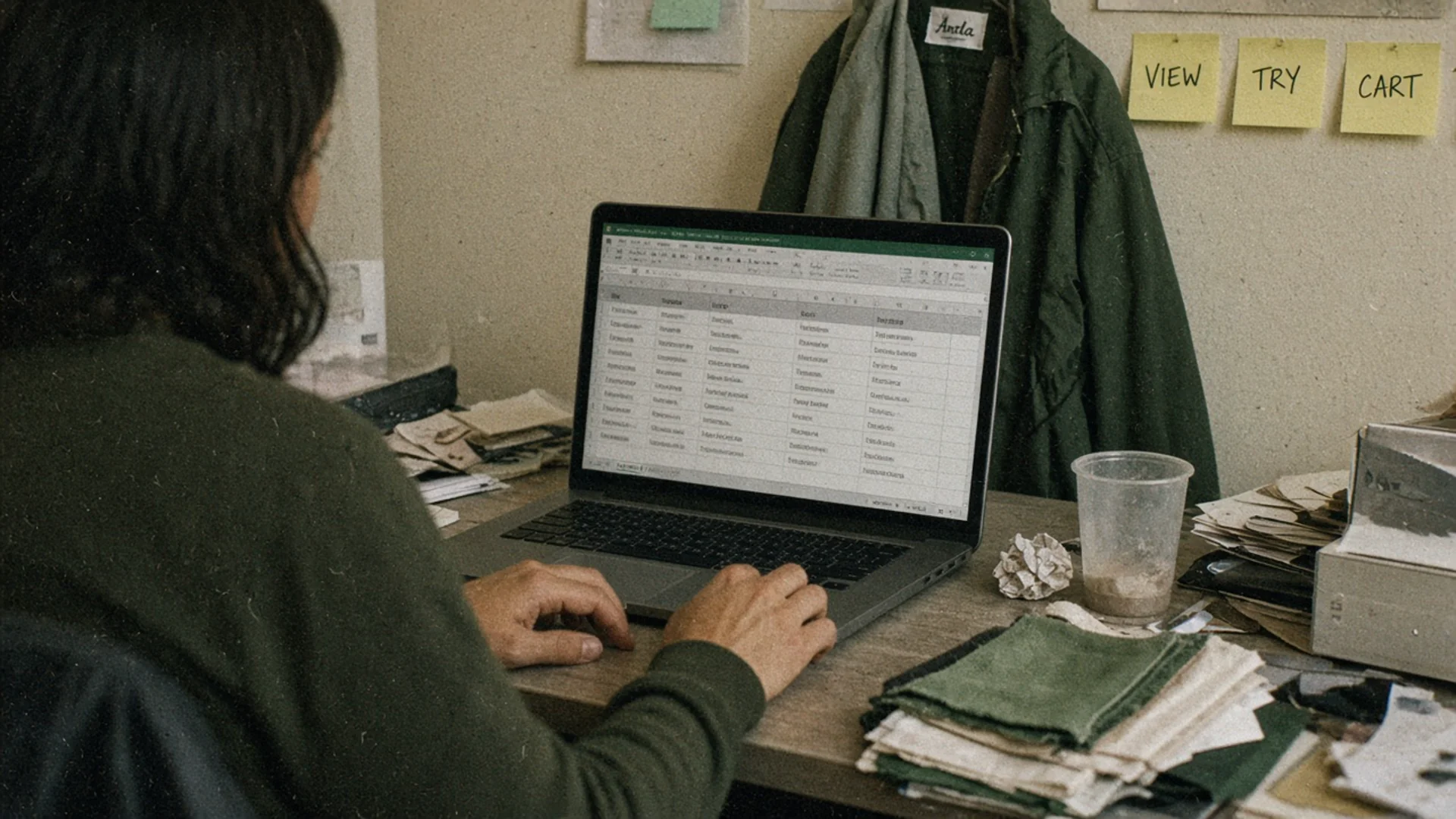
Event names on paper, variants in the sheet. Editorial image in Classic Antla disposable-camera style.
Remarketing tools want payloads. Product pages want a button. Analytics wants a funnel. If those three teams each invent names, you will have three funnels that do not add up. This plan is the storefront contract. The event fuel for remarketing page is about where events go after they exist. The Klaviyo and Postscript payload guide is about email and SMS fields. Neither replaces a schema.
Define event schema
Start from Shopify’s standard pixel events. You already have product_viewed, product_added_to_cart, and checkout events. Try-on needs a handful of custom events that do not collide with those names.
Keep the list boring:
| Event | Fires when | Required properties |
|---|---|---|
tryon_cta_viewed | The try-on control is visible in viewport | product_id, variant_id, placement |
tryon_started | Shopper opens the flow (upload, camera, or avatar) | product_id, variant_id, entry_type |
tryon_result_shown | A preview image is rendered | product_id, variant_id, latency_ms |
tryon_failed | The flow ends without a result | product_id, reason, device |
tryon_item_changed | Shopper switches color or SKU inside the flow | from_variant_id, to_variant_id |
product_added_to_cart | Existing Shopify event | Keep standard payload; add tryon_assisted boolean if you can set it in the same session |
placement is homepage, collection, PDP gallery, or PDP purchase block. Without it you will argue about “adoption” that is really button location.
Do not fire tryon_started on hover. Do not fire tryon_result_shown on a placeholder spinner. Do not reuse product_viewed as a proxy for try-on. Viewed is viewed.
Name events in snake_case and never rename them for a campaign. If a vendor SDK uses different names, map them in one place, your pixel, not in five dashboards.
Write a one-page dictionary. Each event gets a sentence, a trigger screenshot, and a “does not fire when” line. That page is more useful than a tracking plan in a slide.
Stitch anonymous and consented sessions
Most fashion traffic is guest. Shopify’s storefront still has a session. After email capture or login, you may get a customer id. The mistake is to drop the guest trail or to stitch on IP.
Rules that survive privacy review:
- Use first-party cookies or Shopify session identifiers you already have, not a shadow profile for people who never consented to marketing.
- When a shopper consents and identifies, attach the earlier session’s try-on events to that customer only if your privacy policy says you join storefront behavior to the account. Shopify’s customer privacy settings and your region tools decide what is allowed, not the vendor.
- Keep a
client_idon every try-on event. Keepcustomer_idonly after identity. Reports should be able to run on either grain. - Do not send raw photos to analytics. Send event names, SKUs, latency, and failure reasons. Photos stay in the try-on vendor’s processing path under that vendor’s terms.
If a shopper declines analytics cookies, your third-party dashboard will undercount. Say that on the dashboard. Shopify admin reports and first-party pixels will not match a client-side tag manager, and that is normal.
First-party collection for later remarketing is a separate job. See first-party data for Shopify remarketing once the storefront schema works.
Track item and variant
A preview of the black dress is not a preview of the ivory dress. If your events carry only product_id, merchandising cannot see which color fails, and finance cannot see which SKU the cart captured.
Always send:
product_idandvariant_idas Shopify GIDs or numeric ids, one convention, not both mixedskuif your warehouse lives on SKUscollection_idsonly if you need collection-level discovery reportstryon_assistedon the add-to-cart and checkout events in the same session, default false
“Assisted” means a tryon_result_shown fired for that variant in the session before the cart add. It does not mean the preview caused the purchase. Shoppers who try on are a selected group. The conversion metrics page is where that distinction has already bitten teams who quoted try-on-user conversion as store-wide conversion.
If the shopper tries on variant A and buys variant B, record both. That pattern is useful. It is also how you learn that color accuracy is the open question.
Build funnel dashboard
One dashboard. Four steps. Same filters on every tile: device, source, product type, placement.
- Sessions with
tryon_cta_viewed - Sessions with
tryon_started - Sessions with
tryon_result_shown - Sessions with
product_added_to_cartwheretryon_assistedis true, plus completed checkout for those sessions
Put failure reasons next to the funnel, not in a different doc. Top tryon_failed reasons by device will explain more than a conversion rate.
Latency belongs on the same page. A result that arrives in 12 seconds is a different product from a result that arrives in 2. Track latency_ms percentiles, not averages.
Refresh daily. Do not rebuild the funnel for every campaign. Campaigns filter the same events.
A worked week on a 40-SKU knit line looks like this. Monday you confirm tryon_cta_viewed fires only when the button is on screen, not when the PDP loads below the fold. Tuesday you watch tryon_failed on Android and find camera permission language that nobody reads. Wednesday you join tryon_result_shown to product_added_to_cart and see that ivory failed to cart while black did, which is a color problem, not an “adoption” problem. Thursday you export 200 guest sessions and 40 identified sessions and refuse to stitch them in a spreadsheet until legal agrees. Friday you screenshot the funnel with device and placement filters locked, and that screenshot is the only one sales is allowed to paste.
If two tools disagree on starts, the pixel dictionary wins. Vendor dashboards are a convenience copy. They are not the contract.
Shopify’s behavior reports will not show custom try-on steps. That is fine. Use them for the purchase end of the funnel and your pixel for the preview steps. Reconcile weekly, not hourly.
Across Antla merchants, shoppers who use try-on convert about 35% higher on average than shoppers on the same stores who do not. That compares people who chose to use the feature with people who did not. Antla merchant reporting, cohort dates not published. Your funnel will produce a similar selected-group gap. Do not paste it into an incrementality claim.
If you need the widget that emits these events on a Shopify PDP, Antla can sit on the product page. Confirm the event names in a staging theme before you trust the dashboard.
Limits
- App sandboxes and preview bars can fire extra events. Filter theme editor sessions.
- Bots can click. Use Shopify bot filtering and a minimum time-to-result.
- Checkout extensibility can drop custom properties. Verify
tryon_assistedsurvives to order metafields if finance needs it. - Identity joins will always be incomplete. Report guest and identified funnels separately when the gap is large.
For try-on-user conversion context, not store-wide conversion, see Shopify virtual try-on conversion.
Next action
Write the six event names on a single page with triggers and properties. Implement them on one product type in staging. Compare 50 real sessions against the dashboard. Do not connect Klaviyo until those 50 sessions match.
About the author: Aaron is the founder of Antla and spends an unreasonable share of his week reading fashion product pages on a phone.