

40 Frequently Asked Questions about the world's best Virtual Try-On Shopify App
40 frequently asked questions about virtual try-on on Shopify: how it works, what it costs, and how it can lift conversions and brand engagement.

We know how crazy all the AI hype is. So we put together every question we could think of to make it easier for you to understand Virtual Try-On on Shopify.
Here are 40 frequently asked questions that will help you see how this can boost your conversions and brand engagement.
1. What is Antla?
Antla is an AI-powered Virtual Try-On solution for Shopify brands. It lets shoppers upload a photo of themselves and instantly see how your products look on them - driving higher engagement, confidence, and conversion. It is the most advanced Shopify App in the Virtual Try-On space.
2. How does Antla’s Virtual Try-On work?
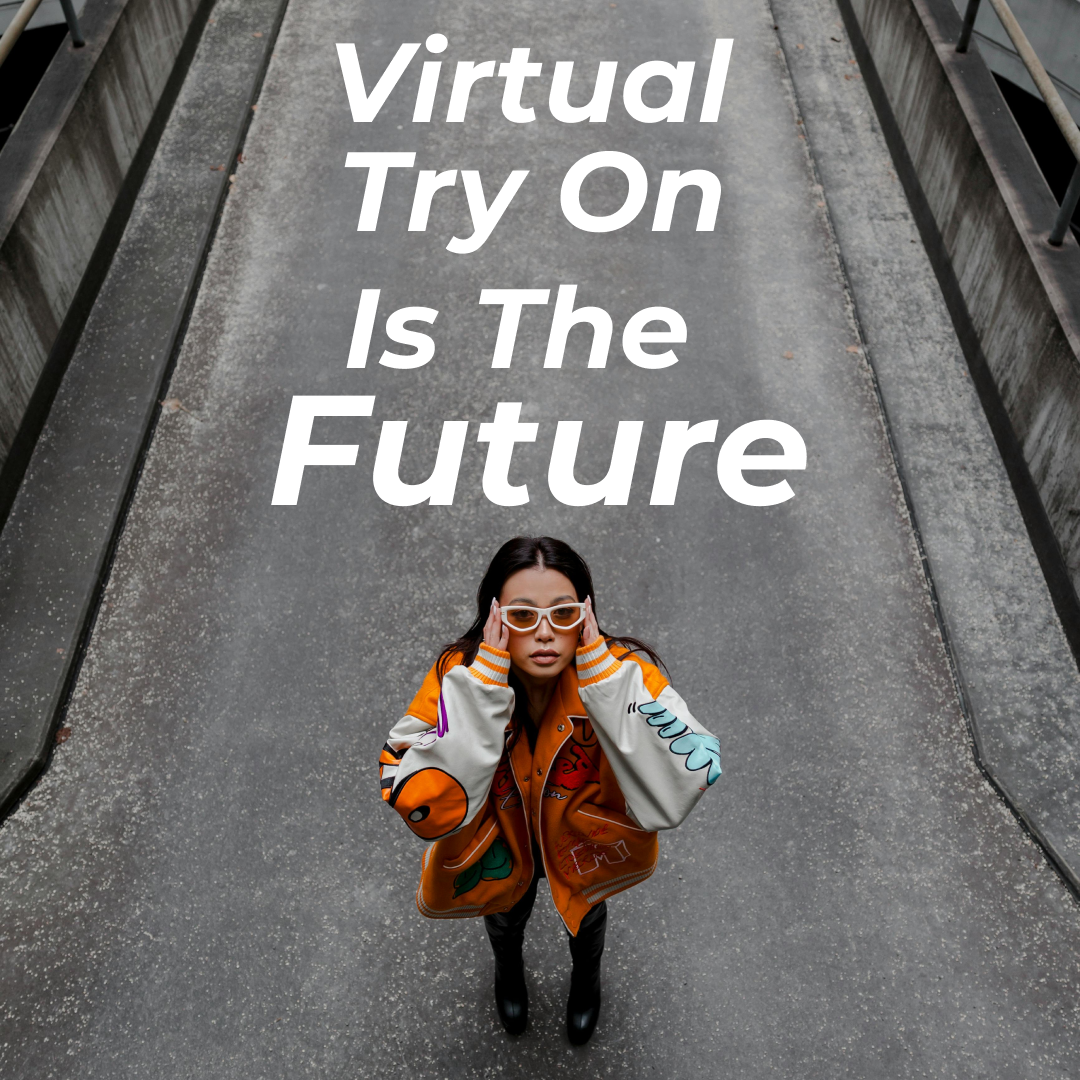
Shoppers upload or take a quick photo, choose an item from your store, and Antla’s AI generates a realistic, true-to-fit image of them wearing it - all within seconds.
3. Who is Antla built for?
Antla is built for Shopify fashion brands of all sizes, from DTC startups to global labels, who want to increase conversion, reduce returns, and offer an innovative shopping experience.
4. Does Antla only work for clothing brands?
Primarily yes, but it also works for any wearable items: outerwear, activewear, uniforms, swimwear, and accessories like jackets or tops.
5. What makes Antla different from other try-on solutions?
Antla is built for Shopify - not as a gimmick, but as a true growth tool. It’s simple to install, fast to use, looks great on your storefront, and produces realistic results that actually drive sales.
6. Do shoppers need to download anything to use it?
No apps, no downloads. It all happens directly on your store.
7. How accurate is the try-on visualization?
Antla’s AI uses advanced body-mapping and garment-fit modeling to deliver high-fidelity results. It captures proportions, folds, and fit closely - helping shoppers trust what they see and proportionately scaling to any body size.
8. Can shoppers upload a selfie or full-body photo?
Both options are supported. For best results, a full-body photo in a similar outfit with clear lighting gives the most accurate visualization.
9. What happens to images after upload - are they stored securely?
Yes. All images are processed securely and deleted automatically after use unless the shopper opts to save their avatar. Antla fully complies with GDPR and Shopify’s data policies.
10. How long does it take for a shopper to see their virtual try-on?
Typically 10 seconds. Enough time to stay curious - not enough to leave the page.
Installation & Setup
11. How do I install Antla on my Shopify store?
Simply click “Install” from the Shopify App Store, approve permissions, and follow the onboarding steps inside your Shopify Admin.
12. Does it require a developer to set up?
No - Antla installs automatically and works with most modern Shopify themes. No coding needed.
13. Can I customize the placement of the try-on button on product pages?
Yes. You can place it anywhere - under the Add to Cart button, inside size selectors, or embedded in lookbooks.
14. How do I connect Antla with my product catalog?
Antla automatically syncs with your Shopify products and variants. You can fine-tune which products have Virtual Try-On enabled.
15. What image requirements do I need for my product photos?
Clear, front-facing photos with good lighting work best. A neutral background helps the AI achieve more accurate results.
16. Can I preview how Antla looks before going live?
Yes - use the preview mode inside the dashboard to test the experience before publishing.
17. Does Antla work with Shopify 2.0 themes?
Absolutely. Antla is fully compatible with Shopify Online Store 2.0 and app blocks.
18. How do I uninstall or pause Antla?
You can uninstall directly from your Shopify Admin. To pause billing or temporarily disable the feature, contact support via chat or email.
Customization & Branding
19. Can I match the try-on interface to my brand colors and fonts?
Yes. Customize the button style, accent colors, and text to fit your brand perfectly.
20. Can I add my brand logo or watermark to try-on previews?
Yes. You can enable a watermark or logo overlay in your settings to reinforce brand identity.
21. Is there an option to control the background or model pose?
Yes - you can choose background options such as plain, branded, or transparent. Poses are automatically optimized for realism.
22. Can I add custom CTAs like “Share your look” or “Shop the outfit”?
Definitely. Many merchants use this to boost engagement and UGC sharing.
23. Can I embed the try-on feature in a lookbook or campaign page?
Yes - you can embed Antla on any Shopify page or landing page using simple app blocks or Liquid snippets.
Performance & Analytics
24. How does Antla help increase conversions?
Seeing themselves in your products builds confidence and emotional connection — leading to higher add-to-cart rates and reduced hesitation.
25. What metrics can I track with Antla?
You’ll see impressions, try-on usage, engagement rate, and conversion data - all from your Antla dashboard.
26. Does Antla integrate with analytics tools like Google Analytics or Triple Whale?
Yes - you can pass Antla events into Google Analytics, Triple Whale, or any data layer for advanced tracking.
27. Can I see how many shoppers used the try-on feature?
Yes. Every interaction is tracked so you can measure engagement and ROI.
28. Do you provide A/B testing options?
Not yet, but we are working on it.
Integrations & Compatibility
29. What Shopify plans does Antla support?
Antla works with all Shopify plans, including Basic, Shopify, Advanced, and Plus.
30. Does Antla work with other apps like Klaviyo, Yotpo, or Postscript?
Not yet, but we are working on it.
31. Can I connect Antla with my TikTok Shop or Meta catalog?
Yes. Antla supports syncing with TikTok and Meta catalogs for unified campaign tracking.
32. Does it support mobile and desktop equally well?
Yes. Antla is fully responsive and optimized for both mobile and desktop experiences.
33. Can I integrate it into a custom Shopify theme or headless storefront?
Yes. Developers can use our API or embed script for headless or custom theme integrations.
Pricing & Billing
34. How much does Antla cost?
Plans start from a simple monthly rate based on usage and features. You can see full pricing in the Shopify App Store listing.
35. Is there a free trial available?
Yes - all new users get a 7-day free trial to test 35 try ons.
36. How does billing work - monthly or annually?
We do monthly, no lock in or long term commitments. The value speaks for itself.
37. Are there discounts for agencies or multiple stores?
Yes - Antla offers partner and multi-store discounts. Contact our sales team for details.
38. What happens if I uninstall before the billing period ends?
Your plan remains active until the end of the billing cycle, and you won’t be charged again.
Support & Troubleshooting
39. How can I contact Antla’s support team?
Reach us directly via in-app chat or email at aaron@antla.io. Our team is available 7 days a week.
40. What should I do if try-on images don’t load correctly?
Check your image size and product photo quality first. If issues persist, contact our support team - we’ll resolve it quickly.