

Collection Page Virtual Try-On: When It Helps
When collection-page try-on helps: compare a grid, a quick view, and a campaign page, then test mobile friction plus discovery metrics for apparel, this week.

Collection-page try-on helps when the collection is a short edit and the shopper is choosing among a few considered pieces, not when it is a long grid of basics. Compare a grid control, a quick view, and a campaign page for mobile effort, then test whether the entry sends more qualified shoppers to the product page. A scrolling grid is a poor place to ask for a photo.
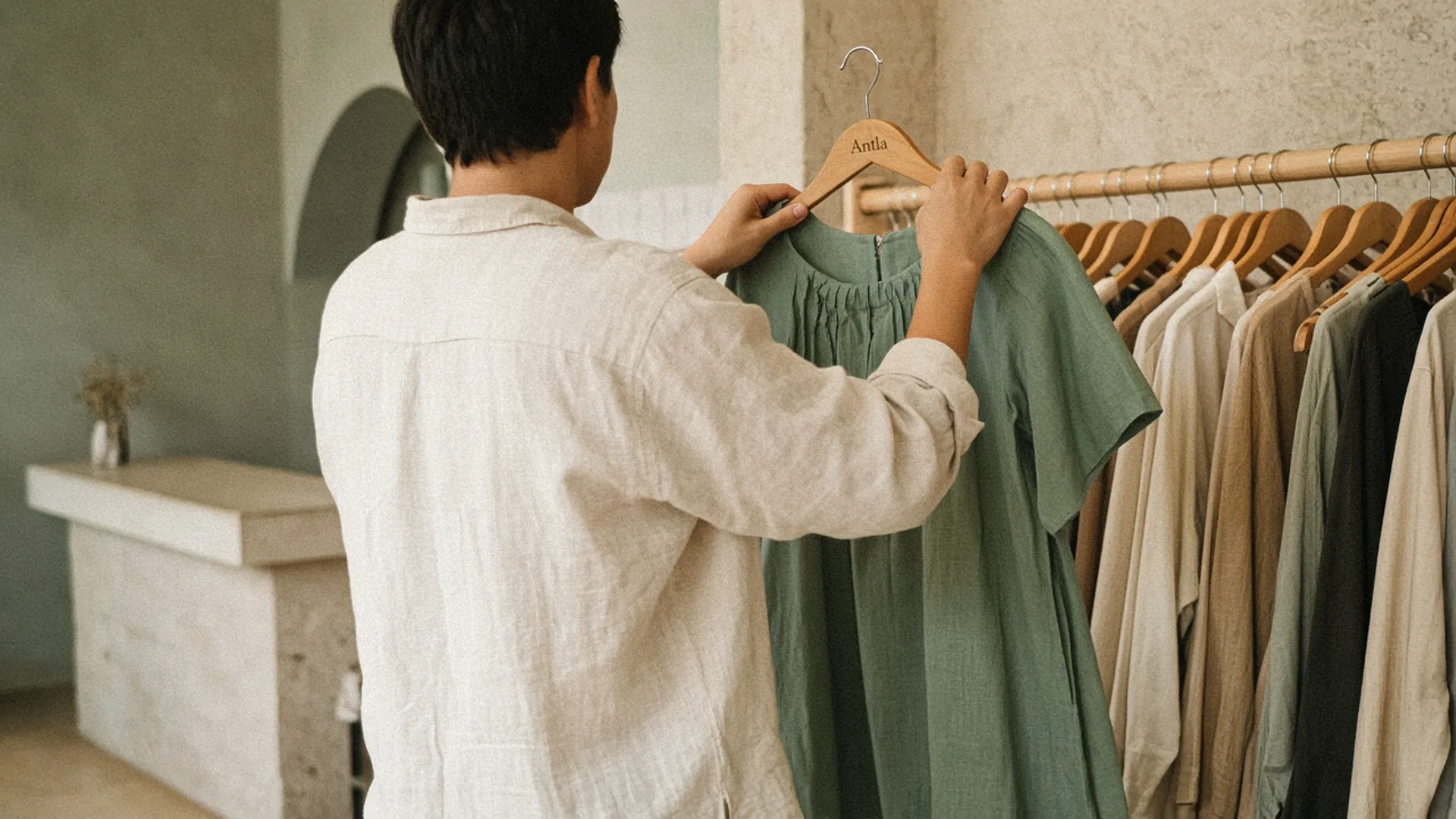
The rail is for choosing. The preview can wait until a piece is in the hand. Editorial image in Classic Antla disposable-camera style.
A merchant adds a try-on icon to every card in a 48-SKU denim collection and watches mobile sessions stall on the third row. The shopper has not picked a rise, a wash, or a price. The page has already asked for a photograph. That is the failure mode. Collection try-on is a placement bet about when a choice is far enough along to deserve a personal preview.
Antla’s no-code block lives on the product template: a popup, the product page, or the gallery. It does not generate a preview inside every collection card. Theme compatibility is about those product templates. This article is about whether the collection should be the place that starts the preview, and what to build when the honest answer is a smaller page.
Explain use cases
A collection page is a list. Baymard’s work on list item design found that 64% of benchmark sites failed to show list attributes consistently enough for people to compare, and that inconsistent cards caused shoppers to skip suitable products. Fashion cards that hide length, price, or colorway behind a try-on icon repeat that mistake with a heavier interaction.
Try-on at collection level earns a test in a few situations:
- A short campaign edit. Six looks, each one a real product, and the shopper is choosing among them rather than filtering a department.
- A high-consideration piece surrounded by alternates. Occasion dresses, unfamiliar outerwear, a silhouette the brand has not sold before. The category notes on where try-on earns a place are the filter. Basics with a stable block usually are not.
- A landing collection from an ad or an email that already named the look. The shopper arrived with a garment in mind. The collection is a thin index, not a browsing hobby.
Skip it when the collection is a department: all trousers, all sale, all new. Those pages need filters, consistent attributes, and a fast path to the product. A photo upload on card twelve answers a question the shopper has not asked yet.
The preview, when it does run, shows appearance on a photo. It does not rank the wash by fit, and it does not replace inseam, rise, or a size guide on the product page. If the collection’s job is “which length,” ship that attribute on the card. Product views that fail to reach the cart often die on the product page for that reason. Starting a preview earlier will not insert a measurement you never published.
Some merchants report return rates as much as 30% lower after shoppers could preview appearance, compared with their own earlier period (Antla merchant reporting, cohort dates not published). That is a self-reported before-and-after, not a holdout, and it is not a store-wide conversion rate. A collection icon does not inherit it.
Compare grid, quick view and campaign page
Three patterns get proposed. They ask for different amounts of commitment, and only one of them matches how the app actually ships without custom work.
| Pattern | What the shopper does | Product context | Practical on Shopify now |
|---|---|---|---|
| Grid control | Taps try-on on a card while still scanning | Weak. The card may omit fabric, length, and the selected color | Not a native Antla card. A custom build, easy to make heavy |
| Quick view | Opens a drawer with a few facts and a preview | Better, if the drawer shows price, color, and a link to the full page | Theme work. Baymard has long warned that quick views hide the specs people need |
| Campaign page | A short page of chosen products, each opening its product page where try-on already works | Strong, if each tile is one variant | A page or a small collection plus the product template you already have |
I would not fund the grid control first. Generation takes long enough that a thumb still moving down the page will not wait. You also inherit every bad card: missing price, ambiguous color, a model crop that is not the variant you will generate.
Quick view is the middle. It can show the piece without a full navigation. It fails when the drawer is a second, thinner product page that omits delivery, reviews, and the size guide, and when the preview result cannot be carried onto the real product page. Baymard’s list research points at quick views as a risk when shoppers still need specs they cannot see in the drawer. If you test one, the primary button should still be the product URL. The drawer is a pause, not a store.
The campaign page is the pattern I would ship. Build a tight collection or a theme section of featured products. Each tile links to the product with the color selected. Try-on stays on that product template, where Antla already knows which image to use. You get an earlier invitation without pretending the grid is a fitting room.
The placement piece on try-on before the product page is the handoff checklist: same variant, no email wall, preview on the first mobile screen of the product. Use it. Do not redesign the grid to avoid it.
Check mobile friction
Most collection browsing is a phone in one hand. Shopify’s benchmark write-up, citing Contentsquare, says mobile accounted for 69.9% of website visits in 2026, with mobile conversion at 2% against 3.7% on desktop. Those are broad visit rates, not your collection. They are a reason to test the collection on a phone before you add a step.
Walk the page on a mid-range phone, on a network that is not the office Wi-Fi:
- The card must show price, title, and the color of the image. If try-on would generate a different color than the photo, you have already misled the tap.
- Filters for size, length, and availability should work before any preview. A shopper who cannot hide sold-out sizes will not upload a photo to discover the size is gone.
- The upload needs a stated reason. A photo of a person is customer data. Point the disclosure at your privacy policy, and read Shopify’s privacy and security guidance before you store images you do not need.
- One generation at a time. A grid that fires a job per card will feel broken even when each job succeeds.
- The result has to be abandonable. Closing the preview returns the shopper to the same scroll position, not to the top of the collection.
If any of those fail, the experiment is about friction, and it will lose to the plain grid for reasons that have nothing to do with appearance.
Also separate collection exit from product failure. A shopper who clicks through and then stalls is a product-page story. Browsing several pieces and leaving is the companion when the collection itself never earns the click.
Test discovery metrics
Collections rarely “convert.” Products do. A collection conversion rate that divides orders by collection sessions will mix people who bounced, people who refined a filter, and people who bought a different product three clicks later. Pick metrics that match the job you gave the page.
| Metric | What it tells you | Comparison group |
|---|---|---|
| Tile click-through | Whether the edit is being chosen | The same collection template without the new entry, or the prior equal period |
| Product views from the collection | Whether clicks arrive on the promised variant | Search and email landings on those same products |
| Preview starts from that path | Whether the invitation is used after a choice | Preview starts from direct product landings |
| Add to cart on the destination products | Whether the visit became intent | Sessions on those products that did not come from the campaign collection |
| Orders and contribution after returns | Whether the path made money | The holdout that never saw the campaign entry |
Offer the entry. Do not require it. The comparison that decides the feature is sessions that could use it against sessions that could not, on the same products. Completers versus everyone else will look strong and will not tell you what the collection change did.
Run full weeks. Fashion traffic moves with payday and with the send calendar. Keep the product photos and the discount still, or you will credit the collection for a sale.
Antla on the destination product is enough instrumentation to start: preview completion is a real event, and it should stay labeled as a subset. Do not add it to the collection card until the campaign-page version has beaten the plain collection on qualified product views.
When to leave the grid alone
- The collection has dozens of similar SKUs and the open question is length or size. Put those attributes on the card.
- Mobile web performance on the collection is already poor. Another script will not clarify the wash.
- You cannot say which tile matches which variant. Context is the whole test.
- The only success metric anyone will accept is “engagement.” Clicks without downstream product views are a tour.
A two-week collection test
Choose one campaign collection with fewer than ten products. Confirm each product template already shows try-on on mobile. Link each tile to the correct color. Split traffic, or compare two quiet weeks with no other launch. Report tile click-through, variant-matched product views, and contribution on those products for the group that saw the tighter page against the group that saw the ordinary grid.
If the tighter page wins, you have a collection pattern. If it ties, keep the grid light and spend the next test on the product page.
About the author: Aaron has watched too many collection grids ask for a photo before they asked for a choice.