

How to Explain AI Clothing Previews on a Product Page
Say the clothing preview is generated, that it shows appearance rather than size, and link the size chart and returns. Then test whether shoppers got it first.

Put three sentences beside the preview, in the same view as the image: the picture was generated, it shows how the garment might look and does not measure size, and the size chart plus return policy are one tap away. Then ask five shoppers what the picture promises. If they say it proves the piece will fit, rewrite the line.
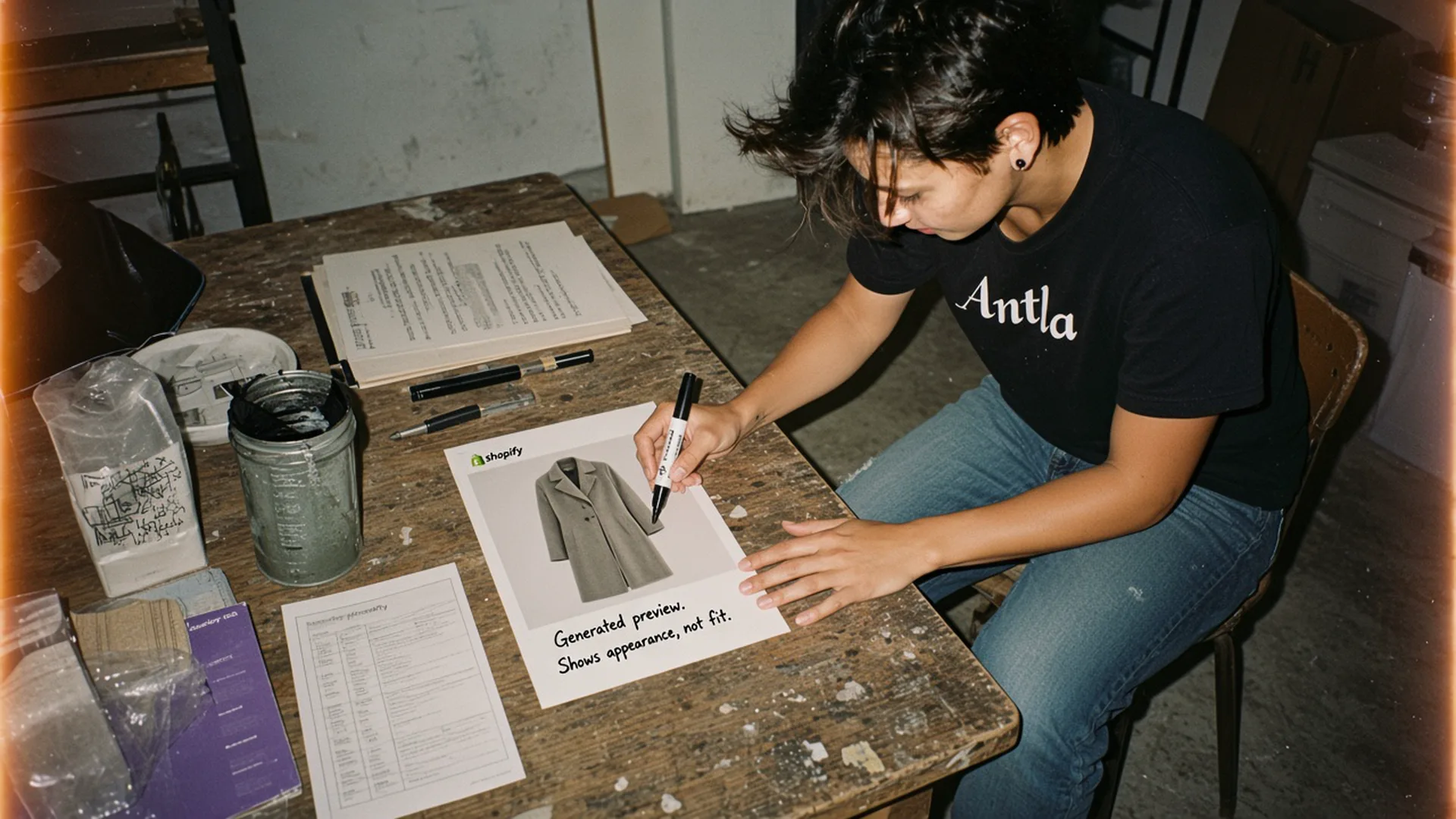
The disclosure sits on the printout, under the coat, where a shopper would actually read it. Editorial image in Classic Antla disposable-camera style.
A product page already asks the shopper to trust a photograph of someone else. An AI clothing preview asks for a second kind of trust: that a generated image of them is a fair picture of appearance, and that the store will say so in plain words. Most teams write the button label and stop. The button is the start of the sentence, not the sentence.
This is the copy that belongs next to the image on the product page. A company-wide policy for AI content can live in the footer later. Shoppers decide on the page in front of them.
Write clear disclosure
The FTC’s guidance on digital disclosures is built for advertising claims, and a generated preview is a claim about the product. The useful part for a product page is simple: a disclosure works when people notice it, read it, and understand it, close to the claim it qualifies. A line in the footer, or a sentence that appears only after the image has already been treated as a photograph, does not do that job.
I would put the line in the preview module itself, under the image, in the same type size as the fabric note. Repeat a shorter version on the button if the button makes a promise.
| Placement | What the shopper sees | Verdict |
|---|---|---|
| Button only: “Try it on” | An invitation, with no account of what the image is | Too thin |
| Footer link: “AI disclaimer” | Easy to miss, far from the image | Too far |
| Caption under the preview | The claim and the limit in one glance | Use this |
| Modal before upload | A good place for photo use and consent | Add this, keep the caption |
Write the caption the way you would say it to someone on the studio floor:
Generated preview. This is an image of how the piece might look. It is a picture of appearance. Your size comes from the measurements below.
Avoid clever labels. “Magic mirror,” “true fit view,” and “see your size” all smuggle in a promise the model did not make. If the button must be short, use “Preview how it looks” and let the caption carry the limit.
Antla can require shoppers to accept terms before a preview runs, with a link to your privacy policy. Use that gate for the photo: what you collect, how long you keep it, and whether a person reviews it. The terms modal is the consent step. It does not replace the caption. People accept terms to continue. They read a caption to understand the picture they are about to trust.
On Antla stores, shoppers who started a try-on spent about two to three times longer onsite than shoppers who did not start one. The comparison group is those non-starters, and the gap is an association between starting a preview and staying longer. Antla merchant reporting, cohort dates not published. Time on site is a reason to write the caption carefully. It is not evidence that the caption was understood.
Define what the preview represents
Say what the image is, in the affirmative, before you list the edges.
A clothing preview is a generated picture of appearance. It uses the shopper’s photo and your product image to show color, pattern, and a rough sense of silhouette on a body. It is a visual aid for the question “how might this look on me?”
It is a poor answer to four other questions shoppers quietly ask:
- Which size will fit. A preview does not measure chest, waist, hip, or length. A size recommendation needs garment measurements and a size chart. The guide on virtual try-on versus size charts keeps those jobs apart.
- How the fabric will feel. Weight, itch, stretch, and lining stay in the description and the detail photo.
- The exact color under their bathroom light. Screens shift color. Say that the preview is a guide to color, and point at the studio photograph for the closest product color you can publish.
- A photograph you took of them. The image is generated. Say “generated” in the caption. Shoppers can like a generated image and still deserve the noun.
Here is a caption I would ship on a coat, with the job of each clause marked:
| Clause | Job |
|---|---|
| ”Generated preview.” | Names the method |
| ”Shows how this coat might look on you.” | Limits the claim to appearance |
| ”Color on screen can differ from the fabric.” | Points back to the studio photo |
| ”For size, use the measurements beside the selector.” | Sends fit somewhere real |
Read that block out loud. If a clause sounds like a lawyer wrote it to be skipped, shorten the words and keep the meaning. “Generated preview” is clearer than “Images produced by artificial intelligence systems may not reflect actual appearance.”
Match the product photo you send into the preview to the color variant on the page. A preview of the camel coat on the black colorway is a false statement, however careful the caption is. Shopify’s product media guide is the operational side of that: each variant needs media that belongs to it.
Link size and return details
The caption should point at two pages the shopper can open without hunting: the size information on this product, and the return policy for this order.
Size information means the chart, the garment’s own measurements, and a fit note if you have one (“this style is cut long; shoppers between sizes often take the smaller one”). Put that block next to the size selector. The preview caption links to it by name: “Size and measurements.” A shopper who just looked at a flattering picture is in the worst moment to go searching through tabs.
Return details mean the window, who pays return shipping, and whether sale items or intimates are excluded. Shopify lets you publish refund, privacy, and terms policies and surface them in checkout. Checkout is late for a shopper who is using the preview to decide whether the risk is acceptable. Repeat the window on the product page, in the same column as shipping, and link the full policy.
A line that has worked on fit-sensitive pieces:
Preview the look above. Choose a size from the measurements. You can return unworn items within 30 days. Return shipping is on us for full-price orders.
Change the numbers to your policy. A copied window is worse than a short one, because the shopper will quote your caption to support.
Shopify’s product page overview treats media, details, and purchase information as one page. The preview is another media block. It inherits that standard: the commercial facts stay visible while the shopper looks.
If returns on a category are already driven by “looked different,” say that the preview is there to narrow appearance surprise, and that size issues still follow the chart. The fashion return-rate benchmarks are the place to compare your category with your own history. Do not promise the preview will cut returns. You have not measured that on this template yet.
Test comprehension
A caption can be correct and still fail. The test is whether a shopper can explain the preview back to you. I run it with five people who match the buyer, on the live page, on a phone. Five is enough to hear a repeated misunderstanding. It is not a conversion test.
Ask these questions after they have used the preview once, with the page still open. Let them look. You are testing the page, not their memory of a lecture.
- Was that image a photograph of you, or something the store generated?
- What is the image for?
- Where would you go on this page to pick a size?
- What happens if you want to send it back?
Score a pass when the shopper says the image was generated, describes it as appearance or “how it looks,” and can point at size information and the return window. Four passes out of five is the bar I would use before the caption is allowed to stay. A shopper who says “it told me my size” is a failed caption, even if they liked the picture.
Write down the words they use. If three people say “it fitted me,” the word “fit” has entered the experience from your button, your reviews, or the image itself. Change the button before you change the chart.
| What you hear | What to change |
|---|---|
| ”It picked my size.” | Remove size language from the button and caption. Point at measurements. |
| ”That’s a photo of me in the coat.” | Put “generated” in the first three words of the caption. |
| ”I guess I can return it?” | State the window and who pays, next to shipping. |
| ”The color looked different.” | Point at the studio photo and say screens shift color. |
| ”I never saw a note.” | Move the caption from below the fold to under the image. |
Record the sessions if you can. Hesitation on the product page shows up as looping between the preview, the size guide, and the gallery. Comprehension failures look the same in the events and different in the words. The words tell you which sentence to fix.
Run the five-person test again after any change to the button, the caption, or the product photo that feeds the preview. A new photo of a sheer dress can make an old caption dishonest.
Ship the caption on one template
Pick the template where the preview already appears: one category, one theme, mobile first. Paste the caption under the image, link “Size and measurements” and “Returns” with real URLs, and run the five questions this week.
Keep a storewide AI policy for the legal review. The product page still needs its own sentence. When you are ready to install the preview, the setup notes in adding virtual try-on to Shopify cover placement. The try-on feature is the product behind that placement. The sentence next to the image is yours.
About the author: Aaron founded Antla. He would rather a caption be plain than poetic if the shopper has to bet a size on it.