

How to Show Customers How They'll Look in Your Clothing
Five ways to show shoppers how they will look in your clothing, scored on cost per SKU, time to launch, catalog scale, and how directly each answers on-me.

The request usually arrives disguised as a photography problem. The sample sold badly, someone says the garment looks flat on the house model, and could we please shoot it on a few different bodies. Then the studio quote lands and the conversation quietly ends.
It was never a photography problem. It is one question your product page keeps getting asked and cannot answer: will this look good on me. Five methods exist to answer it, and merchants choose badly because almost nobody prices them next to each other.
Fashion brands can show customers how clothing will look through multi-body photography, fit predictors, customer photo reviews, model-swap AI, or shopper-photo virtual try-on. Choose by production cost, launch speed, catalog turnover, and whether the method answers “on me.” Only shopper-photo try-on renders the garment on the person making the decision.
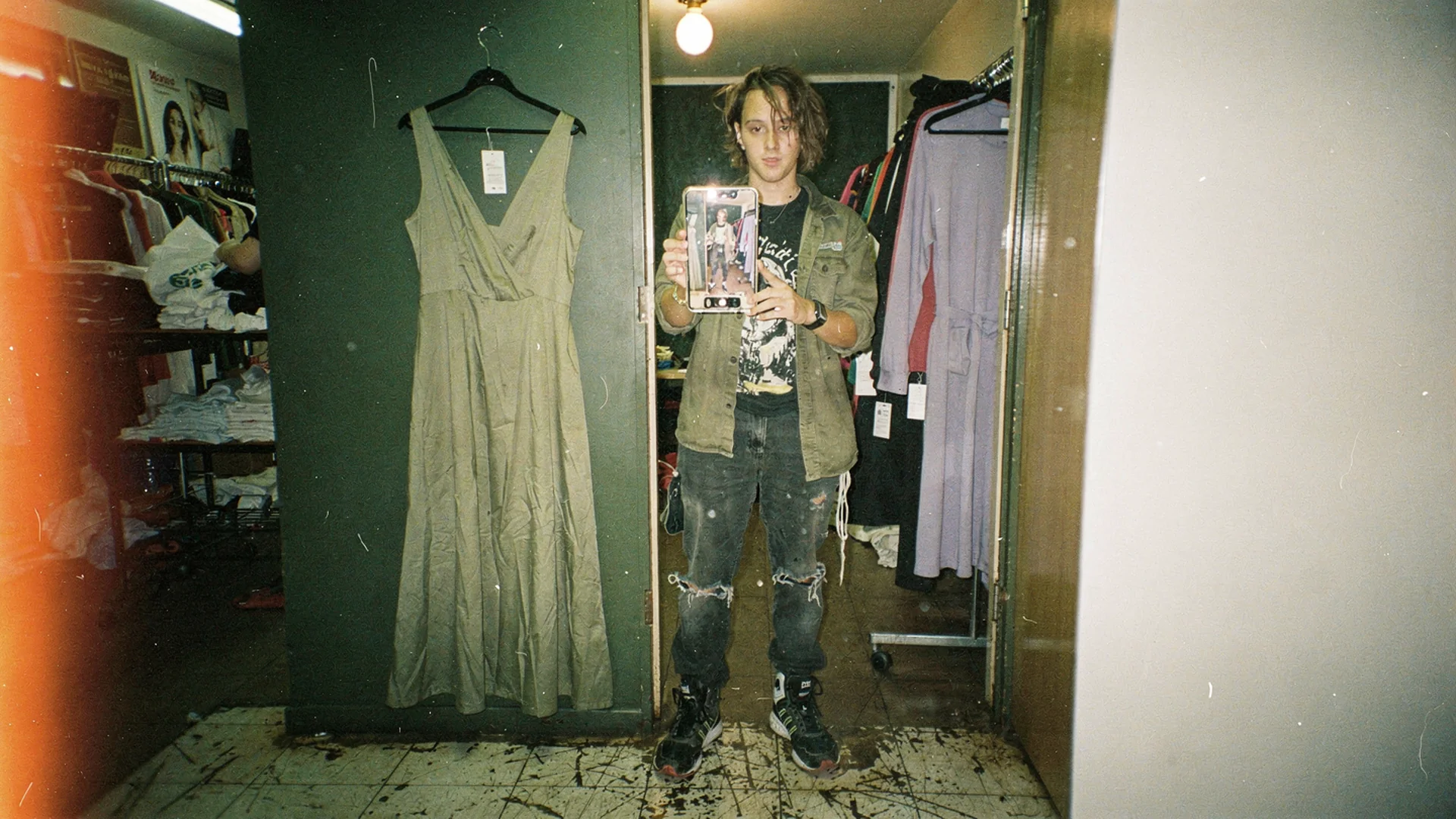
Model photos, fit charts, customer photos, and self-preview all answer a different version of the same question. Editorial image in disposable-camera style, inspired by Antla merchants who obsess over how a garment actually falls.
What the shopper is actually asking
She is not asking about the garment in isolation. She is asking about the intersection of the garment and her own frame: whether the blazer shoulder seam will sit past her actual shoulder, whether a mid rise reads high on a long torso, whether a midi hem lands at calf or ankle on someone who is five foot two, whether the viscose clings where ponte would skim.
Studio photography answers that for one body. Shopify’s rundown of virtual fitting rooms frames the gap the same way: apparel buying stalls on personal fit, not on product information. Google and Vogue Business’s Unfolding AI research documents how shoppers describe AI-assisted fashion discovery and try-on. Preview earns its keep at the decision moment, not as a decorative novelty at the top of the funnel.
Some catalogs feel this harder than others. Which fashion categories need virtual try-on already ranks that by silhouette sensitivity, so assume you know where your own risk sits and read on for the methods.
Five ways merchants answer the question
Multi-body model photography
Shoot every style on three or four body types and label the model’s height and size. This is the most trusted answer and the most expensive one. Casting, studio time, retouching, and asset management multiply by the number of bodies, and Shopify’s product photography resource list is a fair preview of how much production sits behind each shot. It also breaks the moment your assortment turns over quickly, because the cost repeats per SKU forever.
Size charts with a fit predictor
Cheap, structured, and useful for choosing between a small and a medium. It answers label selection rather than appearance. A predictor can tell a shopper she is probably a medium and still leave her with no idea whether the medium reads oversized or sloppy on her. Why size charts fail Shopify fashion stores has the full teardown. The short version: charts pick a number, not a look.
Customer photo reviews
Real bodies, real lighting, zero production cost, and genuine credibility. The catch is coverage and control. Photo reviews cluster on your bestsellers and leave new arrivals bare, which is exactly where hesitation is highest, and you cannot commission a review for a style that launched yesterday. Treat it as social proof that compounds slowly rather than a fit answer you can schedule.
Model-swap AI
Generate the same garment on a range of synthetic models. Faster and far cheaper than reshooting, and Shopify’s AR shopping overview places visualization tools in the same conversion toolkit as better media and clearer fit cues. It widens the range of bodies on your PDP without a studio day. It still shows a stranger. A size 14 shopper seeing a size 14 synthetic model is closer, and it is still not her.
Try-on from the shopper’s own photo
The shopper uploads a photo or a selfie and sees the garment rendered on herself. The cost driver shifts from producing images for every SKU and model to generated previews shoppers actually request. Catalog size still affects setup and traffic affects usage, but a new body does not require another shoot. It is the only method where the body in the image is the body making the decision.
Compare cost, speed, and scale
| Method | Cost driver | Time to launch | Behavior as catalog grows | Answers “on me” |
|---|---|---|---|---|
| Multi-body photography | Per SKU, per body | A production cycle per drop | Cost rises with every new style | Partly, for bodies you shot |
| Size chart plus predictor | One-time build, ongoing data hygiene | Fast | Scales cleanly | No, answers size choice |
| Customer photo reviews | Incentives and moderation | Slow to accumulate | Coverage stays uneven | Sometimes, on old bestsellers |
| Model-swap AI | Per SKU, per generated model | Fast | Scales well | Closer, still a stranger |
| Shopper-photo try-on | Per generated preview | Fast, using existing product images | No new body shoot per SKU; usage follows shopper demand | Yes, for that shopper |
Read the last two columns together. Every method except the final one improves the average answer. Only the final one answers the specific shopper who is currently deciding, which is why it holds attention differently. Antla’s merchant data across 100+ Shopify fashion brands puts the conversion gap between preview users and the rest of the traffic at roughly 35%.
Where each method still earns its slot
None of these are mutually exclusive, and it would be dishonest to pretend one replaces the rest.
Keep model photography as the brand voice. It sets styling, mood, and the first impression in search results and collection grids. Nothing else does that job.
Keep size charts and predictors accurate, because they answer a different question and a shopper who loves the look still has to pick a size. Keep collecting photo reviews for the credibility that no vendor asset carries. Use model-swap AI when your production budget cannot cover the range of bodies you should be showing.
Then add self-preview for the decision moment, because that is the only slot where the other four run out of room.
Put shopper-photo try-on in the live PDP
The setup detail that matters most is placement. Try-on works when it sits inside the product gallery rather than behind a tab nobody scrolls to, so the preview becomes the image the shopper is already looking through. Antla’s virtual try-on renders from the product photography you already have, which is why it does not add an asset pipeline to your calendar. The mechanics of installing it, choosing the source image per product, and testing across themes are covered in how to add virtual try-on to Shopify.
There is a second benefit that merchandising teams notice before marketing does. A try-on session tells you which styles shoppers wanted to picture on themselves, and that is a far stronger intent signal than a pageview. Worth capturing even before you have decided what to do with it.
Choose by catalog size
Under 100 styles with slow turnover. Multi-body photography is defensible. Shoot two or three bodies per hero style, then layer self-preview on the ten SKUs with the worst return tags.
A few hundred styles with seasonal drops. Photography cannot keep pace with the drop calendar. Use model-swap AI for range and self-preview for the decision, and stop trying to reshoot your way out of it.
Over a thousand styles, or heavy weekly turnover. Repeated shoots become difficult to keep current across the assortment. Start with per-session preview on the categories where silhouette drives hesitation, then reserve additional photography for hero products.
Whichever tier you sit in, judge the result on engaged time and order quality rather than clicks. Cost per SKU is the number that decides the method. Return reason codes are the number that tells you whether it worked.
Frequently asked questions
Which methods avoid repeated photo production per SKU?
Fit tools and shopper-photo try-on can both avoid a fresh body shoot for each SKU. With try-on, cost follows generated previews rather than the number of models photographed. The cheaper option depends on traffic, catalog turnover, and implementation. Compare total seasonal cost instead of assuming one universal per-SKU winner.
Do I still need model photography if I add virtual try-on?
Yes. Model and flat-lay photography carry brand styling, collection grids, ads, and search thumbnails. Self-preview answers the individual fit question at the point of decision. They cover different jobs, and a PDP running only one of them feels incomplete.
Can customer photo reviews replace try-on for fit questions?
Not reliably. Review photos accumulate on established bestsellers and stay thin on new arrivals, which is where uncertainty is worst. They also show other people’s bodies, so a shopper still has to translate. Keep them for credibility, not for coverage.
How quickly can a small brand launch shopper-photo try-on?
Days rather than a production cycle, because there are no new assets to shoot. The real work is choosing the source image per product, confirming the widget position in your theme, and picking the first category to test.
Nearby Antla reading for fit-heavy catalogs
- Shopify fashion growth use cases to see this decision beside the other jobs your stack has to cover
- Keeping customers on your fashion site longer for the engagement signals worth watching once preview is live
- Re-engaging shoppers who were interested in your brand for what to do with the intent a try-on session records
About the author: Aaron is the founder of Antla. After years of frustrating returns, never looking like the supermodels on product pages, he set out to make fashion personal by helping shoppers see themselves in the outfits they want to buy. He prices visualization the way merchandisers price samples: per unit, honestly, including the shots nobody uses.
Pick the method your catalog size can actually sustain, then test it on the styles with the worst fit-related return tags. If per-SKU production has become the bottleneck, add Antla from the Shopify App Store, enable one category, and compare engaged sessions and return reasons against the same styles last season.