

What Is a Virtual Try-On Engine?
A virtual try-on engine is preview plus an intent record plus destinations, not a selfie filter. How Shopify fashion stores should think about the system.

A shopper uploads a photo, tries on a black slip dress, and studies the result long enough to notice where the hem falls. Then she closes the tab. If the store keeps nothing useful from that interaction, the product-page team built an impressive moment with the memory of a goldfish.
A virtual try-on engine is a connected Shopify system that creates a personal product preview, records the shopper’s product-specific intent, and routes eligible outcomes to useful destinations. The preview helps with the decision now. The record and destinations let the store measure, continue, or stop that decision later.
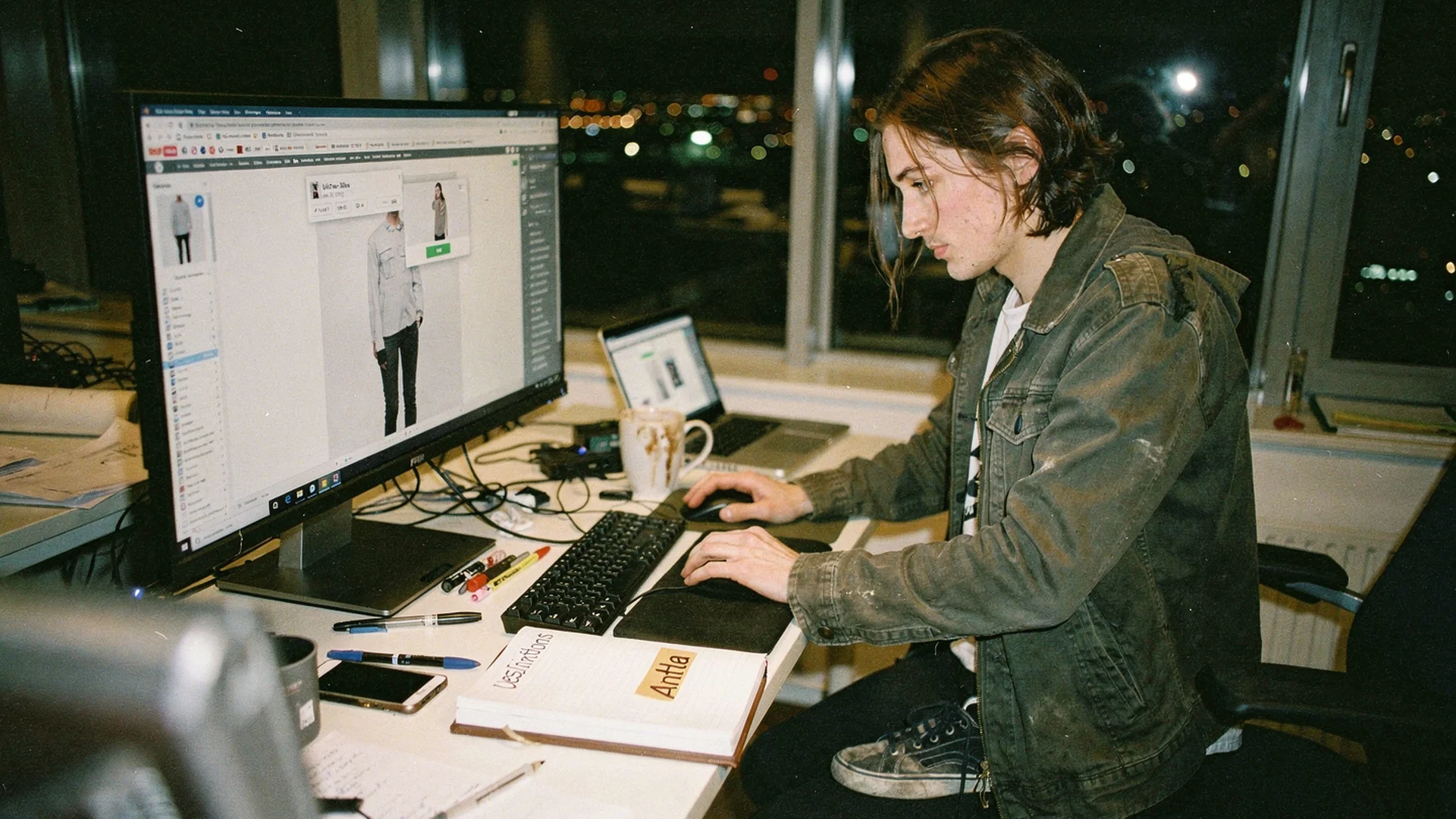
A useful try-on connects the personal preview on the product page with an intent record and the systems that act on it. Editorial image in Classic Antla disposable-camera style.
A preview becomes an engine when it leaves a useful record
The visible output is the generated image. That is what the shopper came for, and it must answer a real product question. Does the jacket overwhelm her frame? Does the square neckline suit her? Does the color work outside a white-background packshot?
But the image alone is not the engine. An engine has connected parts that move one decision forward:
| Part | What it does | Useful output |
|---|---|---|
| Product-page input | Joins a shopper photo with the selected product or variant | A request tied to a specific item |
| Preview | Generates a personal view of the garment or accessory | A visual answer the shopper can inspect |
| Intent record | Records completion, product context, time, and purchase state | A measurable high-intent event |
| Destinations | Passes eligible context to store systems | Klaviyo, Postscript, ads, or custom events |
| Feedback | Updates the record after purchase, expiry, or consent change | Suppression, measurement, and cleaner follow-up |
Remove the preview and there is no try-on. Remove the record and the store cannot distinguish a completed try-on from another product-page view. Remove the destinations and the record becomes an interesting row in a dashboard that nobody opens after Tuesday.
Shopify’s virtual fitting room guide describes several underlying approaches, including AI, AR, and 3D visualization. Those technologies explain how an experience can render a result. An engine definition asks a different question: what useful state does the commerce system have after the result appears?
That boundary matters. A selfie filter may create a charming image. A product-page engine must tie the interaction to a sellable product, a store event, and a next state.
The product page is the control panel
Product-page editors should treat try-on as part of the buying decision, not as entertainment parked beneath reviews and recently viewed products. Placement decides whether shoppers understand that it can answer an appearance question before checkout.
Put the entry point near the product media, variant controls, or size decision. The exact position depends on the theme, but the shopper should find it while comparing cut, color, sleeve shape, length, and styling. A try-on button halfway down a long mobile page will produce a tidy implementation and very little usage.
The surrounding copy should promise the output plainly. “See this on you” is clearer than “Experience AI.” The first names the shopper’s job. The second sounds like a conference badge.
The product data also needs editorial attention. Pick a clean, front-facing garment image that shows the neckline, closure, logo, and overall silhouette. Confirm that variant changes pass the right color or SKU. A convincing preview of the blue dress attached to the green variant gives the shopper more information, all of it wrong.
Before launch, edit these four states:
- Entry. Explain what the shopper uploads and what she receives.
- Processing. Set an honest expectation while the image generates.
- Result. Keep the selected product and a clear purchase route beside the preview.
- Failure. Give a useful retry path when the photo or product image cannot produce a sound result.
Generative systems have made personal apparel previews more realistic, but image quality is only one adoption condition. Shopify’s virtual shopping overview treats try-on as part of a broader set of interactive services that help shoppers evaluate products online. Product-page placement, instructions, wait states, and trust copy decide whether the model gets a chance to be impressive.
AR and size widgets answer different questions
Shopify stores often group AR, size recommendation, virtual fitting rooms, and generative try-on under one interactive-shopping heading. They can coexist, but they do not return the same answer.
Shopify’s AR shopping overview defines AR around placing or viewing a digital product in a real environment through a device. That works naturally when scale, position, or a 3D view matters. A sofa can sit in a room. Glasses can align with a face. The interaction often depends on camera access and a prepared 3D asset.
A size widget usually predicts or recommends a labeled size from measurements, prior purchases, product dimensions, or fit preferences. Its primary output is “choose medium,” not a personal image. It addresses sizing uncertainty, which a visual try-on should not pretend to solve unless the implementation has a genuine measurement model.
A generative virtual try-on preview tackles appearance. It shows a shopper in the selected item based on her photo and the product image. Its strongest questions concern styling, proportion, color, coverage, and overall impression. It may support size confidence indirectly, but a pretty image is not a tape measure.
The detailed comparison of virtual try-on engines, AR, and size widgets covers inputs, outputs, and data records. For a product-page editor, the immediate rule is simpler. Start with the shopper’s unresolved question, then choose the tool whose output answers it.
Intent needs somewhere sensible to go
A completed try-on is more informative than a page view because the shopper selected an item, supplied an input, waited for a result, and inspected a personal output. It is still intent, not permission to follow someone around the internet until the garment goes out of season.
The record should be minimal and operational. A useful event can include the product or variant identifier, try-on completion, timestamp, destination eligibility, and purchase state. If the shopper chooses to provide an email, store that identity and its consent basis according to the merchant’s policy. Do not collect a miscellaneous box of personal data because storage is cheap.
The destinations should be designed before the product-page module ships:
- analytics receives start, completion, failure, result view, and purchase events
- Klaviyo or Postscript receives eligible product context and consented identity
- ad audiences receive only the events allowed by the store’s consent setup
- custom events give larger teams a stable route into their existing data stack
- purchase, withdrawal, or expiry updates stop the next action
The intent and email layer of a virtual try-on engine deals with how that handoff should work. The point here is architectural. Email capture is one possible engine output, not the definition of the engine and not a compulsory toll booth before the shopper sees anything.
That last distinction protects the product experience. If every try-on begins with a demand for contact details, completion will tell you as much about tolerance for popups as it does about interest in the dress.
Measure the decisions, not the novelty
Antla has processed more than 500,000 try-ons. Shoppers who completed one converted at 3.8%. That is a conversion rate among try-on users, not across all store sessions, and it identifies a valuable intent cohort rather than proving that every purchase came from the preview.
The broader evidence belongs in Does Virtual Try-On Work?. Use that proof companion when evaluating adoption and outcomes. For an engine scorecard, keep the focus on whether the connected parts do their jobs.
Track eligible product-page sessions, try-on starts, successful completions, result views, add-to-cart actions, purchases, and qualified non-buyers. Break failures down by device and product. A low start rate can point to placement or copy. A low completion rate can expose poor source images, slow generation, or upload friction. Strong completion with weak purchasing may mean the preview answered “no,” or that price, stock, delivery, and fit information still block the order.
Then inspect what happens after departure. Count records routed to each eligible destination, purchases suppressed before follow-up, expired intent, and recovered orders. If a team only reports generated images, it is measuring production volume. The engine exists to support decisions.
High-volume stores add governance around theme releases, event definitions, destinations, and audience pressure. Virtual try-on engines for Shopify Plus explains that operating layer. Scale does not change the three-part model. It makes a broken handoff expensive enough to notice.
Questions merchants ask before editing the page
What is a virtual try-on engine?
A virtual try-on engine is a connected commerce system that generates a personal product preview, records the completed interaction as product-specific intent, and sends eligible outcomes to analytics or marketing destinations. It also updates the state after purchase, consent changes, or expiry so the store can measure and stop actions correctly.
How is it different from AR try-on?
AR places or aligns a digital product in a live view of the shopper or her environment, often using a camera and 3D asset. Generative virtual try-on creates a new personal image from shopper and product inputs. Either can sit inside an engine if the experience records intent, connects to destinations, and receives outcome feedback.
What data does it collect?
A well-scoped engine records the product or variant, interaction state, timestamp, generation outcome, and purchase state. It may connect an email or another identifier when the shopper provides it with the required consent. Merchants should collect only what supports the stated experience, measurement, and eligible follow-up.
Continue into recovery or vendor evaluation
- Connect the remaining non-buyers in From Virtual Try-On Engine to Remarketing and Conversion.
- Compare vendors separately in Best Virtual Try-On Apps for Shopify Fashion.
Build one complete route first
Choose a product set where appearance uncertainty is visible. Edit the entry, wait, result, and failure states. Define one completed-try-on event, one destination, and the purchase update that stops follow-up. That is enough to test whether the system survives beyond the generated image.
The Antla virtual try-on feature gives Shopify fashion stores the preview and product-page layer without code. The next step is connecting that interaction to the records and destinations the merchant already uses.
About the author: Aaron founded Antla because a try-on that evaporates after the tab closes is a demo, not an engine.
If your current product page loses the decision when the tab closes, add Antla from the Shopify App Store and start with one measurable product set.