

When Should Virtual Try-On Enter the Fashion Funnel?
Decide whether virtual try-on belongs on the collection or the product page, split browsers from high intent, and test the placement. Then run a two-week test.

Put virtual try-on late, on the product page, when the shopper has already chosen a garment and the open question is how it will look on them. Put it earlier, on a collection or a campaign, only when the shopper is still choosing which product deserves that effort. Split the two by intent, draw the choice as a tree, and test one placement against the other on the same products.
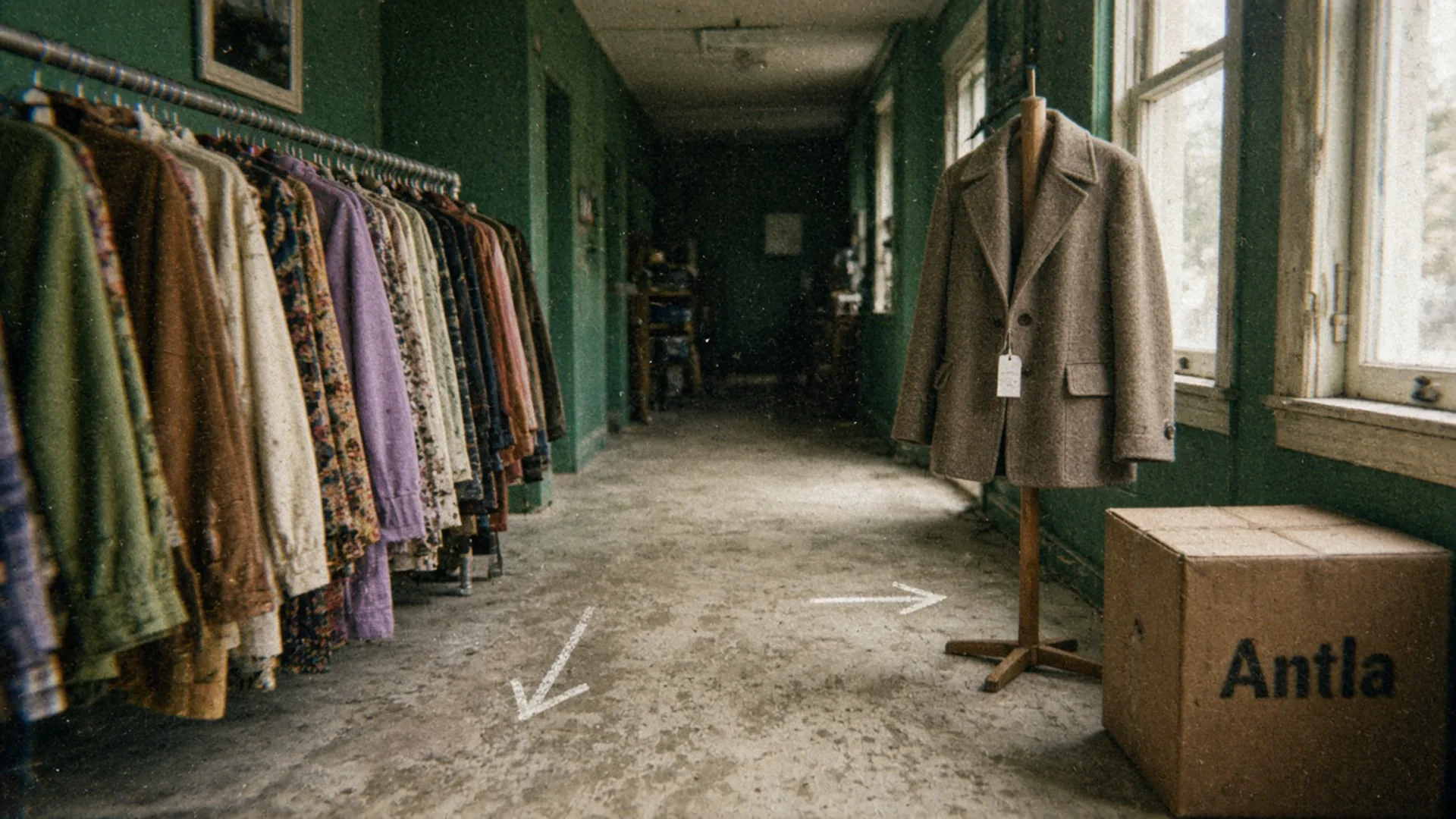
One aisle is still a rack. The other is a decision. Editorial image in Classic Antla disposable-camera style.
Most placement arguments start from the vendor diagram. Try-on at the top of the funnel, try-on on every grid tile, try-on as the first thing a homepage does. The other camp hides the button until the shopper has picked a size, which is late enough that the curious ones have already left.
Both camps are answering a different question from the one on your store. The useful question is which uncertainty the shopper has in that moment. A collection visitor is still choosing a product. A product-page visitor has chosen one and is stuck on whether it is theirs. Those are different jobs, and a single button in a single slot will do one of them badly.
Below is the comparison I would write on the whiteboard before anyone moves a widget.
Compare early and late entry
Early entry means the shopper can start a preview before they have committed to one product. The usual surfaces are a collection, a campaign landing page, a homepage module, or an email that opens a styled set. Late entry means the preview starts on the product page, after a specific garment is in view.
| Early entry | Late entry | |
|---|---|---|
| Where it lives | Collection, campaign, homepage module | Product page |
| Shopper’s question | Which of these is worth a closer look? | How does this one look on me? |
| Honest unit of work | One hero piece, then a handoff to its product page | One garment, on that page, in the color they are viewing |
| Failure mode | People generate previews they will never buy, or bounce while waiting | People who already care never find the control |
| Number worth watching | Preview starts per collection session, then product-page arrivals | Preview starts per product view, then adds to cart |
I would default to late. The expensive question in apparel shows up once a product is chosen. In a survey of 1,922 US online shoppers, Baymard found that size accuracy and fit details were the most common reason apparel shoppers open reviews (48%), ahead of quality and durability (43%). That is a product-level question. A grid of forty dresses does not contain the answer, and rendering forty previews will not create it.
Early entry still earns a place when the collection is the decision. A twelve-piece drop, a campaign built around one jacket, or a styled set where the outfit is the thing being sold: there, a preview of the hero piece can help someone choose which product page to open. The preview is still of one garment. The collection’s job is to send them to that garment with the campaign color already selected. A shoppable set of pieces is a different build, covered in personalized shoppable lookbooks.
What I would not do is sprinkle a try-on control on every collection tile. Generation takes time and a photo. Spending both before the shopper has picked a product trains them to treat the tool as a toy, and it hides the tiles that were never going to be tried on.
Antla is built for the late slot. Virtual try-on runs on the product page, in a popup, or inside the gallery. If you want an earlier moment, link into that page. Do not expect the collection grid to render the shopper.
Segment browsing vs high intent
A browse session and a high-intent session can land on the same URL. Treating them as one audience is how early entry gets praised in a report and then fails on the products that actually sell.
Browsing, in the sense that matters here, looks like this:
- The landing page is a collection, a search results page, or the homepage.
- Product views are short, and several products get one view each.
- No size is selected. The size guide never opens.
- The session ends on the grid, which is the pattern in why fashion shoppers browse and leave.
High intent looks different, even when the order never happens:
- A product ad, a product email, or a returning view of one URL.
- Size changes, size-guide opens, gallery loops, or an add followed by a remove.
- The session dies on the product page. Product views that never reach the cart is the longer diagnosis for that stall.
Session length will not sort these. A long browse through a new collection and a long stare at one coat produce the same duration. Shopify’s notes on ecommerce conversion rates make the related point about benchmarks: device, category, and traffic source change the denominator, so one storewide rate cannot tell you where a tool belongs.
Split reporting the same way you would split a merchandising meeting.
| Segment | How to recognize it | Where try-on belongs | What “worked” means |
|---|---|---|---|
| Collection browsers | Grid landing, many products, no size activity | Usually nowhere on the grid. Offer it only on a hero piece | Did they open a product page? |
| Campaign arrivals | A styled landing page with a named look | On the hero piece, then the product page | Did they reach that product with the right color? |
| Product-ad arrivals | Landing URL is already a product | Late, on that page, immediately | Did they start a preview, then add? |
| Hesitant product viewers | Size or gallery activity, no cart | Late, next to the open question | Did the preview happen before the exit? |
Shoppers who finish a try-on tend to stay on site about two to three times longer than shoppers who do not try on. The comparison group is try-on completers versus shoppers who did not complete a try-on. Antla merchant reporting, cohort dates not published. People who choose to try something on were already more engaged, so the extra time is an association. It is a reason to study the cohort. It is not a reason to drag the button up the funnel.
Show decision tree
Use the tree in a meeting. It is a sequence of questions, and it should end in a placement, not in a slogan.
- Has the shopper chosen one product?
- No. Is the page a collection or campaign whose point is one styled set?
- Yes. Offer a preview of the hero piece only, and send the shopper to that product page with the styled variant selected.
- No. Leave try-on off the grid. Help them filter, compare, and choose. A preview of an unchosen product answers a question they have not asked.
- Yes. Continue.
- No. Is the page a collection or campaign whose point is one styled set?
- What is the open question on that product?
- Size, ease, or whether it runs small. Send them to measurements, the size guide, and fit notes in reviews. A preview image will not pick a size. Virtual try-on and size charts are different tools, and size recommendation versus try-on is the argument for keeping them apart.
- Color, pattern, or how the piece looks on a body like theirs. Late try-on, on that product page, in the color already selected.
- Did they arrive from a link that already names the product?
- Yes. Stay late. Making them rediscover the product on a collection is a detour.
- No. They may still be early. Apply step 1.
- Will the wait cost you the session?
- Say that a preview takes a moment, and keep the button where they already are. Do not add a second early step to “warm them up.”
Draw it as four questions on one page and pin it in the theme ticket. If a stakeholder wants try-on on the homepage, they should have to say which branch of the tree they are on.
Test placements
The tree is a hypothesis. The test is two placements and a comparison group you can name before anyone looks at the chart.
| Arm | What the shopper sees | What you hold constant |
|---|---|---|
| Late only | Try-on on the product page | Same products, same weeks, same ads |
| Early handoff plus late | A hero preview link on the collection or campaign, then the same product-page try-on | Same products, same weeks, same ads |
Do not test “try-on everywhere” against “try-on nowhere” and then claim you learned about placement. You would have learned that a tool beats an empty page, which you already suspected.
Pick the primary metric before the test starts. I would use orders per session, with add-to-cart per product view as the thing you check if orders are too sparse. Preview starts are a secondary number. Early entry inflates starts, because curious browsers will tap anything that offers a picture of themselves. A lift in starts with no lift in orders is a busier page, not a better funnel.
Guardrails:
- Completion rate among people who start. If early starts abandon halfway, the handoff is the problem.
- Return-reason mix later, read separately for appearance complaints and size complaints. The preview speaks to appearance. A change in “too small” returns would be a surprise, and I would not expect it.
- Mobile and desktop, reported apart. A collection module that is fine on a laptop can shove the product grid below the fold on a phone.
Current Shopify Web Pixels documentation is the practical way to record this. Publish a custom event when the early link is tapped and when the product-page preview starts, prefix the names so they do not collide with Shopify’s standard events, and keep the assignment (which arm) on the event. The theme editor will not run this experiment for you.
Decide the minimum number of sessions per arm before you look. Stopping on the first good afternoon is how early entry wins a meeting and loses the month.
What the tree will not decide
- It will not tell you the creative is good. A late button on a bad product photo still loses.
- It will not make a preview into a fit tool. The image shows how the garment appears on the shopper’s photo. The size decision stays with the size control, the guide, and the reviews.
- It will not justify a storewide rollout from one hero SKU. Test on the collection that actually receives the traffic you are arguing about.
- It will not replace a leak report. If product views are healthy and carts are not, start with where apparel conversion leaks before you move widgets.
Run one placement test
Choose the collection your product ads already point at. For two weeks, send half of sessions to late-only try-on and half to a hero handoff plus the same product page. Write the primary metric in the ticket before you turn it on. If orders per session do not move, leave the button on the product page and spend the next week on the question those shoppers were actually stuck on.
About the author: Aaron founded Antla and has watched too many teams move a try-on button up the page because a diagram said the funnel starts at the top.