

How to Improve Personalization on a Fashion Website
Most personalization needs shopper history, so first-time visitors see the generic store. How to personalize a fashion site on visit one with zero data.

Open your analytics and isolate sessions from first-time visitors. Then list every personalization tool that changes what those visitors see before they identify themselves.
The recommendation engine has no click history to work from. The “welcome back” module has nobody to welcome back. Email segments are irrelevant because the shopper has never supplied an address. A stack can look impressively personal in a returning-customer demo and still do nothing for an anonymous arrival.
Fashion ecommerce websites can personalize first visits with input a shopper supplies immediately, such as a photo, size, or stated preference. Recommendation engines and CRM segments need prior behavior or identity. Shopper-photo virtual try-on does not: it adapts the product page during the first anonymous session, before the store has a customer profile.
That distinction, history-dependent versus visit-one, is the useful way to audit a fashion personalization stack. A photo is still data, but the store does not need to collect it across earlier visits.
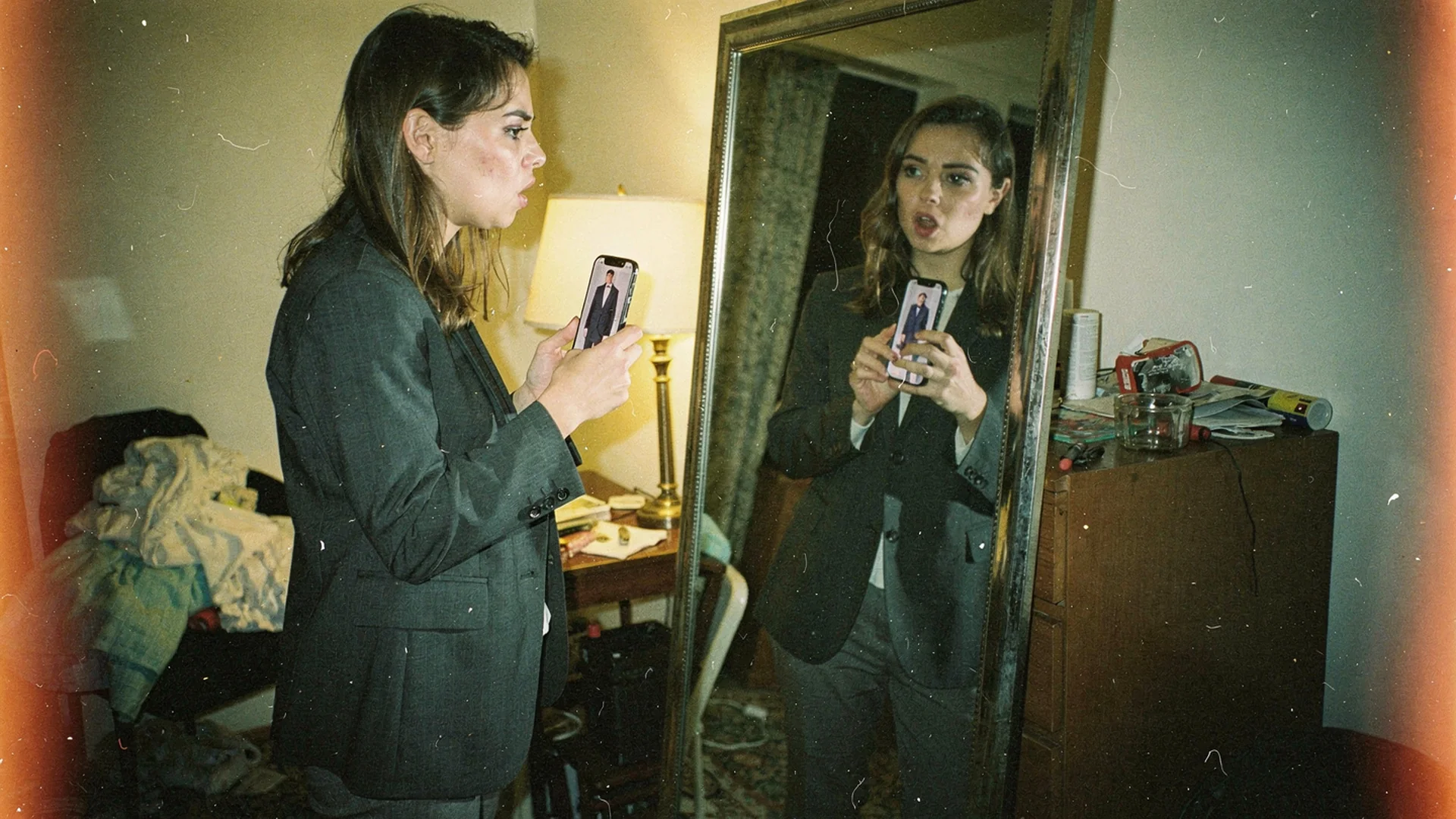
The first-time visitor hands you nothing except her attention, and sometimes a photo. Editorial hero shot in Classic Antla disposable-camera style.
The cold-traffic blind spot
Personalization vendors demo on a returning customer. She has three orders, a wishlist, a click history, and a segment membership. The demo looks great.
Your actual worst-case visitor arrived from a Reel thirty seconds ago, is on an iPhone with tracking prevention on, and will be gone in under a minute. She is not in a segment. She has not consented to anything. Signal-loss trends in browsers keep shrinking whatever passive data you might once have collected on her second visit.
The gap between the demo and that session is where most personalization budget quietly goes. Shopify’s ecommerce optimization guidance points at the same discipline from a different angle: optimize the step where the loss occurs, not the step that is easiest to instrument.
What each personalization layer needs before it works
Every layer has an input requirement, and the requirement determines when the shopper first gets anything personal. Lay them out side by side and the pattern is hard to unsee.
| Personalization layer | Input it needs | First personalized moment | Works on visit one |
|---|---|---|---|
| Product recommendations | Catalog-wide behavior plus this shopper’s clicks | Mid-session at best, usually visit two | Partly, and only generically |
| Recently viewed and welcome-back modules | A prior session stored on the device | Visit two | No |
| CRM and email segments | An identified email plus order history | After signup, sharpened after first order | No |
| Geo and device targeting | IP address and user agent | Immediately | Yes, but it is not personal, it is coarse |
| Preference quizzes | Several answers from the shopper before she sees results | After the questionnaire is complete | Yes, if she completes it |
| Shopper-photo try-on | One photo she already has on her phone | Within the same product page visit | Yes |
Two things fall out of that table. Only three layers do anything on the first visit, and of those, one is geographic guessing and one asks the shopper to fill in a form before the store gives her anything back.
Personalize with an input the shopper already has
The reason a photo works as a personalization input is that it is available immediately and it does not require the store to have observed her before. She uploads it on the product page, the render comes back with the garment on her own body, and the page she is looking at is now specific to her in a way no segment could make it.
The sequencing is different too. History-based personalization gets more specific as a shopper leaves clicks and orders behind. Photo-based personalization can produce an individual result during the first session, so paid traffic does not have to return before the store offers something personal.
Shopper expectation is moving that way as well. Shopify’s virtual shopping research tracks the shift toward interactive evaluation in the browsing session itself, and the Unfolding AI study from Google and Vogue Business records rising consumer appetite for AI-assisted try-on in apparel. Shopify’s AR shopping overview makes the practical case for why visual evaluation tools tend to earn their placement on mobile.
Antla’s merchant data puts the average conversion lift for try-on users at 35% across the fashion brands running it, and stores tracking returns on fit-sensitive lines have watched them fall by up to 30%. Those results come from anonymous sessions as often as from logged-in ones, which is the point. Antla virtual try-on needs a photo, not a profile.
The value exchange is also visible. Ask for a photo at the point of use, explain how it will be processed, and make the preview the immediate return. The shopper should not have to infer why the store wants the input.
Keep the data-driven stack for the jobs it does best
None of this argues for ripping out recommendations. Once a shopper has history, history-based personalization does things a photo cannot.
Cross-sell and complete-the-look logic needs catalog relationships. Replenishment and repeat-purchase timing needs order history. Lifecycle segmentation needs identity. Merchandising the homepage for a returning customer who bought two coats last winter is a job for behavioral data, and it is a good job.
Shopify AI personalization for fashion covers how to assemble that side of the stack. The sequencing argument here is narrower: build the visit-one layer first, because it works on the majority of your sessions, then layer the history-dependent tools on top for the minority who come back.
Measure personalization without a login
Anonymous measurement is where most of these programs get vague. Three habits keep it honest.
Cohort by feature use, not by segment. Compare sessions where the shopper used the personalized experience against sessions where she did not, on the same products in the same window.
Watch the first-visit conversion rate specifically. Blended conversion hides the thing you are trying to move. Split new versus returning and read them separately.
Track assisted paths when identity becomes available. A visitor may preview a coat anonymously, then return after signup and buy it. When consented identity data links those sessions, credit the visit-one interaction instead of assigning everything to the final click.
Add-to-cart rate on new-visitor sessions is the cleanest single number to watch. If it moves and blended conversion does not, you have a checkout problem, not a personalization problem. For the attention half of the same equation, keep customers on site longer covers where fashion sessions leak time before any personalization gets a chance.
Personalization questions, answered
How do you personalize a website for first-time visitors?
Use inputs the shopper can supply in the moment rather than data you were supposed to collect earlier. A photo for virtual try-on, an explicit preference she selects, or a size she enters all work on visit one. Behavioral recommendations and CRM segments cannot, because they require history.
Does website personalization require first-party data?
Not all of it. History-based layers like recommendations, returning-visitor modules, and email segments do. Interaction-based personalization works from something the shopper provides during the session, which means it functions for anonymous traffic and stays workable as browser tracking restrictions tighten.
What is the fastest personalization win for a Shopify fashion store?
Whatever changes the product page for a visitor you know nothing about. For apparel that usually means letting her see the garment on her own body, since silhouette and proportion are the questions model photography leaves open and the ones that stall the add-to-cart decision.
How is this different from a fit quiz or a size recommender?
A quiz collects declared answers and returns a suggestion, which depends on the shopper finishing it and answering accurately. A photo-based preview skips the questionnaire and shows an outcome. The two solve adjacent problems and can run together on the same page.
Read next on personalization
- Shopify fashion growth use cases for how this job connects to the rest of the funnel
- Personalization in fashion email marketing for the same question once you do have an identified shopper
- Mirror-self fit confidence in fashion ecommerce for the research on self-referenced visuals
About the author: Aaron runs Antla, which he started after years of ordering clothes that looked nothing on him like they did on the model. His interest is in what a store can do for a shopper it has never met, which turns out to be more than most stores attempt.
Audit your stack by input requirement this week and count how many layers do anything for a first-time anonymous visitor. If the answer is none, try Antla on Shopify on one collection and read new-visitor add-to-cart rate before and after.