

More Product Photos or Interactive Shopping: How to Decide
Choose more fashion photos or a new shopping experience by listing unanswered questions, costing both tests, then matching that spend to the category this week.

More product photos help when the unanswered question is about the garment: color, construction, drape, or how it moves. A different shopping experience helps when the question is personal: how it looks on this shopper, or how pieces belong together. List the questions your pages leave open, cost a photo test against a preview test, and match the spend to the category.
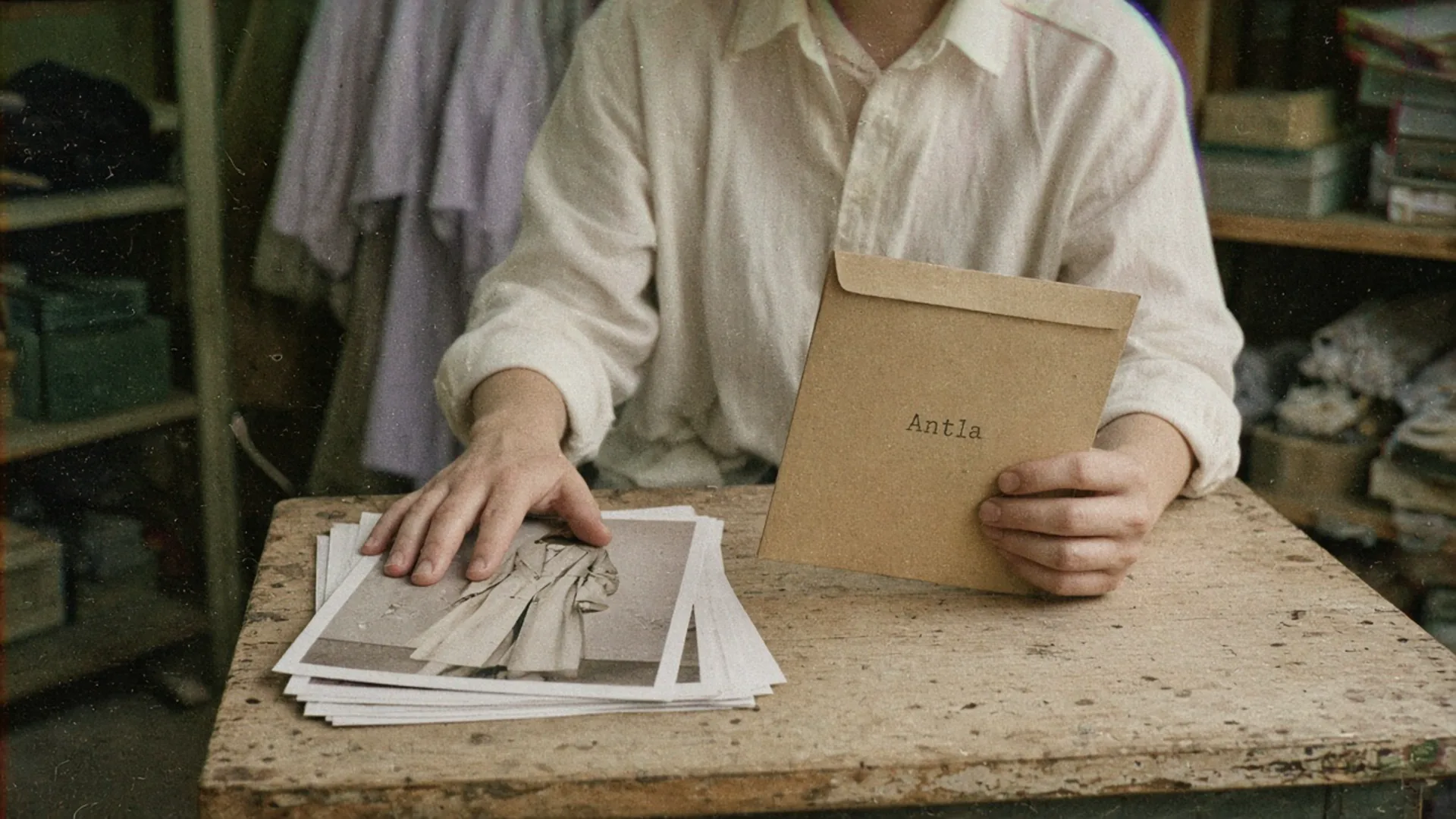
The next shoot should answer a question the last stack left open. Editorial image in Classic Antla disposable-camera style.
A rust wool coat can collect four gallery images, a size-guide open, and no order. Support then asks two different things: “Is it lined?” and “Will it swallow me?” The first is a missing photograph. The second is a question no extra flat lay will settle, because the shopper is asking about their own body in the cloth.
Teams often buy both answers in the same month: a new shoot and a new on-site tool. The month looks busy. The report cannot say which spend moved add to cart. This decision is a merchandising budget, not a debate about whether photography still matters. The companion piece on product photography versus AI virtual try-on sorts what each asset is for. Here the job is which unanswered question deserves the next dollar.
Inventory unanswered questions
Start in the places shoppers already complain, then check whether the page behavior agrees.
Pull the last month of returns and tickets for one product family. Tag each note as garment, size, appearance, outfit, or policy. A garment note names the object: lining, pocket, hem, true color, weight. A size note names a measurement or a fit outcome: tight in the shoulder, long in the rise. An appearance note names the shopper: “I cannot tell if this works on me.” An outfit note names another piece. A policy note names shipping, duty, or the return window.
Then look at the page. Shopify’s product page guide treats media, details, reviews, and purchase information as one set. If the gallery never shows the back, and tickets keep asking about the vent, you do not have an engagement problem. You have a missing frame. The hesitation metrics on a fashion product page are useful here only when you pair them with the question. A long gallery session can mean interest. It can also mean the shopper is hunting for a view you never shot.
Baymard’s apparel research found that 56% of users began on the product page by exploring the images. Their separate guideline is to show apparel on a human model, including an unstyled on-model shot, so scale is visible without a styled campaign doing all the talking. If your gallery is flats plus one campaign crop, the inventory is already telling you to shoot before you buy a new interaction.
| Unanswered question | Where it shows up | A new photo can answer it | A personal preview can answer it |
|---|---|---|---|
| True color, lining, closure, hem | Tickets, zoom events, returns tagged “not as pictured” | Yes, if the frame shows that detail | No |
| How the cloth moves | ”Does it cling?” tickets, static gallery | A short clip or a walking frame | Only as a still on the shopper’s photo |
| Which size to order | Size-guide opens, size exchanges | No. Measurements and fit notes do | No. Appearance is not a size |
| Will this look like me? | Long sessions, few adds, “not my style” returns | A model helps a little | Yes, on the shopper’s own photo |
| Will it work with what I own? | Multi-product browsing, then exit | Styled outfits, if the pieces are yours | Only if the preview is of a chosen piece |
Read a row before you fund it. Measuring the conversion cost of sizing uncertainty is the right next page when the tags are mostly size. More angles will make the garment clearer and leave the size question where it was.
Compare photo and preview tests
Run one change. A new gallery and a new tool in the same week will share the credit and teach you nothing.
A photo test adds the missing frame to one family: the back of the coat, the lining, or a walking shot. Keep price, shipping, and the rest of the page still. Compare add-to-cart rate among sessions that viewed those products. The comparison group is viewers of the updated gallery against viewers of the previous gallery, same family, same device mix, equal weeks. If you can split the template, that is cleaner than before and after. If you cannot, write down every other launch that week so you do not pretend the photos did work a sale also did.
A preview test is a different offer. Show a personal preview entry to a random half of visitors and withhold it from the other half. The fair comparison group is everyone who was offered the entry against everyone who was not, including people who ignored it. Shoppers who choose to upload a photo are already more engaged. Comparing only users with non-users flatters the tool.
The preview has a narrow job. It shows how the garment might look on the shopper’s photo. It does not measure the body, and it does not choose a size. Keep the size guide beside it. If the test is meant to cut “too small” returns, you are testing the wrong instrument.
Antla is one way to run that preview on a Shopify product page: the shopper uploads a photo and sees the piece on themselves. On stores using it, shoppers who try on convert 35% higher on average than shoppers on the same stores who do not try on (Antla merchant reporting, cohort dates not published). That gap is an association. It is not a causal lift you can paste onto your coat, and it says nothing about people who never saw the button.
Judge the test on contribution, not on a prettier gallery. The worksheet in selling more with the same ads budget is the margin check: an extra order that returns still failed.
Evaluate merchandising cost
Price the question, not the vendor category. A shoot and a preview tool can both be cheap or both be waste, depending on what you are trying to learn.
Use your own invoices. The figures below are a blank method with one invented row so the arithmetic is visible. They are not industry rates.
| Cost | What to enter | Invented coat example, not a benchmark |
|---|---|---|
| Shoot, model, studio, retouch for the missing frames | Your invoice, spread across the SKUs that will use the frames | $1,800 across 6 colorways |
| Theme and QA time | Hours times your loaded rate | $400 |
| Preview tool for the test window | Plan fee for the weeks the test runs | $150 |
| Support and returns handling if the real question is size | Tickets and return shipping you still expect | unchanged by photos |
| Expected extra contribution | Extra orders times contribution after returns | fill after the test |
A photo set is a fixed cost you can reuse until the garment changes. A preview tool is closer to a weekly cost, and it only earns that cost on products where appearance is the blocker. If the invented coat row is wrong for you, good. Replace every number. The structure is the point: spread the shoot across the colorways that share it, and do not charge the preview tool for a size problem it cannot touch.
Two cheaper moves belong in the cost column before either project:
- Reshoot nothing, and reorder the frames you already have so the lining is image two, not image nine.
- Put garment measurements in the description you already pay to host. Fashion product pages that convert before ads covers that media order.
If those two do not touch the tagged question, then spend.
Match solution to category
Categories do not deserve the same stack. A white tee with a known block and a first-time occasion dress are different decisions, even when they share a theme.
| Category | Usual open question | Fund this first | Leave this for later |
|---|---|---|---|
| Reorder basics, repeat colorways | Color accuracy, fabric weight | One detail frame and a swatch note | Another full campaign shoot |
| Denim, trousers, tailored jackets | Rise, thigh, shoulder, length | Measurements, fit notes, back and side frames | A preview sold as a size tool |
| Dresses, outerwear, new silhouettes | ”On me”, coverage, proportion | On-model scale, then a preview test | More flats of the same angle |
| Sets and layered looks | Which pieces are included | A shot that names every piece, each one shoppable | A quiz that hides the clothes |
The category guide on which fashion categories need virtual try-on is about where a preview earns its place. Use it after the inventory, not instead of it. A category can be “visual” and still be losing sales to a missing size chart.
What this choice will not fix
- A product people decline after they understand it. Clearer photos speed the no.
- A policy surprise at checkout. Neither a lining shot nor a preview shows the shipping price.
- A test that changes photos, price, and the tool together. You will have a better month and no owner.
- A preview treated as fit advice. Shoppers who order the wrong size because a picture looked flattering will come back as returns with a new story.
Decide on one family this week
Pick the product family with the most tickets. Tag twenty notes into garment, size, appearance, outfit, or policy. If garment wins, book the missing frame and change nothing else. If size wins, fix measurements. If appearance wins, offer a preview to half of visitors and keep the size guide in both halves.
Write the comparison group on the brief before anyone pulls a chart. Updated gallery versus old gallery, or offered versus not offered. Then let the contribution number, after returns, choose the next spend.
About the author: Aaron still budgets the next shoot against the questions the last one left open.