

Virtual Try-On Vendor Demo Checklist
Run a fashion try-on vendor demo with your category examples, latency and failures, analytics definitions, and data terms, not a polished slideshow of heroes.

In a virtual try-on demo, ask for your category on your photos, inspect latency and failure, review analytics definitions, and leave with data terms in writing. A slideshow of other brands’ heroes is not a demo. If they cannot run your worst SKU live, they have not demoed.
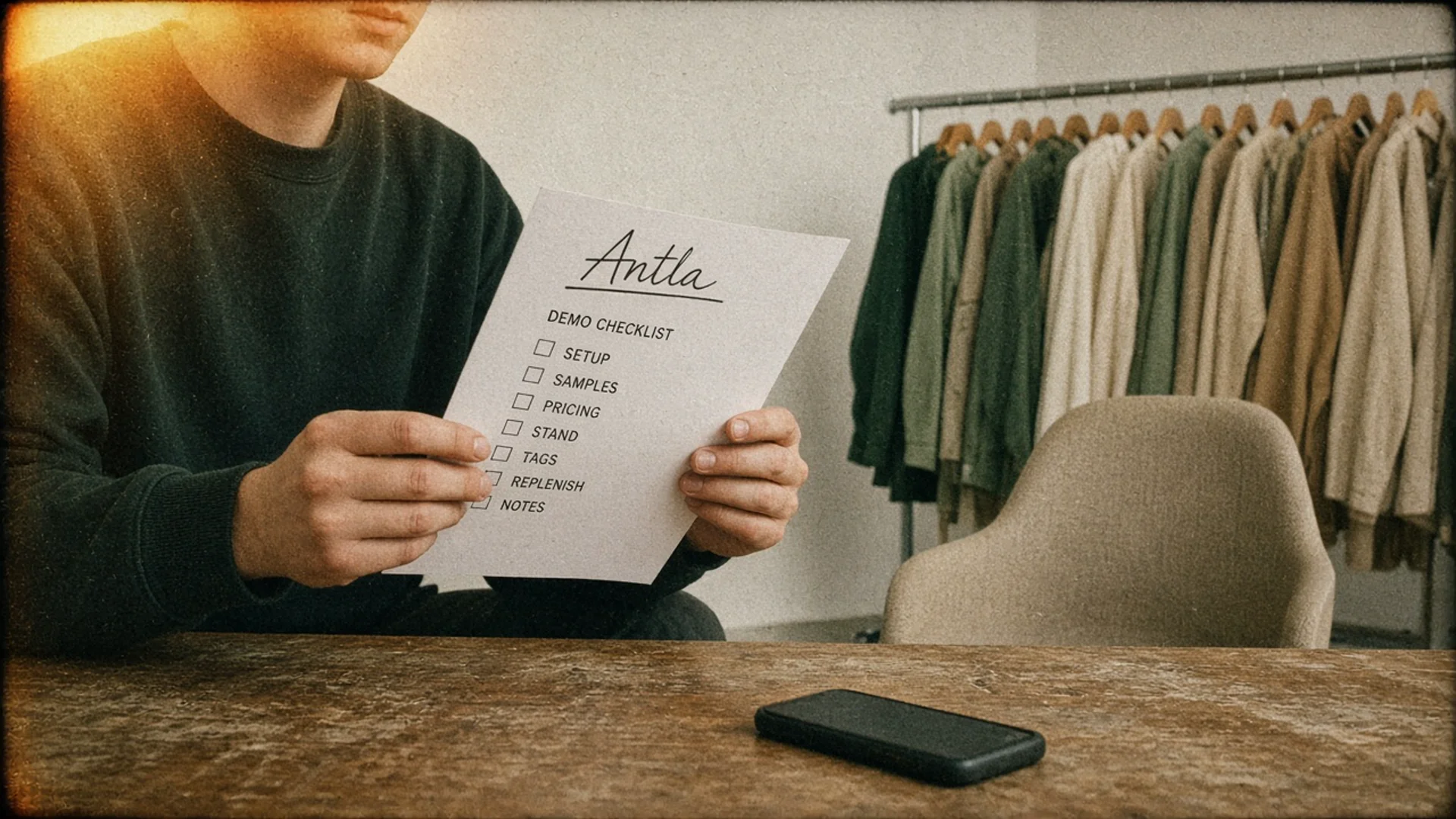
Empty chair, full rack, one list. Editorial image in Classic Antla disposable-camera style.
Chooser pages score products in the abstract. This page is the live hour. Use it next to how to choose a Shopify fashion try-on app and the install notes in add virtual try-on on Shopify. Do not skip the hour because a comparison table already exists.
Bring a second person who will not talk. Their job is to time results, note failures, and write event names. The person who booked the meeting will get pulled into rapport. Someone has to keep the list.
Refuse a “quick intro” that eats 15 minutes. You already read the site. The files you sent are the intro.
Request category examples
Send files 24 hours ahead. If they will not accept your files, the demo is a commercial.
Minimum pack:
- Three SKUs in your actual fabric (not a white tee if you sell satin)
- Front, and if you have it, a shopper selfie they did not curate
- One color variant pair
- One known failure (print, transparency, or white garment)
In the meeting, they run those files first. Their hero lookbook goes last, if at all.
Ask them to switch SKU inside the same session, the way a shopper would. Watch whether the body stays and the garment updates, or whether the whole flow restarts.
If they say the model only works on “fashion photography,” translate: it may not survive user photos. Your PDP traffic is user photos.
Inspect latency and failure cases
Time the first result on a phone hotspot, not on office wifi. Say the number out loud.
Then break it:
- Upload a blurry photo
- Upload a crop with no legs on a dress
- Cancel mid-upload
- Switch apps and come back
- Use an Android device if the sales laptop is a Mac
Ask what the shopper sees on each failure. “Error” is not a design. A retry with a reason (“we need more of the garment in frame”) is a design.
Ask what you, the merchant, see. Is there a SKU-level failure rate, or only a global uptime badge?
Latency budgets belong in try-on technology conversations, but the demo is where you learn whether this vendor’s number is real.
Review analytics and integrations
Write their event names on a page as they speak. If two people from the vendor disagree on what “a try-on” is, you do not have analytics.
Demand definitions:
| Phrase they use | Force a definition |
|---|---|
| Adoption | Starts / eligible sessions? Or results / sessions? |
| Conversion | Try-on-user CR, or store-wide, or assisted? |
| Engagement | Time in modal, or page time, or extra sessions? |
| Returns impact | Holdout, or before/after, or try-on-user returns? |
If they quote a try-on-user conversion percentage, ask for denominator and comparison group. Across Antla merchants, try-on users convert at 3.8% across 500,000+ try-ons. That figure is try-on users only. It is not the conversion rate of the whole store. Antla merchant reporting, cohort dates not published. Anyone else’s similar percentage needs the same footnotes.
Integrations to walk: Shopify app block, pixel or web pixel, Klaviyo or your ESP, and whether uninstall cleans theme assets. Theme compatibility is the overnight test after the call.
Ask who owns the Shopify app listing. A white-label reseller can vanish while the engineers sit somewhere else.
Clarify data terms
Leave with answers in email, not in the Zoom chat.
- Photo retention period. For Antla, the privacy policy states: Images are deleted and not accessible within 72 hours. Other vendors need their own sentence in writing.
- Deletion SLA on shopper request
- Training on your photos: yes or no
- Region of processing
- Subprocessors
- Who at the vendor can view images
- What export you get if you leave
If legal has a DPA template, send it the same day. A vendor that cannot sign a DPA is not a maybe.
Antla should get this same hour. Do not give the home team a softer demo than a competitor. Appearance preview on a PDP is the product. Data terms are part of the product.
After the call, send a recap the same afternoon: SKUs run, times recorded, event names they used, open data questions. If their recap disagrees with yours, you learned something about analytics definitions before you signed.
Do not accept a follow-up “custom sample on your catalog next week” as a substitute for the live hour. Next week is how weak output gets replaced with a retouched still. If they need more time to run your files, they can do it before the meeting, not after.
A 45-minute agenda that stays on the rails:
- Minutes 0-5: confirm the files they received
- Minutes 5-20: live runs, including the failure photo
- Minutes 20-30: latency on a phone, retry copy
- Minutes 30-40: analytics names and Shopify block
- Minutes 40-45: data terms and who to email
If they cannot follow that agenda, they cannot follow a merchant QA process either.
Red flags that end the meeting early: they will not run a failure photo; they will not say where photos are stored; they call try-on-user conversion the store conversion rate; they need your credit card before staging; they cannot name a support SLA in hours. Any one of those is enough to stop. You can always reschedule if they fix the gap. You should not “see how it goes” in production.
Take screenshots of the live result on your SKU, with timestamp. Memory is generous. Vendors will send a cleaned still after. Your screenshot is the artifact.
Assign a numeric score before you leave the room, even a crude 1-5 on output, speed, analytics, and terms. Waiting until “we debrief next week” is how the nicer salesperson wins. Compare those four numbers to the other vendor the same afternoon.
If two vendors both pass this hour, the differentiator is uninstall and data export, not a slightly nicer hem on a hero dress.
Limits
- A good demo can still fail on your theme. Staging is required.
- Sales engineers are better than production. Ask who supports you after go-live.
- You cannot evaluate accessibility or performance in a screen share. That is homework.
For a scored comparison after two demos, use the best virtual try-on for Shopify fashion page as context, not as a substitute for the files you sent.
Next action
Send the SKU pack. Book 45 minutes. Print this checklist. Refuse to spend the first 20 minutes on a category overview you can read on their site. If they reschedule because the files were not loaded, that delay is data. A vendor that cannot prep your catalog will not prep a launch.
About the author: Aaron is the founder of Antla and spends an unreasonable share of his week reading fashion product pages on a phone.