

Jewelry Try-On for Instagram and Email Campaigns on Shopify
Market jewelry virtual try-on on Instagram and email for Shopify: campaign hooks, creative, Accessories CTAs, and measuring preview starts from social traffic.

Jewelry marketing on Instagram and email sells aspiration. Shoppers tap because the piece looks luminous on a creator. They bounce when the product page cannot show them in the frame. Virtual try-on closes that gap if campaigns send traffic to PDPs where Accessories funnel is one tap away.
This guide covers campaign hooks, creative formats, landing discipline, and measurement for Shopify jewelry brands using Antla try-on in Instagram Stories, Reels, posts, and email flows.
Return to the virtual try-on for jewelry on Shopify hub for series context.
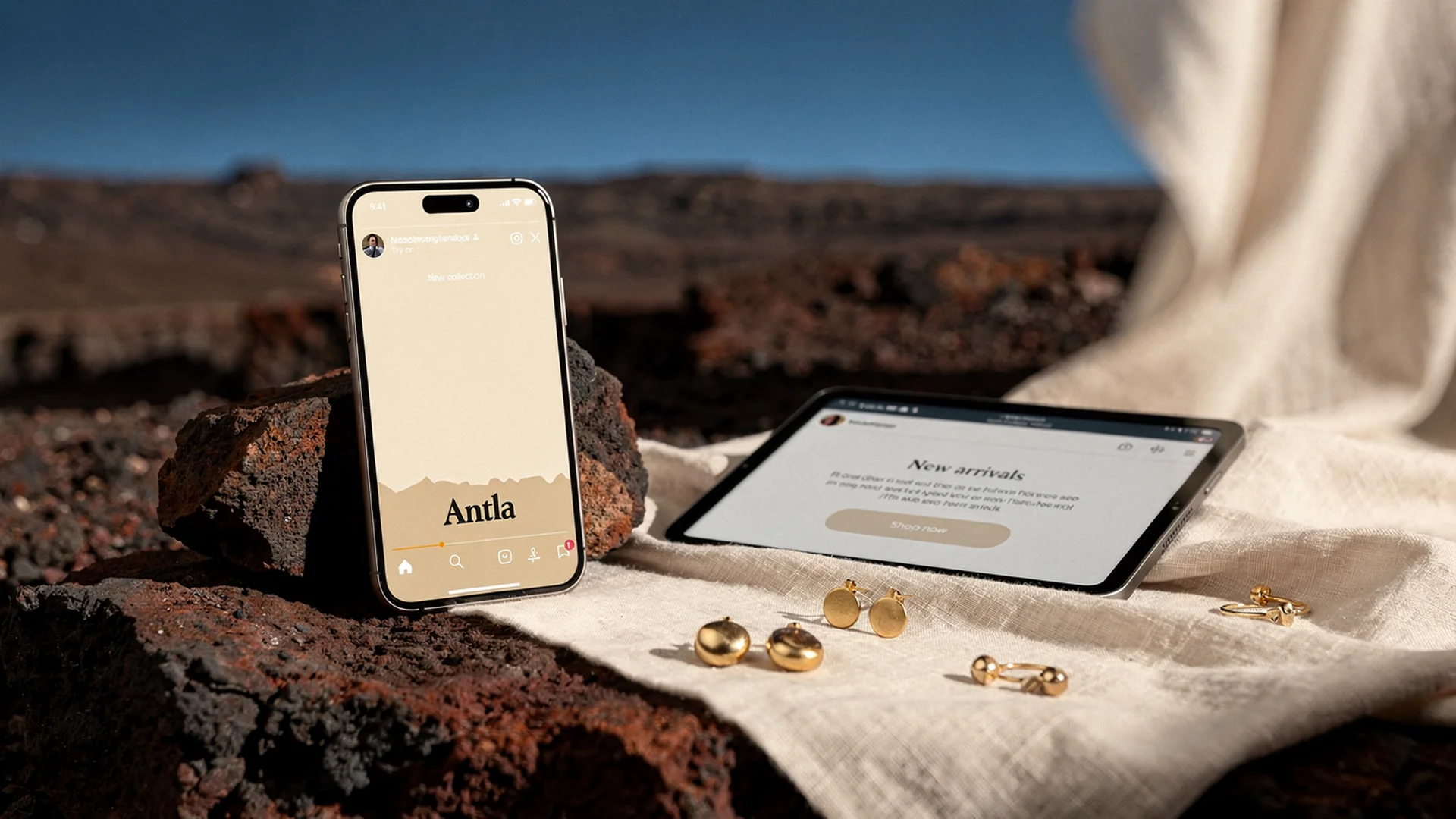
Marketing works when ads promise personal preview and PDPs deliver in one tap on mobile.
The Campaign Promise Must Match The PDP
Broken promises kill ROAS:
- Ad says “see it on you” but PDP hides try-on below three screens
- Email hero shows model only while CTA lands on generic collection
- Story sticker links to homepage without hero SKU context
Rule: Every try-on campaign deep-links to a enabled hero PDP with try-on above fold on mobile.
Setup reference: setup Antla jewelry try-on on Shopify.
Instagram: Stories And Reels Hooks
Stories excel at short CTA loops:
- Open with model or studio clip (2 seconds)
- Cut to screen recording of try-on on a real face or wrist (3 seconds)
- Text overlay: “Tap to preview on you”
- Link sticker to hero PDP
Reels can show before/after upload without exposing private shopper data. Use staff or consenting creators. Show daylight upload tip in caption.
Category-specific hooks:
- Earrings: “Will this hoop fit your everyday vibe?” Link virtual try-on earrings.
- Rings: “See the setting on your hand. Size chart on page.” Link ring preview vs size.
- Necklaces: “Where will this pendant land on you?” Link necklace length guide.
Shopify fashion ecommerce trends note mobile discovery stays dominant for accessories. Design creative for thumb-stopping first frame, not logo slate.
Instagram: Feed And Carousel
Carousels can structure education:
- Slide 1: Hero product beauty shot
- Slide 2: Diagram of hoop diameter or chain length
- Slide 3: Try-on screen recording still
- Slide 4: Social proof review snippet
- Caption CTA to PDP try-on
Avoid carousel slide seven before CTA. Jewelry impulse decays fast.
Email: Flows That Drive Preview Starts
Welcome series: Introduce try-on as brand differentiator on email two, linking one earring hero.
Abandoned browse: “Still thinking about [SKU]? Preview it on you in seconds.”
New drop: Pair studio GIF with try-on CTA while inventory is deep.
Post-purchase: For stack builders, suggest complementary SKU with try-on link (stackable jewelry).
Subject line patterns that work:
- “See this hoop on you before you check out”
- “Your photo. Our [metal] [product type].”
- “Preview tonight’s gift on you”
Avoid subject lines that imply exact fit certification. Visual fit disclaimer belongs in email footer when legal counsel recommends it.
UGC Vs Controlled Try-On Creative
User-generated content builds trust in feed. Accessories funnel delivers controlled, repeatable preview at purchase time. Use both:
- UGC for community and comments
- Try-on screen recordings for performance ads where you need consistent CTA
Do not repost shopper upload photos without rights. Show your own demo uploads in ads.
Paid Social Targeting Discipline
Start with:
- Retargeting site visitors who viewed hero PDP without purchase
- Lookalikes from purchasers of try-on enabled SKUs once volume exists
- Broad testing only after mobile PDP QA passes
Measure preview start rate from UTM-tagged sessions, not only CTR. High CTR with low preview starts means landing page placement failure.
Merchants often see two to three times longer PDP sessions from social traffic that engages preview. Engagement without preview means creative outran PDP readiness.
Email Measurement
Tag links with UTM parameters:
- utm_source=newsletter
- utm_medium=email
- utm_campaign=tryon_hoop_hero
In weekly reviews compare:
- Sessions to hero PDP from email
- Preview start rate vs organic
- Conversion: preview vs non-preview from email cohort
Connect to jewelry try-on data and merchandising for feed cross-check.
Seasonal Campaign Calendar
| Window | Campaign angle | Try-on tie-in |
|---|---|---|
| Valentine’s | Gift guilt reduction | Ring and pendant heroes with size chart copy |
| Mother’s Day | Daughter self-preview gift | Necklace length preview |
| Holiday | Party earrings | Hoop scale on face photo |
| Summer | Skin tone and metal warmth | Gold vs silver preview split test |
Gift buyers preview for recipients when copy says “send a screenshot to someone who loves you.” Useful for higher AOV gifts without claiming recipient size accuracy on rings.
Copy And Compliance
High-performing ad copy:
- “Preview on your photo in seconds”
- “Visual preview. Confirm ring size with our chart.”
Avoid:
- “Guaranteed to look exactly like video”
- “AI replaces in-store try-on” in regulated markets without review
Link Accessories funnel explained in owned blog content from email footers for SEO and education.
Creative Production Workflow
- Enable try-on on hero SKU
- Record 9:16 screen capture on two phone types
- Export stills for email hero
- Write PDP placement QA checklist
- Launch email to 10% list, then full send
- Scale Instagram spend after preview start rate stable
When Not To Lead With Try-On In Ads
- Hero SKU photography not aligned for AI yet
- Ring size chart missing on PDP
- Try-on generation slower than ad promises
- Inventory below one week on hyped drop
Fix operations before burning trust.
Conversion And Returns Context
Preview cohorts from social often convert roughly 35% higher than non-preview on the same SKU when landing discipline holds. Returns tied to look mismatch can fall up to 30% when ads set honest visual expectations.
Returns guide: jewelry returns and virtual try-on.
Influencer And Affiliate Handoffs
When influencers link to your store, provide a one-page brief:
- Deep link to try-on enabled hero PDP
- Screenshot of where try-on sits on mobile
- Approved language: “preview on your photo” not “guaranteed fit”
- Ring heroes: remind audience size chart is required
Affiliates who send traffic to collection pages without try-on enabled waste the differentiator you installed. Update partner links quarterly when hero assortment shifts.
Testing Creative Before Scaling Spend
Run a simple gate before raising Instagram budget:
- Record preview start rate for 500 sessions from Story link
- If below 5% on enabled PDP, fix placement before creative refresh
- If above 10%, test two hooks (scale vs skin tone) for seven days
- Scale the hook with higher preview completion rate
This gate prevents blaming Antla when the ad promised preview and the landing page buried it.
Fashion marketing bridges:
Frequently Asked Questions
Should jewelry Instagram ads promote virtual try-on?
Yes when ads deep-link to hero PDPs with mobile try-on above fold. Match ad promise to PDP placement or ROAS will suffer despite strong creative.
What email campaigns work best for jewelry try-on?
Abandoned browse, new drops, and welcome series emails that link one enabled hero SKU outperform generic collection links for preview start rate.
Can I use try-on screen recordings in Reels?
Yes with consenting subjects or staff demos. Show upload and result without exposing real customer photos without permission.
How do I measure try-on marketing performance?
Track preview start rate and preview cohort conversion from UTM-tagged Instagram and email traffic, not click-through alone.
Continue In Cluster 10
- Jewelry PDP conversion with virtual try-on
- Jewelry try-on rollout plan
- Virtual try-on jewelry Shopify hub
About the author: Aaron is the founder of Antla. After years of frustrating returns and jewelry that never looked right on product pages, he built Antla Accessories so shoppers can preview earrings, rings, and bracelets on themselves before checkout on Shopify.
Send traffic to preview-ready PDPs. Install Antla, enable heroes, and follow setup guide before you spend on ads.