

Jewelry PDP Conversion: Scale, Skin Tone, and Virtual Try-On on Shopify
Improve jewelry PDP conversion on Shopify with virtual try-on: scale, skin tone, mobile placement, Antla Accessories, and cohort testing for earrings and rings.

Jewelry product pages fail conversion for reasons fashion merchants underestimate. Shoppers are not only asking “Do I like this design?” They ask Will this hoop disappear on my ear? Will this metal wash me out? Will this pendant sit where I expect on my chest? Those questions are scale and skin tone questions. They are PDP questions.
Virtual try-on on the shopper’s own photo answers them at the moment of highest intent. This guide covers how to structure jewelry PDPs for conversion using Antla Accessories funnel, without treating preview as a decorative widget.
Anchor to the virtual try-on for jewelry on Shopify hub and Accessories funnel explained.
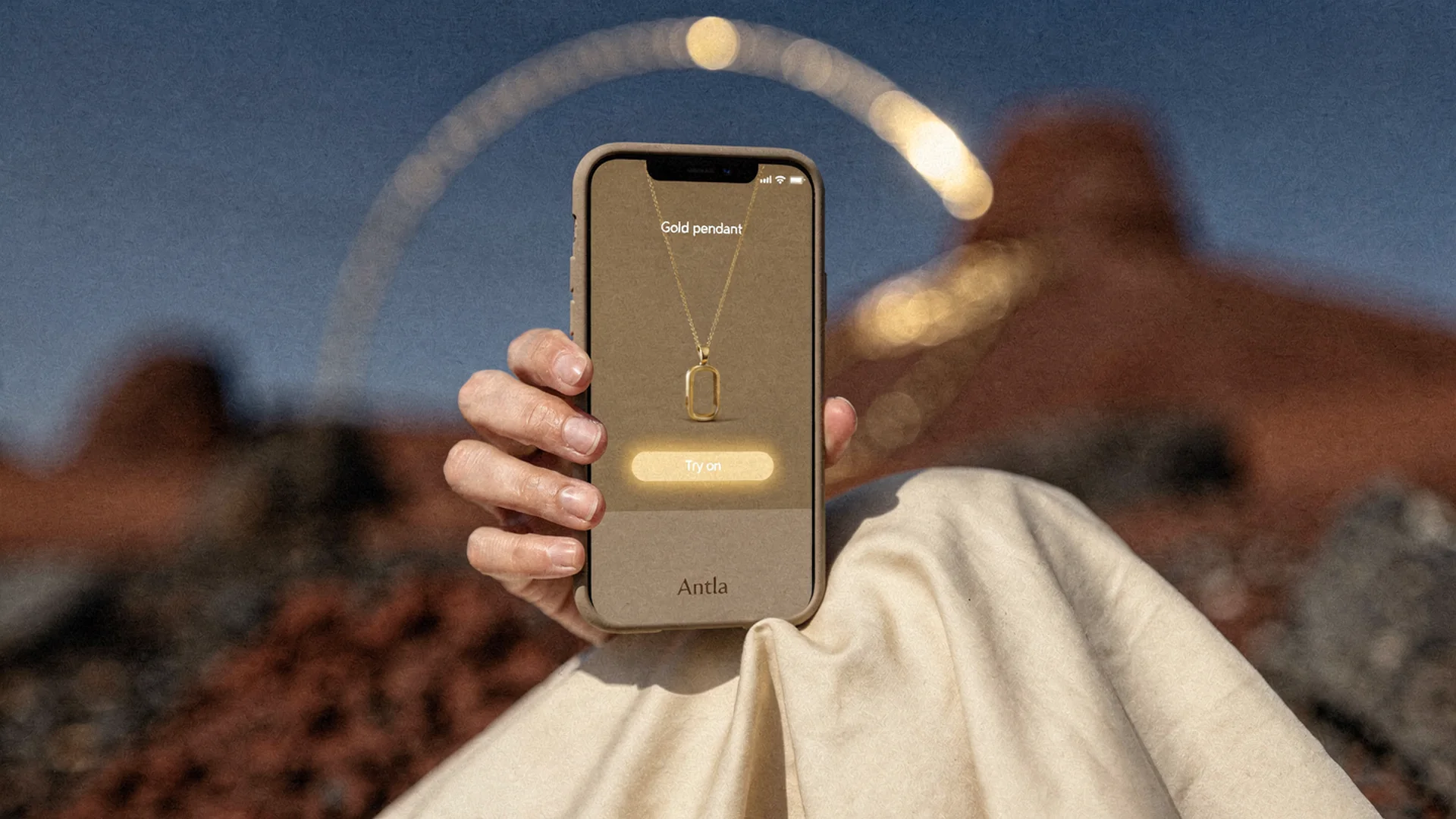
Conversion lifts when scale and skin tone read on the shopper’s photo, not only on a professional model.
Why Jewelry PDPs Convert Differently Than Apparel
Apparel PDPs lean on size grids and fit reviews. Jewelry PDPs lean on macro photography that hides scale and model photography that hides skin tone interaction.
Common conversion killers:
- Hoop diameter shown without ear reference
- Pendant shot cropped so drop length is ambiguous
- Ring macro that makes every stone look oversized
- Metal labeled “gold tone” without warm or cool context
- Buy box below three screens of brand story on mobile
Baymard product page research on apparel and accessories applies here: clarity beats decoration. Shoppers abandon when they cannot parse size, material, and visual outcome in one scroll.
Shopify conversion rate guidance reinforces mobile buy box protection. Jewelry merchants lose orders when try-on lives in a tab shoppers never open.
Scale: The Silent Conversion Blocker
Scale anxiety appears in every category:
| Category | Scale question | PDP fix without try-on | PDP fix with try-on |
|---|---|---|---|
| Studs | Will these read? | Ear model photo | Face photo preview |
| Hoops | Too big or too small? | Diameter in mm | Hoop on shopper ear |
| Rings | Stone too flashy? | Hand model | Shopper hand preview |
| Pendants | Drop too short? | Length diagram | Torso preview |
| Cuffs | Too wide? | Wrist measurement | Wrist preview |
Try-on does not replace millimeter specs. It makes specs believable. Link hoop and stud earring preview and necklace length layering for category depth.
Skin Tone And Metal Warmth
Gold, rose gold, silver, and mixed metals read differently across skin undertones. Photography on one model tone creates systematic doubt for everyone else.
Accessories funnel lets shoppers see metal against their undertone before checkout. That reduces:
- “Looked cheap on me” returns (often warmth mismatch, not quality)
- Abandonment after adding to cart when doubt returns
- Support tickets asking for photos on darker or lighter skin
Merchants report up to 30% lower returns on preview orders when mismatch was visual, not size-related. Conversion among preview users often runs roughly 35% higher than non-preview sessions on the same SKU.
Treat numbers as hypotheses until your cohort proves them.
Mobile-First PDP Architecture For Try-On
Recommended block order on mobile:
- Product title and price
- Primary gallery (2-3 angles max above fold)
- Try-on CTA with one-line disclaimer
- Metal and length selectors
- Size chart link (rings) or chain length (necklaces)
- Add to cart (sticky if theme allows)
- Details, care, reviews below
Weak architecture buries try-on in accordion five. Strong architecture treats preview as part of the buy decision, not a tech demo.
Read Shopify PDP conversion optimization (fashion) for scroll and sticky ATC patterns that transfer to jewelry.
Copy That Converts Without Overpromising
High-converting try-on copy is specific:
- “See this hoop on your ear in seconds”
- “Preview how this pendant sits on you”
- “Visual preview only. Use our ring size chart to order the right fit.”
Low-converting copy overpromises:
- “Perfect fit guaranteed”
- “See exact carat weight on you”
- “Try every piece in our catalog” (when only heroes enabled)
Visual fit disclaimer visible pre-upload builds trust and reduces chargebacks from expectation gaps.
Fos Vs Pro On Conversion-Sensitive SKUs
Fos suits fast iteration when shoppers preview many SKUs in one session (demi-fine lines, gift under $100).
Pro suits when detail drives conversion on higher AOV (pavé bands, intricate earrings). Latency tradeoff is real: test completion rate when you switch models on the same hero SKU.
Document results in your internal rollout notes. Jewelry try-on data and merchandising covers how to act on feed signals.
Social Proof And Try-On Together
Reviews help conversion when they mention scale (“smaller than expected” or “perfect everyday size”). Try-on reduces the need to bracket two sizes at home.
Place review snippets that mention fit near try-on CTA when authentic. Do not fake review language.
Category Playbooks
Earrings: Highest preview start rates often live here. Conversion lifts when inner diameter is in spec table beside preview. Virtual try-on earrings Shopify.
Rings: Conversion requires size chart visibility. Preview alone without sizing tools can increase visual confidence while size returns stay flat. Ring preview vs ring size.
Necklaces: Length selector must sync with preview source image variant. Virtual try-on necklaces Shopify.
Bracelets: Stack merchandising plus preview drives AOV. Stackable jewelry try-on.
Engagement As Leading Indicator
Preview sessions often run two to three times longer than baseline PDP time. That engagement is not vanity if ATC and conversion rise in the same cohort.
Track:
- Preview start rate
- Preview completion rate
- ATC within same session after preview
- Conversion: preview vs non-preview
- Bounce rate on enabled PDPs vs control SKUs without try-on
Product page engagement and conversion quality explains why time-on-page alone misleads without cohort tags.
A/B Testing Without Breaking Trust
Run disciplined tests:
- Week A vs Week B on same hero SKU with stable traffic
- Hold price and shipping constant
- Tag sessions with preview engagement in analytics where possible
- Compare returns at 30 days, not only conversion at 7 days
Avoid running try-on below fold one week and above fold another while simultaneously changing hero photography. You will not know which lever moved.
When Try-On Hurts Conversion
Preview can underperform if:
- Upload fails on common phone cameras
- Generation time exceeds shopper patience
- Disclaimer language feels scary or legalistic without benefit copy
- Product source image misaligns so output looks unrealistic
Fix UX before scaling ads. Setup guide includes QA checklist.
Bridge To Fashion PDP Playbooks
Jewelry merchants benefit from fashion cluster learnings:
Returns economics: jewelry returns and virtual try-on.
Frequently Asked Questions
Does virtual try-on improve jewelry conversion on Shopify?
Merchants often see higher add-to-cart and conversion on preview cohorts when mobile placement is strong and size charts stay visible. Prove hero SKUs with four to eight weeks of tagged analytics.
How does skin tone affect jewelry PDP conversion?
Metal warmth against undertone drives purchase confidence. Preview on the shopper photo reduces mismatch returns and abandonment better than single-model photography alone.
Where should try-on sit on a jewelry PDP?
Directly under the primary gallery on mobile, above metal and length selectors, with sticky add-to-cart preserved.
Should rings use try-on without a size chart?
No. Ring preview shows visual proportion. Conversion and returns improve when size chart and sizer sit beside preview with clear disclaimers.
What engagement lift is typical for jewelry try-on?
Preview sessions often show two to three times longer PDP engagement. Pair engagement metrics with conversion and return cohorts to judge true impact.
Continue In Cluster 10
- Jewelry try-on data and merchandising
- Jewelry photography vs AI try-on
- Virtual try-on jewelry Shopify hub
About the author: Aaron is the founder of Antla. After years of frustrating returns and jewelry that never looked right on product pages, he built Antla Accessories so shoppers can preview earrings, rings, and bracelets on themselves before checkout on Shopify.
Test preview on your top earring SKU. Install Antla and read setup guide while you optimize mobile PDP placement.