

Virtual Try-On for Necklaces on Shopify (2026 Guide)
Virtual try-on for necklaces on Shopify: pendant scale, length placement on neckline, Antla Accessories funnel tips, and returns reduction for merchants.

Necklace shoppers buy length twice. Once in inches or centimeters on the spec line. Once visually against their neckline, collarbone, and outfit context. When those two purchases disagree, returns cite “too short,” “hangs wrong,” or “pendant smaller than expected.”
Virtual try-on for necklaces on Shopify bridges spec and mirror. Antla Accessories funnel renders chains, pendants, and layered sets on the shopper’s uploaded photo so they judge placement before checkout. Preview shows look and scale on the neck. It does not replace clasp type, metal weight, or exact inch measurements in your table.
This guide is for Shopify merchants selling pendants, chains, lariats, pearls, and name necklaces who want fewer look-related returns and clearer PDP conversion.
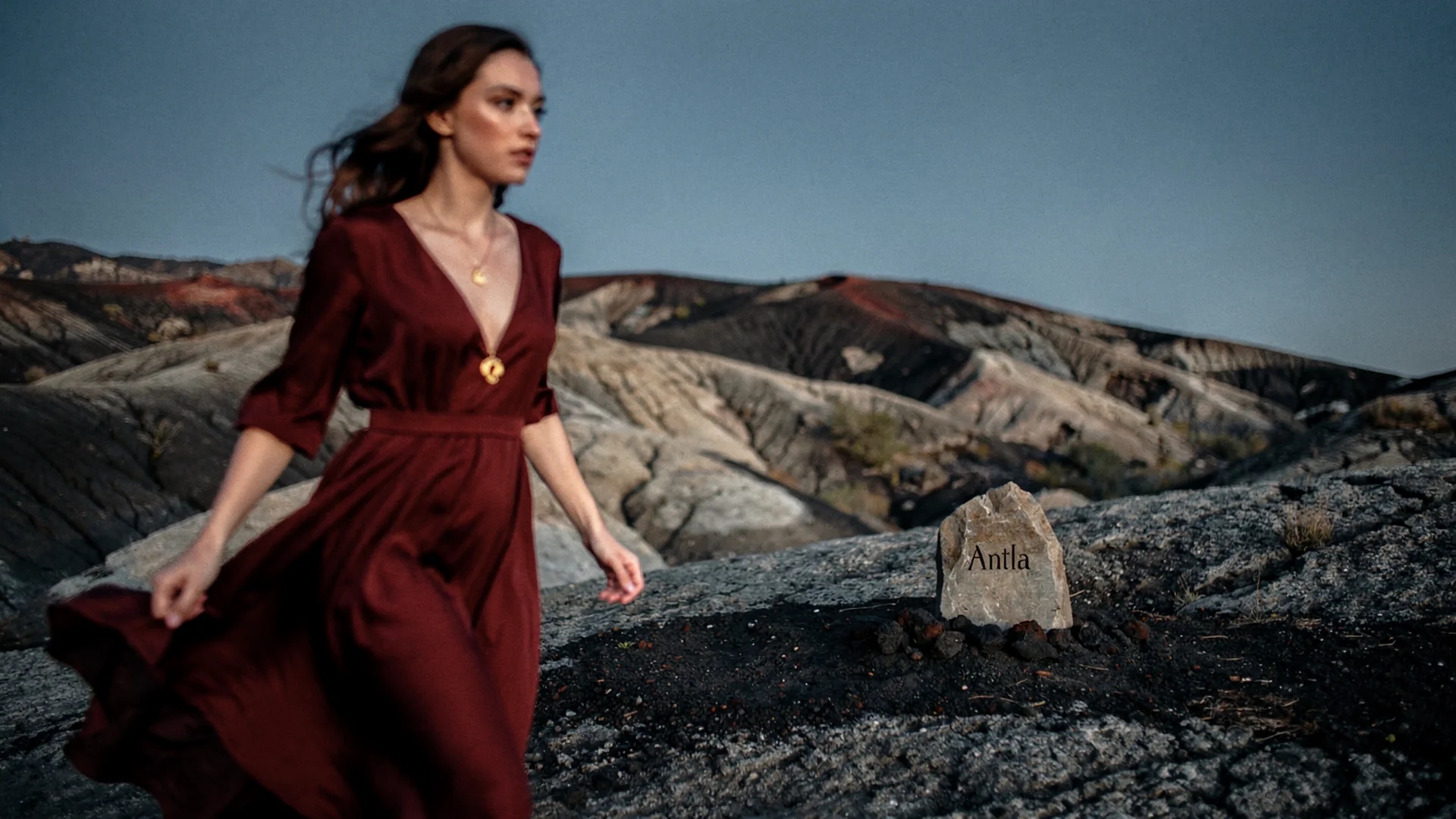
Necklace conversion improves when shoppers see pendant scale and length on their own neckline, not only inches in a bullet list.
Why Necklace PDPs Need Neck Context
Necklines change everything. The same 18-inch chain sits differently over a crew neck, a V-neck, or bare skin. Pendant scale interacts with chest geometry and skin tone. Studio models with long necks and professional styling skew shopper expectations.
Hesitation patterns:
- Length mismatch: Choker vs princess vs matinee confusion
- Pendant scale: Charm looks tiny or massive on arrival
- Layering fear: Will this conflict with existing pieces?
- Occasion fit: Too delicate or too bold for intended use
Shopify fashion ecommerce guidance emphasizes rich PDP media for considered purchases. Necklaces benefit from personal context beyond flat lay photos.
Disclaimer: Virtual try-on shows look, scale, and placement on the shopper’s photo. Chain length specs and clasp details remain in product data.
Antla Accessories Funnel For Necklaces And Pendants
Necklace try-on requires neck line detection, pendant drop positioning, and believable chain drape at thumbnail scale. Accessories funnel maps SKU assets onto uploaded portraits or upper-body photos.
Typical flow:
- Shopper opens necklace PDP
- Reads length in inches and views studio gallery
- Uploads photo via try-on
- Sees pendant placement relative to collarbone
- Adds to cart with clearer expectations
Install Antla on Shopify. Hub evaluation: virtual try-on for jewelry on Shopify.
Length-specific depth lives in necklace length and layering virtual try-on.
Vendor Requirements For Necklace Try-On
Must-have:
- Portrait-friendly upload on mobile
- Pendant and chain variant mapping
- Clear length specs adjacent to try-on
- Cohort reporting
Red flags:
- Earring-only tools repurposed without neck placement
- One chain length render for all variants
- No privacy copy on photo upload
App evaluation bridges: best virtual try-on for Shopify fashion and AI virtual try-on in ecommerce.
Hero SKU Selection
Prioritize necklaces with:
- Multiple length variants shoppers confuse
- Large pendant face with scale-sensitive returns
- Personalization where placement matters
- High gift traffic with buyer uncertainty
Export return reasons. Tag length vs pendant scale separately when possible.
PDP Copy And Structure
Invite examples:
- “See this length on your neckline before you order.”
- “Preview pendant scale on your photo. Check exact inches below.”
Show inch/cm table directly under try-on. Link to layering guide for multi-chain shoppers.
Shopify PDP conversion optimization applies to jewelry layout decisions.
Metrics Necklace Merchants See
Antla jewelry cohorts commonly report:
- ~35% higher conversion among try-on users vs non-users
- 2-3x longer PDP engagement during evaluation
- Up to 30% return reduction when look/length expectation was the gap
Validate on your hero SKUs before storewide rollout.
Returns playbook: virtual try-on reduces returns before checkout and jewelry returns and virtual try-on.
Subcategory Notes
Pendants and solitaire drops: Scale vs neckline is primary.
Pearl strands: Length naming confusion is common. Pair try-on with named length education.
Name and letter necklaces: Personalization plus scale. Preview reduces gift buyer regret.
Lariats and Y-necks: Drop point variability benefits strongly from preview.
Men’s chains: Thickness perception drives returns. Preview helps chain width judgment.
Cross-Category Links
Earring and necklace sets should cross-link virtual try-on for earrings and stackable jewelry virtual try-on when merchandised together.
Photography layer: jewelry photography vs AI try-on.
Marketing Angles
- Gift campaigns: “Preview on your photo” with consent-forward messaging
- Email abandon flows with try-on deep links
- Influencer briefs emphasizing personal preview over generic model shots
Business of Fashion technology coverage tracks experiential retail tools migrating online.
Common Mistakes
Listing only model neck photos. Diversity plus try-on beats model-only.
Variant length without render updates. Breaks trust.
Ignoring men’s chain thickness. Spec millimeters alone fail often.
Storewide launch without mobile QA.
Implementation Timeline
Week 1: hero SKU pick and return audit. Week 2: Antla configure and variant map. Week 3: copy and chart placement. Week 4: cohort review. Expand using jewelry try-on rollout plan.
Gift Buyers And Necklace Length Uncertainty
Gift purchasers cannot try physically on recipients. They rely on photos, reviews, and hope. Try-on on the buyer’s photo still helps when styling references match the recipient, and it helps self-gifters confidently choose length before checkout.
Merchants should add gift-oriented copy: “Upload a photo with a similar neckline to theirs” without claiming exact recipient simulation. Pair with easy exchange policies on length variants to reduce final purchase fear.
Clasp And Weight Specs Beside Preview
Preview does not communicate spring ring durability or heavy pendant pull on delicate chains. Keep clasp type, chain gauge, and weight notes visible next to try-on results so shoppers do not confuse visual placement with structural comfort.
Google product structured data guidance keeps variant and offer data accurate under enhanced PDP media.
Pearl And Chain Necklaces
Pearl strands introduce uniform bead scale questions that macro photos partially solve. Try-on helps shoppers see how strand length sits against collarbone and chest in their own posture, which reduces “hangs like a choker” surprises on princess lengths ordered online.
Merchants selling graduated pearls should note that preview reflects selected SKU length variant, not custom restring requests unless those variants exist in Shopify.
Frequently Asked Questions
What does necklace virtual try-on show?
It renders the chain and pendant on your uploaded photo so you can judge length placement and pendant scale on your neckline. Exact inch specs still appear in the product details.
Can try-on show layered necklaces?
Single SKU preview is primary. For layering strategy, see our necklace length and layering guide and stackable jewelry try-on spoke.
Which necklaces should get try-on first?
Start with length-variant SKUs and pendants with scale-related returns. Measure try-on cohorts before expanding to simple chains.
Does necklace try-on replace length charts?
No. Preview complements inch or centimeter specs. Shoppers need both visual placement and numeric length for confident orders.
Where To Go Next
- Necklace length and layering try-on
- Jewelry virtual try-on hub
- Virtual try-on for earrings
- Setup Antla jewelry try-on
- Antla virtual try-on features
About the author: Aaron is the founder of Antla. After years of frustrating returns and jewelry that never looked right on product pages, he built Antla Accessories so shoppers can preview earrings, rings, and bracelets on themselves before checkout on Shopify.
Necklace length drives returns? Install Antla on Shopify and read necklace length and layering try-on for choker to princess guides.