

Stackable Jewelry Virtual Try-On on Shopify (Wrist Guide)
Stackable jewelry virtual try-on on Shopify: wrist and ring stacks, Antla Accessories funnel merchandising, and tactics to reduce bracketing returns on jewelry.

Stackable jewelry is a merchandising strategy and a returns trap. Merchants love stacks for average order value. Shoppers love the aesthetic until three rings or four bangles arrive and one piece dominates, clashes metallically, or disappears visually. Without preview, stacks encourage bracketing: order multiple pieces, keep one combination, return the rest.
Virtual try-on for stackable jewelry on Shopify reduces that tax. Antla Accessories funnel lets shoppers preview individual pieces and plan stacks on their hand, wrist, or neckline using uploaded photos before checkout. Preview shows look, scale, and placement. Ring sizing charts and bracelet diameter specs still apply per SKU.
This guide focuses wrist and hand stacks with bridges to neck and ear stacks across cluster 10.
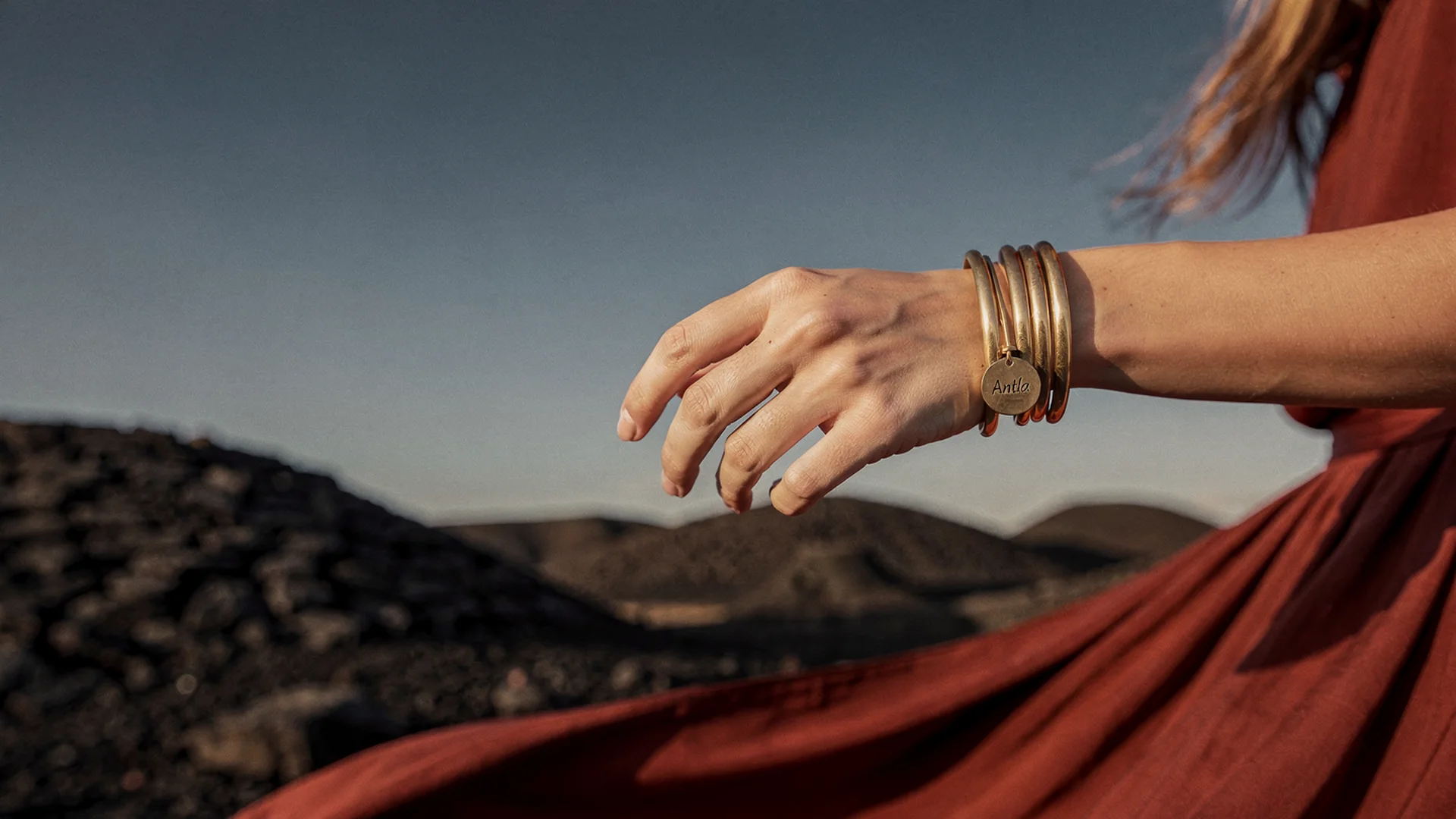
Stack merchandising converts when shoppers preview density and metal mix on their own wrist, not only in styled flat lays.
Why Stacks Need Preview More Than Single SKUs
Single SKU hesitation is binary: keep or return. Stack hesitation is combinatorial. Shoppers evaluate pairwise interactions:
- Does band B hide stone A?
- Do two gold tones clash on my skin?
- Is wrist density too loud for office with watch?
- Does neck stack collide at pendant height?
Bracketing multiplies return shipping and restocking touches. Try-on lowers bracketing by letting shoppers eliminate bad combinations virtually.
Hub: virtual try-on for jewelry on Shopify.
Disclaimer: Virtual try-on shows look, scale, and placement on your photo. Ring sizing still needs size charts where applicable.
Antla Accessories Funnel Across Stack Categories
Ring stacks: Preview each band on hand. See virtual try-on for rings and ring preview vs ring size.
Bracelet and bangle stacks: Preview wrist density. See virtual try-on for bracelets.
Neck layers: Preview length separation. See necklace length and layering.
Ear stacks: Preview stud plus hoop balance. See virtual try-on for earrings and hoop vs stud preview.
Install via Antla on Shopify. Configure per SKU, not only bundle pages.
Merchandising Stack Collections
Curated trios: Three SKUs chosen to separate visually. Link try-on on each PDP.
Build-your-stack: Collection page education plus sequential preview on each product.
Gift sets: Buyer uncertainty is high. “Preview each piece on your photo” copy reduces gift returns.
Shopify fashion ecommerce guidance supports experiential merchandising for differentiation.
PDP Patterns For Stack SKUs
On each component PDP:
- Try-on near gallery
- “Pairs well with” links to stack partners
- Mini education on density (e.g., max three thin bands)
- Specs and sizing where relevant
Bundle landing pages should not fake a multi-render if funnel previews one SKU at a time. Honest copy builds trust.
Metrics Stacks Should Track
Beyond single-SKU metrics:
- Attach rate on stack collection paths
- Return rate on multi-item orders vs single SKU
- Try-on rate on stack component SKUs
Antla merchants often report about 35% conversion lift among try-on users and 2-3x engagement on stack hero PDPs. Multi-item returns can fall up to 30% when preview replaced bracketing, aligning with virtual try-on reduces returns before checkout.
Jewelry returns detail: jewelry returns and virtual try-on.
Marketing Stack Preview
- Email flows showcasing “build this stack” with try-on links per SKU
- Instagram Reels demonstrating sequential preview workflow
- Influencer codes tied to stack collections with preview CTA
AI virtual try-on in ecommerce discusses cross-channel preview patterns from fashion.
Vendor Evaluation
Stack-heavy stores need reliable variant mapping and mobile upload UX across many SKUs. Evaluate using best virtual try-on for Shopify fashion criteria: App Store presence, cohort analytics, theme compatibility.
Rollout Plan
- Identify top three stack collections by revenue
- Enable try-on on each component SKU (5-15 products max initially)
- Update collection copy with preview instructions
- Measure multi-SKU return reasons for 30 days
- Expand using jewelry try-on rollout plan
Setup: setup Antla jewelry try-on on Shopify and Antla Accessories funnel explained.
Photography Vs Stack Preview
Styled stack flat lays inspire. They also use model wrists unlike most buyers. Jewelry photography vs AI try-on explains dual-layer PDP strategy.
Baymard accessories guidance supports rich imagery plus interactive evaluation.
Common Stack Try-On Mistakes
Bundle-only try-on messaging without per-SKU preview.
Mixing metals in sets without preview on each tone.
Ignoring watch wearers in bracelet stacks.
Promising multi-piece render when funnel previews one SKU.
Storewide stack launch without hero test.
Ear And Neck Stacks In The Same Merchandising Story
Wrist stacks dominate AOV campaigns, but ear and neck stacks complete the look merchants photograph in campaigns. Link virtual try-on for earrings and necklace length layering from stack collection footers so shoppers preview each zone without hunting the cluster.
Cross-zone stacks increase sequential try-on sessions, which Antla merchants often see as 2-3x engagement across related PDPs before multi-SKU checkout.
Post-Purchase Stack Expansion
Customers who bought one stack component are prime for email featuring partner SKUs with try-on links. Merchandise “complete the stack” flows after delivery, not only at first purchase. Lower bracketing on the second order protects margin on repeat buyers.
Stack Density Guidelines On PDP
Publish simple density rules merchants stand behind: “We recommend up to three thin bands” or “Pair one statement cuff with one chain.” Rules set expectations before preview and reduce unrealistic stack attempts that lead to multi-SKU returns.
Cross-Cluster Links
- Shopify PDP conversion optimization
- Product photography vs AI virtual try-on
- Jewelry PDP conversion spoke
Frequently Asked Questions
Can I preview a full jewelry stack in one try-on session?
Antla previews the SKU on the active PDP. Build stacks by previewing each component on the same uploaded photo across linked products. Merchandise collections to make that path obvious.
Do stackable rings need try-on if they share a size chart?
Yes for visual weight and stone competition on the hand. Size charts handle circumference; preview handles how bands interact visually.
Will stack preview increase AOV?
Clearer confidence on component SKUs can increase attach rates when shoppers see combinations work on their wrist or hand before adding multiple items.
Which stacks should get try-on first?
Start with best-selling ring stacks and bracelet sets with high multi-SKU return or bracketing behavior. Measure before expanding to full catalog.
How does stack try-on affect returns?
When returns come from bad combinations rather than defects, preview reduces bracketing orders. Antla merchants report up to 30% return reduction when look expectation was the main gap.
Where To Go Next
- Jewelry virtual try-on hub
- Virtual try-on for bracelets
- Virtual try-on for rings
- Necklace length and layering
- Antla virtual try-on features
About the author: Aaron is the founder of Antla. After years of frustrating returns and jewelry that never looked right on product pages, he built Antla Accessories so shoppers can preview earrings, rings, and bracelets on themselves before checkout on Shopify.
Merchandise stacks with confidence. Install Antla on Shopify and anchor rollout in the jewelry virtual try-on hub.