

Jewelry Product Photography vs AI Try-On for Shopify PDPs
When to invest in jewelry photography vs AI try-on on Shopify: studio shots, on-model lifestyle, Accessories preview, and PDP stacks for earrings and rings.

Jewelry PDPs live on a tension line: studio clarity sells finish quality and stone detail, but shoppers buy for their ear, their hand, their neckline. Photography sets the spec-buying mood. AI try-on on a shopper photo answers the scale and skin tone question photography alone cannot scale across every customer.
This guide compares layers for Shopify merchants selling earrings, rings, necklaces, and bracelets. It is not an argument to delete your camera budget. It is a framework for when to shoot, when to generate preview, and how to stack both without contradicting size data.
Fashion merchants can cross-read product photography vs AI virtual try-on for parallel logic on apparel PDPs.
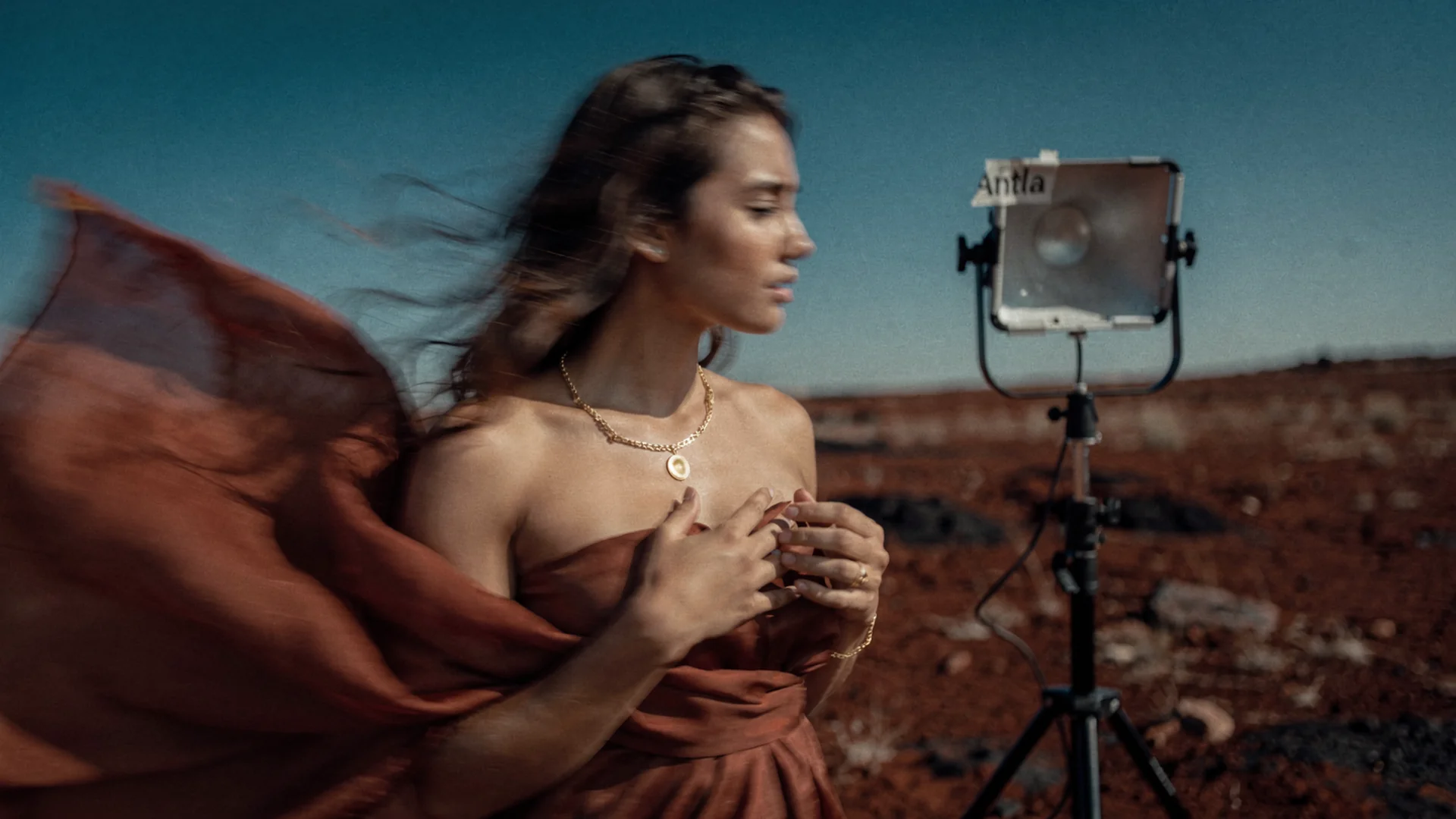
Photography proves product truth; AI preview on the shopper photo proves personal context.
What Photography Does Best
Strong jewelry photography still wins on:
- Finish accuracy under controlled light (matte gold vs high polish)
- Stone and pavé detail shoppers zoom to inspect
- Packaging trust for premium price points and gifts
- Ads and email crops that need brand consistency
- Marketplace thumbnails where upload rules demand clean backgrounds
Invest in multiple angles: straight-on product, on-model context, macro of clasp and setting, and scale reference when diameter is hard to judge online.
Baymard product page research applies to accessories: clarity beats decoration. Shoppers abandon when they cannot parse dimensions and material in one scroll.
What AI Try-On Adds
Antla Accessories funnel lets shoppers upload their photo and renders your jewelry from Shopify images onto them. That differs from showing the same hoop on a single model in Photoshop.
AI preview contributes:
- Personal scale context (small ear vs prominent ear, short torso vs long)
- Skin tone harmony with real undertones, not one model cast
- Hoop and pendant proportion before emotional purchase
- Metal warmth intuition on the shopper’s skin
- Engagement time on mobile PDPs where scroll depth matters
Visual fit disclaimer: AI try-on communicates probable appearance. Ring size, chain length, and metal allergy guidance still require specs and honest copy.
Merchants using Antla often report about 35% higher conversion among try-on users, two to three times longer PDP engagement during sessions, and up to 30% lower returns when “looked different on me” dominated return notes. Jewelry teams should verify on earring and ring heroes.
Photography-Only Failure Modes
Photography alone struggles when:
- Model ear or hand differs materially from shopper
- Macro shots make every stone look larger than worn reality
- Chain length on model torso does not match shopper
- Metal reads warm in studio and cool in bathroom light
- Shoppers project influencer skin tone onto themselves
Returns and tickets then sound like: “Smaller than I expected” or “Gold looked silver on me.”
Those are visual expectation problems. Size charts alone rarely fix them.
AI-Only Failure Modes
Preview without photography or specs fails when:
- Source product images are low resolution or wrong angle for alignment
- Shoppers think preview certifies ring size
- Finish in AI drifts from real plating batch
- Support has no macros for retaking photos in daylight
Never hide ring size chart under preview modals. Pair layers.
Recommended PDP Stack (Jewelry)
- Studio product shots (finish and detail truth)
- On-model context shot (scale cue for category)
- Size and length block (ring chart, chain inches, hoop diameter)
- Accessories funnel entry (“Preview on your photo”)
- Care and metal disclosure
- Reviews mentioning scale when available
Category spokes show stack in action:
- Virtual try-on earrings Shopify
- Virtual try-on rings Shopify
- Virtual try-on necklaces Shopify
- Virtual try-on bracelets Shopify
Budget Allocation For Lean Teams
| Budget line | Photography | AI try-on |
|---|---|---|
| Launch hero SKU | Shoot once, reuse | Enable Accessories funnel day one |
| New metal variant | Reshoot or relight swatches | Update Shopify image, preview follows |
| Seasonal campaign | Lifestyle on-model | Encourage shopper photo preview on PDP |
| Long tail SKUs | Template pack shots | Enable preview after heroes prove ROI |
You do not need a new shoot for every shopper. You need a new shoot when the product changes, not when the person changes.
Creative Workflow Integration
Merchandising pipeline:
- Receive or shoot manufacturer assets
- Normalize crops for PDP and AI ingestion (clean silhouette angles)
- Publish size and length metafields
- Enable preview on SKU
- Use Try-on feed to see which products shoppers stress-test
- Feed insights into next photography angles
Try-on data and merchandising explains feed-driven briefs.
Ads, UGC, And PDP Consistency
If Instagram ads show influencer hoops but PDP only shows white-background macro, preview bridges the gap. If ads promise “see it on you,” PDP must deliver in one tap on mobile.
UGC is powerful social proof. Accessories funnel is controlled preview at purchase time. Use both.
Marketing playbook: jewelry try-on Instagram and email campaigns.
Comparison To AR And 3D
Some merchants ask whether to skip AI for AR mirrors. Read jewelry AR vs AI virtual try-on for stack decisions. Photography remains foundational for all paths.
SEO And Helpful Content
Shoppers search photography tips and try-on comparisons. Merchants search implementation guides.
Link hub: virtual try-on jewelry Shopify.
Structured data: keep product structured data guidance accurate; preview does not replace product identifiers or offer data.
Setup Path
- Audit top ten SKUs for return language (visual vs size)
- Refresh hero photography where finish or scale misleads
- Implement setup guide
- Add disclaimer plus size chart beside preview CTA
- Measure preview cohort returns for four weeks
Returns economics: jewelry returns and virtual try-on.
When To Skip AI Preview Temporarily
- Size charts are known wrong across the line
- Hero images are too poor for alignment models
- Only generic gift cards in catalog
Fix assets and data first.
Vendor And Studio Coordination
When you briefing external photographers, include AI ingestion notes:
- Minimum resolution and square crop for earring silhouettes
- Consistent white balance across metal variants in one shoot day
- One on-model frame per category for scale reference only, not the sole preview substitute
Studios accustomed to fashion on-model only may resist pack shots. Show them Try-on feed data where macro-only heroes underperform. Photography and AI preview are one pipeline, not competing budgets.
Merchant Takeaway
Photography and AI try-on are complementary PDP layers for Shopify jewelry brands. Shoot for product truth, generate preview for personal context, and never let either layer imply size certification without charts.
Frequently Asked Questions
Should jewelry merchants replace photography with AI try-on?
No. Keep studio and on-model photography for finish and detail truth. Add AI preview on shopper photos for personal scale and skin tone context.
Does AI try-on change how we shoot jewelry?
Shoot clean silhouette angles and consistent lighting so AI ingests product edges well. Lifestyle shots still help ads; preview handles the shopper’s face and wrist.
Will shoppers trust AI preview on expensive rings?
Trust rises when preview sits next to size charts and clear disclaimers that preview is visual, not size certification.
How does jewelry AI try-on differ from fashion try-on?
Accessories funnel maps jewelry onto face, hand, neck, or wrist photos with category-specific guidance. Both target pre-purchase expectation; jewelry PDPs still need ring and chain specs.
Bridge Reads
- Jewelry AR vs AI virtual try-on
- Jewelry virtual try-on case studies
- Best virtual try-on for Shopify fashion
About the author: Aaron is the founder of Antla. After years of frustrating returns and jewelry that never looked right on product pages, he built Antla Accessories so shoppers can preview earrings, rings, and bracelets on themselves before checkout on Shopify.
Keep photography, add preview on hero SKUs. Explore Antla virtual try-on and the jewelry hub while you plan the next shoot.