

Jewelry AR vs AI Virtual Try-On for Shopify Stores
Compare jewelry AR mirror apps and AI virtual try-on for Shopify: photo preview, 3D pipelines, scale, skin tone, Antla Accessories, and when each wins.

Jewelry visualization vendors use overlapping language. Augmented reality mirror experiences, 3D asset configurators, and AI photo try-on all claim to solve scale anxiety. On a Shopify PDP they produce different trust outcomes, different build costs, and different maintenance loads.
This comparison is for merchants choosing stack components for earrings, rings, necklaces, and bracelets, not agencies collecting buzzwords.
Anchor to the virtual try-on for jewelry on Shopify hub and setup guide when you are ready to implement AI preview.
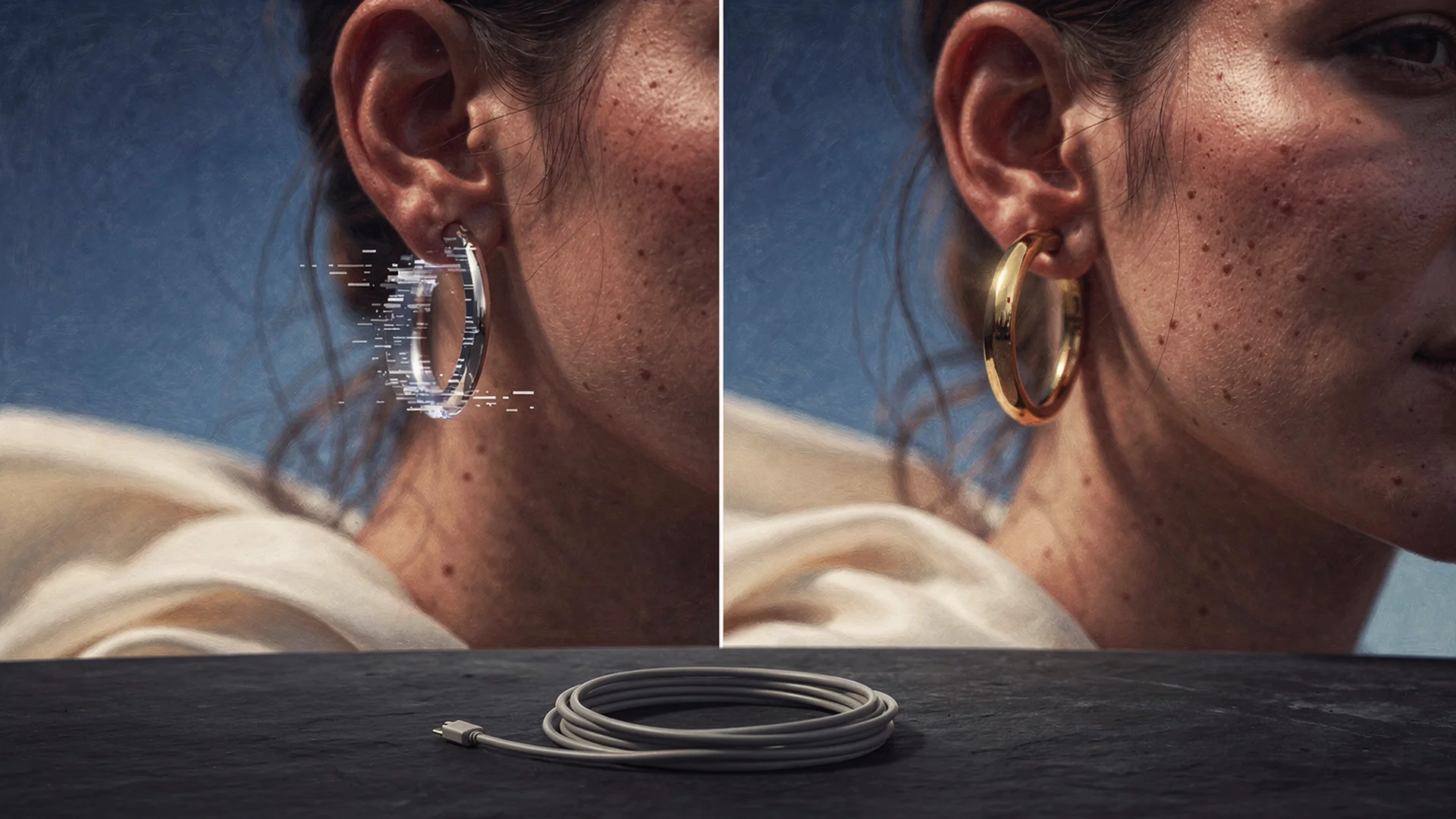
Shoppers trust their own photo context when judging scale; AR mirrors excel in controlled environments with live camera feed.
Definitions Merchants Actually Need
AR mirror (live camera): Shopper uses front camera; digital jewelry overlays on video in real time. Strength is immediacy. Weakness is lighting sensitivity, device fragmentation, and sometimes uncanny scale on fast head movement.
3D configurator: Rotatable jewelry model on generic neck or hand rig. Strength is polish when assets exist. Weakness is not the shopper’s proportions or skin tone.
AI photo try-on (Accessories funnel): Shopper uploads a still photo; AI renders your Shopify product image on them. Strength is personal context from their own image. Weakness is not real-time video play; requires good source photography.
Visual fit disclaimer: All three show probable appearance, not ring size certification or exact carat representation.
Side-By-Side Comparison
| Dimension | AR mirror | 3D configurator | AI photo try-on |
|---|---|---|---|
| Personalization | Live face/hand | Generic rig | Shopper photo |
| Time to first preview | Instant camera | Low after load | Low after upload |
| Build cost | SDK plus 3D assets | High 3D pipeline | Shopify app model |
| Mobile UX | Device dependent | Moderate weight | Moderate |
| SKU scale | Per 3D asset | Per 3D asset | Shopify product images |
| Skin tone fidelity | Variable | Low on generic rig | High on shopper photo |
| Maintenance | OS and browser updates | Asset updates per SKU | Image updates per SKU |
None of the columns replaces size charts. Winning PDPs stack photo or AR preview plus specs.
Where AR Mirrors Win
AR earns its keep when:
- You have budget for 3D modeling per hero line
- Shoppers expect live camera play (flagship retail parity)
- Your team can QA across iOS and Android browsers quarterly
- Average order value justifies custom dev retainer
AR struggles when:
- Shoppers shop on older phones with weak front cameras
- Lighting in bedrooms and offices breaks tracking
- 3D assets lag new releases by months
- Shopify theme integration requires fragile WebGL embeds
Where AI Photo Try-On Wins
Antla Accessories funnel and similar photo-based flows win when:
- Your brand is DTC with strong hero jewelry and lean ops
- Returns cite “looked wrong on me” more than wrong ring size
- Shoppers already take mirror selfies for Instagram
- You need fast rollout without a 3D pipeline
- Try-on feed analytics should drive merchandising (data guide)
Antla merchants often see roughly 35% higher conversion among try-on users, two to three times longer PDP sessions during preview, and return reductions up to 30% when visual expectation was the gap. Jewelry shops should validate on their own cohorts.
Scale And Skin Tone: AI Vs AR In Practice
Scale: AR can drift when tracking loses ear or wrist landmarks. AI still photo alignment uses your product image scale against facial or hand landmarks in a fixed image, which many shoppers find easier to judge calmly.
Skin tone: AI preview on the shopper’s photo shows metal warmth against their undertone. AR overlays sometimes look floating or uniformly lit unless tuned per device.
Category spokes show stack in action:
Hybrid Stacks On Shopify
Recommended for growing brands:
- Studio product shots for finish truth
- Size and length specs beside buy box
- AI photo try-on for personal scale on heroes
- Optional AR on flagship collection if budget allows
- Try-on feed for merchandising feedback
Do not launch AR and AI on the same PDP without clear CTAs. Shoppers confuse two upload flows.
Compare photography role in jewelry photography vs AI try-on.
Operations And Maintenance
| Ops task | AR mirror | AI Accessories funnel |
|---|---|---|
| New SKU launch | Model and rig 3D asset | Connect Shopify images |
| Variant updates | Re-rig or retexture | Update product image |
| Theme integration | Often custom | App blocks |
| Support training | Camera permissions, tracking tips | Photo angle tips |
Lean Shopify teams usually ship AI photo try-on faster than enterprise AR. See setup guide.
SEO And Merchant Education
Comparison keywords attract high-intent merchants. Publish honest tradeoffs.
Link spokes:
Google helpful content guidance favors pages that help a real decision.
Decision Matrix
Choose AR-first if flagship retail parity and 3D ops are core competencies.
Choose AI photo try-on first if you are DTC, visual returns dominate, and you need Shopify speed this quarter.
Run both only with budget to maintain 3D assets and clear UX separation.
Red Flags In Vendor Demos
- AR hoop floating outside ear on demo device
- AI preview with no size chart on same page
- “Perfect fit guaranteed” on visual-only tools
- Desktop-only AR while traffic is mobile
- No cohort analytics separating preview users
After You Choose
- Pilot one hero earring and one hero ring for two weeks
- Measure preview cohort ATC, conversion, returns
- Document support macros for photo or camera tips
- Expand or add AR layer based on data
Case patterns: jewelry virtual try-on case studies.
Frequently Asked Questions
What is the difference between jewelry AR and AI virtual try-on?
AR overlays jewelry on a live camera feed in real time, usually from 3D assets. AI photo try-on renders your product image onto a shopper-uploaded still photo. Both target visual confidence; neither replaces ring sizing.
Can AR and AI try-on coexist on Shopify jewelry PDPs?
Yes on larger catalogs if UX keeps one primary path on mobile. Avoid competing upload flows without clear labels.
Does AR check ring size?
No. Visual tools alone do not. Shoppers must still use size charts and sizers.
Which option launches faster on a Shopify jewelry store?
AI photo try-on through a Shopify app is usually faster than building a full AR 3D pipeline. Launch on hero SKUs, measure, then expand.
Which is better for skin tone and metal warmth?
AI preview on the shopper’s own photo often communicates metal against undertone more naturally than generic AR lighting on some devices.
Continue In Cluster 10
- Jewelry photography vs AI try-on
- Antla Accessories funnel explained
- Virtual try-on jewelry Shopify hub
About the author: Aaron is the founder of Antla. After years of frustrating returns and jewelry that never looked right on product pages, he built Antla Accessories so shoppers can preview earrings, rings, and bracelets on themselves before checkout on Shopify.
Test AI preview on hero SKUs without a 3D pipeline. Install Antla and read Accessories funnel explained.