

Add Antla Try-On to Tapcart: Setup Guide for Fashion Brands
Step-by-step Antla + Tapcart setup: custom block in App Studio, Shopify fashion PDP placement, QA checklist, and rollout on hero SKUs.

You already run Tapcart because app shoppers spend more time in native sessions and your retention team lives in push metrics. Adding Antla is not a replatforming project. It is a product-page custom block decision: where Antla sits in Tapcart, which SKUs get try-on first, and how you QA upload flows before you announce it to your entire app audience.
You need Antla on Shopify and a Tapcart team that can place blocks in App Studio. This setup guide assumes Antla is installed on Shopify and your Tapcart team can place custom blocks in App Studio. For positioning and background, start at the Antla on Tapcart overview.
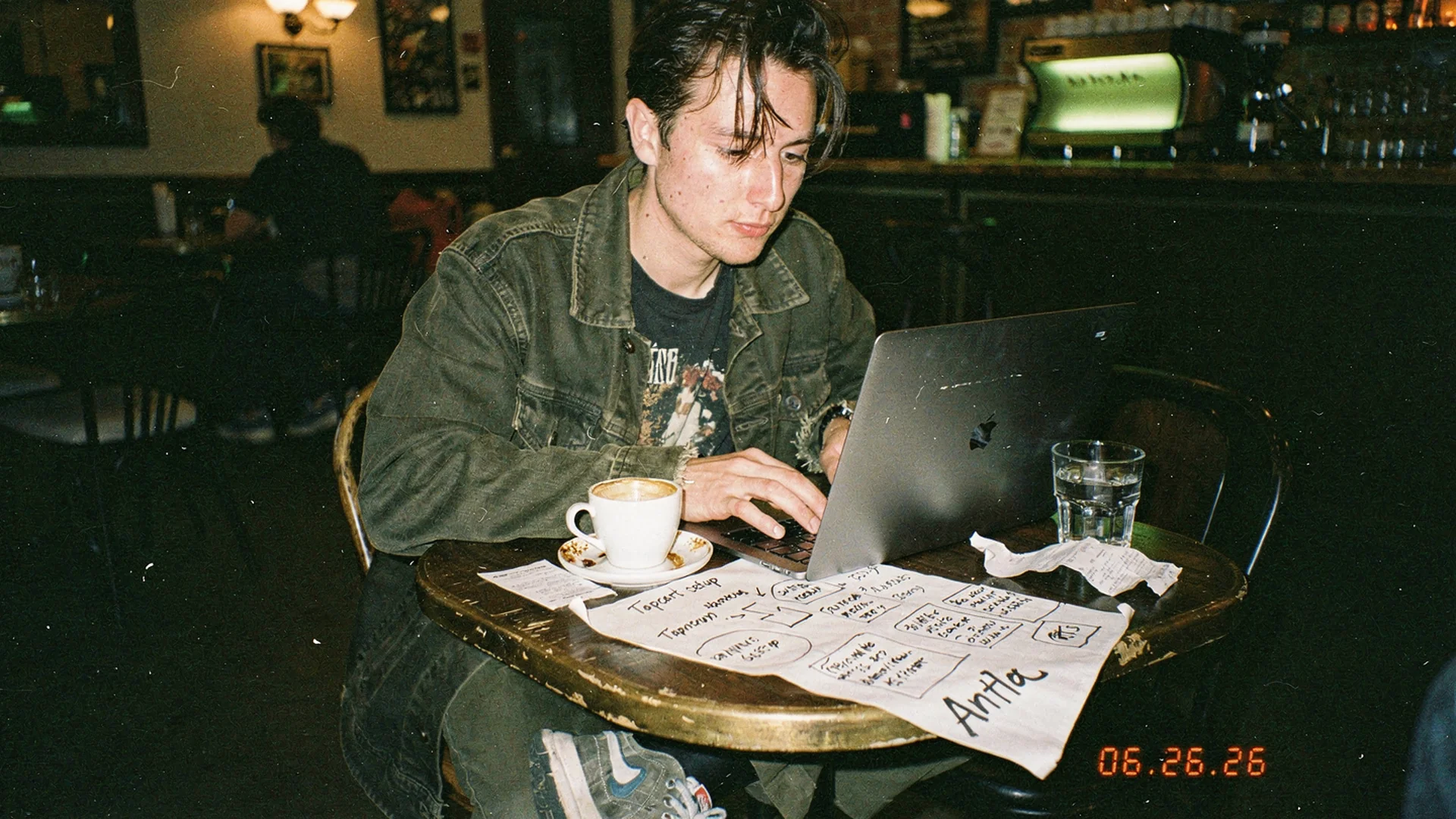
Place the Antla block on Tapcart PDP templates near hero imagery so preview stays at decision depth.
Preflight: What You Need Before App Studio
Gather these before you touch block order on the PDP template.
Shopify side
- Antla installed on the production store that feeds Tapcart
- Hero SKUs identified with high fit-related return rates or support volume
- Primary product image selected per SKU if the first gallery image is not ideal for try-on (Antla supports alternate image selection in setup)
- Terms and privacy policy URLs if you require acceptance before generation
Tapcart side
- App Studio access with permission to edit PDP screens
- Enterprise plan if your team uses Tapcart CLI for block pull, dev, and push workflows described in Tapcart blocks docs
- A staging or preview build for QA before live publish
- Alignment with whoever owns push deep links so future campaigns land on try-on-enabled PDPs
People side
- Merchandising owner who picks first SKUs
- Tapcart implementer who places blocks
- Support lead who can update macros if shoppers ask about photo storage
If you are still evaluating vendors, read best virtual try-on for Shopify fashion before you commit block real estate.
Step 1: Confirm Antla Catalog Coverage On Shopify
Tapcart reads Shopify product data. Antla generation quality depends on accurate variants, images, and enabled products in the Antla admin.
- Open Antla Studio and verify hero SKUs are enabled for try-on.
- For each SKU, confirm the render source image shows garment shape clearly (not flat packshots unless that is your only asset).
- Set Fos vs Pro model defaults: Fos for faster sessions in app browsing, Pro for higher accuracy on structured tailoring or detailed prints.
- Configure daily generation limits if abuse is a concern on high-traffic app drops.
Cross-check web PDP behavior with how to add virtual try-on to Shopify so app and web do not contradict each other on the same SKU.
Step 2: Add The Antla Product-Page Custom Block
Antla’s Tapcart integration ships as a product-page custom block your team adds to the PDP layout in App Studio. Exact naming in your dashboard may vary by implementation version; refer to Antla docs for the current block label and manifest fields.
Operational sequence:
- In Tapcart App Studio, open Screens and select your Product (PDP) template.
- Add the Antla try-on block from My Blocks or your synced custom block library per App Studio quick start.
- Place the block below primary product imagery and above long-form reviews unless your UX research says otherwise for your category.
- Save template defaults, then preview on iOS and Android preview builds.
Developers using CLI follow Tapcart block create, dev, and push patterns: local mockData.json for productId and variantId on PDP examples, then push with the live flag when QA passes.
Step 3: Wire Variant And Cart Context
Fashion PDPs live on variant pickers. A try-on block that ignores selected color teaches shoppers not to trust preview.
Validate during QA:
- Select size and color variants; confirm the block receives updated product context.
- Complete add-to-cart after a successful generation using Tapcart’s native cart actions (add-to-cart block examples show the expected action patterns).
- Test dynamic checkout buttons if your app exposes Shop Pay or Apple Pay immediately after try-on.
Shopify product page guidance still applies to how you describe fit, fabric, and model stats beneath imagery. Try-on does not replace inseam charts on trousers or shoulder measurements on blazers.
Step 4: Mobile Upload And Permissions UX
App shoppers expect camera permission prompts to feel purposeful. Write copy that explains why a photo helps, not generic “allow access” language.
Checklist:
- Selfie path works on front camera defaults for upper-body garments
- Gallery fallback exists when camera is denied
- Loading states communicate generation time honestly (Fos vs Pro)
- Error states offer retry without wiping variant selection
- Privacy link visible if your legal team requires it
Merchants report engagement rises to roughly 2-3x longer onsite when try-on is usable on mobile. Broken upload UX erases that gain faster in apps than on web because uninstall is one tap away.
Step 5: QA Matrix Before Live Publish
Run this matrix on at least three hero SKUs per gender or category line you sell.
| Test | iOS | Android |
|---|---|---|
| Cold open PDP from collection | Pass | Pass |
| Open PDP from push deep link | Pass | Pass |
| Try-on after variant change | Pass | Pass |
| Add to cart post-generation | Pass | Pass |
| Return visit with cached upload | Pass | Pass |
| Low connectivity retry | Pass | Pass |
Log failures with screen recordings for your Tapcart partner. Google product structured data is web-focused, but accurate variant data still underpins both channels.
Step 6: Hero SKU Rollout, Then Expand
Do not enable try-on on every SKU day one. Fashion catalogs mix low-risk basics with high-hesitation hero pieces.
High priority for app try-on:
- Wide-leg and barrel-leg denim where rise photos confuse shoppers
- Blazers and structured coats where shoulder line drives returns
- Satin and knit dresses where cling and length are subjective
- Occasion wear where coverage questions stall checkout
Lower priority:
- Accessories unless you use Antla accessory funnels
- Gift cards and non-visual SKUs
- Clearance with one photo and no return path
Measure two weeks on hero SKUs, then expand using try-on feed signals. Try-on data for merchandising explains the weekly review rhythm.
Step 7: Align Lifecycle And Support
When the block goes live, update three adjacent systems.
- Push and email: Deep link to try-on PDPs using patterns in push notifications and virtual try-on and abandoned cart email with try-on.
- Support macros: Explain photo retention and deletion policies consistently with web.
- Paid social landing: If app install campaigns promise try-on, the block must be on those SKUs day one.
Returns context: Shopify enterprise returns overview and virtual try-on reduces returns before checkout. Antla merchants have seen up to 30% return reduction when preview fixes the primary expectation gap.
Common Failures And Fixes
Block renders but generation fails
- Confirm SKU enabled in Antla and product image suitable
- Check API credentials between Shopify and Antla after recent reinstall
Variant mismatch after color tap
- Re-test block manifest bindings for variantId params
- Compare with Tapcart personalization mockData examples
Low try-on usage despite placement
- Move block above reviews and size chart accordion if it sits too low
- Audit hero image quality; poor source images produce poor previews shoppers abandon
Web works, app does not
- Tapcart block is separate from theme embed; web success does not imply app placement
- Read mobile app vs mobile web try-on comparison
Post-Launch Metrics That Matter
Track cohorts, not total generations alone.
- Try-on rate per PDP session in app
- Add-to-cart rate: try-on users vs non-users
- Purchase rate within 24 hours after generation
- Return rate on SKUs with try-on enabled vs prior 90-day baseline
- Support tickets mentioning fit on those SKUs
Product page engagement and conversion quality defines healthy engagement patterns that transfer to app analytics exports.
Frequently Asked Questions
How do I add Antla try-on to a Tapcart product page?
Install Antla on Shopify, enable hero SKUs, then add the Antla product-page custom block to your Tapcart PDP template in App Studio. Place it near primary imagery, QA variant sync and cart actions on iOS and Android, then publish live.
Does Tapcart setup replace Shopify theme work?
No. Tapcart blocks live in your app layout, not theme Liquid. You may still embed Antla on web PDPs separately. Keep messaging and enabled SKUs aligned across channels.
Which Tapcart plan do I need for custom blocks?
Custom blocks and CLI development require Tapcart Enterprise. Confirm with Tapcart before scheduling implementation.
How many SKUs should I launch with?
Start with three to ten hero SKUs where fit hesitation drives returns. Expand after two weeks of cohort data on conversion and returns.
Where is the technical reference?
Use Antla docs at antla.io/docs, Tapcart blocks documentation at dev.tapcart.com/docs/blocks, and the Tapcart overview for strategic context.
Nearby Reads For Tapcart Merchants
- Antla on Tapcart overview
- Why app customers convert with try-on
- Fashion product pages that convert before ads
- Virtual try-on for growing fashion brands
About the author: Aaron is the founder of Antla. After years of frustrating returns, never looking like the supermodels on product pages, he set out to make fashion personal by helping shoppers see themselves in the outfits they want to buy. He advises merchants to ship Antla on Tapcart on hero SKUs before chasing storewide rollout.
Ready to wire the block? Install Antla on Shopify, follow Antla docs, and return to the Tapcart overview for strategy context.