

Wheel Visualizer vs Catalog Configurator for Shopify Aftermarket
Wheel visualizer vs catalog configurator for Shopify aftermarket: photo try-on, 3D builds, fitment data, and when Custom Funnel wins.

Wheel shoppers on Shopify bounce between three mental models: Will it fit mechanically? Will it fill the arch the way I want? Will the finish match my daily driver? Configurators and visualizers answer those questions with very different UX DNA.
A catalog configurator rebuilds a vehicle from menus, often with generic 3D assets and preset trims. A wheel visualizer swaps products onto a visual scene, sometimes stock, sometimes the shopper’s photo. They sound similar in sales decks. On the PDP, they produce different trust outcomes.
This comparison is for aftermarket operators choosing stack components, not agencies collecting buzzwords.
Anchor to the automotive virtual try-on hub and Custom Funnel setup guide when you are ready to implement.
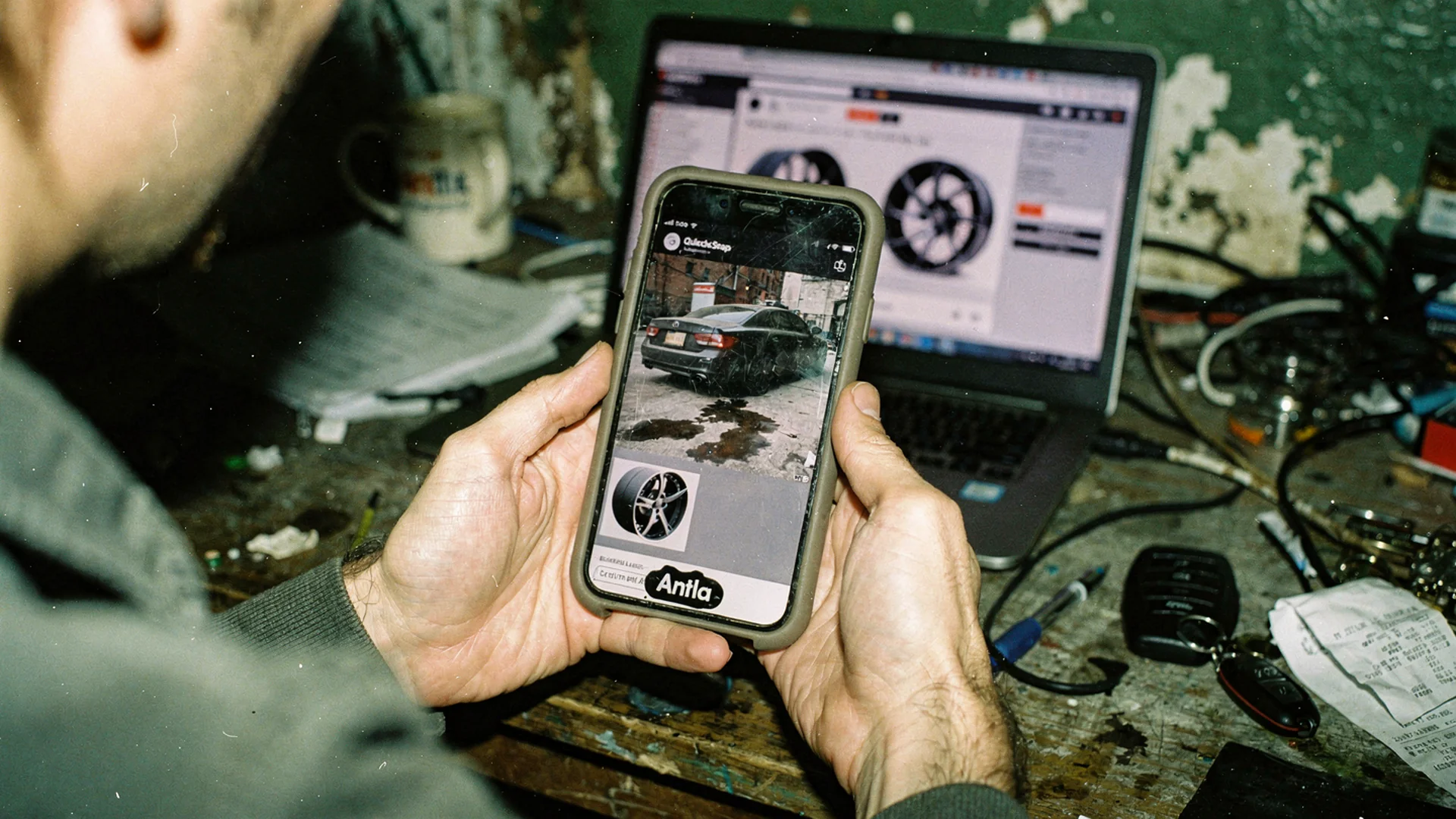
Shoppers trust their own driveway photo more than a generic trim picker when they picture wheels on the car they actually drive.
Definitions Merchants Actually Need
Catalog configurator: Shoppers pick year, make, model, trim, then browse compatible wheels inside a built scene. Strength is structured compatibility when data is clean. Weakness is generic visuals that may not match their paint, ride height, or mods.
Wheel visualizer (stock scene): Renders wheels on a marketing vehicle or neutral rig. Faster to deploy than full configurators. Weakness is still not their car.
Vehicle photo visualizer (Custom Funnel): Shopper uploads their car; AI renders your wheel on that photo. Strength is personal visual confidence. Weakness is not a substitute for offset and bolt pattern tables.
Visual fit disclaimer: Any visualizer shows probable appearance, not certified clearance or brake fit. Specs and professional advice still close the mechanical sale.
Side-By-Side Comparison
| Dimension | Catalog configurator | Stock visualizer | Custom Funnel on shopper photo |
|---|---|---|---|
| Personalization | Trim-level, not your mods | Low | High |
| Time to first preview | Medium (menus) | Low | Low after upload |
| Mechanical fit signal | Strong if data fed | Weak unless paired | Weak unless paired |
| Mobile UX | Often heavy | Moderate | Moderate |
| Build cost | High | Medium | Lower on Shopify app model |
| Best for | Deep OEM-like catalogs | Lifestyle marketing | DTC wheel shops with hero SKUs |
None of the columns replaces a fitment table. The winning PDP stacks photo preview plus specs.
Where Configurators Win
Configurators earn their keep when:
- You sell thousands of SKUs across many vehicle platforms
- Shoppers expect OEM-style “select your car” behavior
- You already license accurate fitment data
- Your team can maintain trim coverage quarterly
- Average order includes multiple compatible categories (wheel plus tire plus hardware)
They struggle when:
- Shoppers run lifts, spacers, or widebody mods not in trim trees
- Mobile users abandon menu depth before preview
- 3D assets lag new wheel releases by months
- Marketing promises “see on your car” but UI shows generic sedans
Where Vehicle Photo Visualizers Win
Antla Custom Funnel and similar photo-based flows win when:
- Your brand is DTC with strong hero wheels
- Returns cite “looked wrong on my car” more than wrong lug pattern
- Shoppers photograph their actual ride height and color
- You need fast rollout without a 3D pipeline
- Instagram and UGC already train buyers to picture their vehicle
Antla merchants often see roughly 35% higher conversion among users who engage with try-on, two to three times longer PDP sessions during preview, and return reductions up to 30% when visual expectation was the gap. Wheel shops should validate on their own cohorts.
Read the dedicated wheel visualizer Shopify aftermarket guide for rollout detail.
The Hybrid PDP Most Stores Need
Recommended stack for Shopify wheel merchants:
- Hero photography with straight-on and side context
- Fitment block (bolt pattern, offset, bore, load rating)
- Vehicle photo preview via Custom Funnel
- Clearance notes for big brakes and lifted applications
- Reviews filtered by vehicle type when available
Automotive PDP photography vs AI try-on explains photography’s role beside AI.
Conversion Psychology: Their Car Beats Their Trim
Menus ask shoppers to do data entry work while dreaming about stance. Photo upload meets them in aspiration mode: this is my car, show me the wheel.
Configurators that stop at generic 3D sedans lose trust with enthusiasts who know their build is not stock. Photo preview respects mods, wraps, and patina that no trim picker encodes.
That does not mean skip fitment. Enthusiasts still read offset. They want visual and mechanical answers in one scroll.
Operations And Maintenance
| Ops task | Configurator | Photo Custom Funnel |
|---|---|---|
| New wheel launch | Rebuild or import 3D asset | Connect Shopify images |
| Fitment updates | Data provider sync | Same |
| Theme integration | Often custom | App blocks |
| Support training | Trim path plus specs | Photo tips plus specs |
For lean teams on Shopify, photo-based Custom Funnel usually ships faster than enterprise configurators. See shopify custom funnel automotive setup.
SEO And Content Strategy
Comparison keywords (“wheel visualizer vs configurator”) attract high-intent merchants and shoppers. Publish honest comparison copy, not vendor FUD.
Link spokes:
- Aftermarket parts returns and visualization
- Motorcycle saddlebags try-on for two-wheeled parallels
- Fashion AI try-on explainer for underlying AI mechanics
Google helpful content guidance favors pages that help a real decision. Show tradeoffs, not slogans.
Decision Matrix: Pick Your Primary Tool
Choose a configurator-first stack if fitment breadth is your moat and you have data ops capacity.
Choose Custom Funnel-first if you are DTC, visual returns dominate, and you need Shopify speed.
Run both if you have enterprise budget and a wheel catalog over thousands of SKUs, but segment UX so mobile shoppers reach photo preview in one tap without ten menu screens.
Red Flags In Vendor Demos
- Configurator shows wheels floating above fenders
- Photo preview with no fitment table on the same page
- “Guaranteed fit” language on visual-only tools
- Desktop-only configurator while 80% traffic is mobile
- No cohort analytics separating preview users
After You Choose
- Pilot one hero wheel SKU for two weeks
- Measure preview cohort ATC and returns
- Document support macros for photo tips and spec reminders
- Expand to full line or integrate configurator data behind the same PDP
Case patterns: automotive virtual try-on case studies.
Frequently Asked Questions
What is the difference between a wheel visualizer and a configurator?
Configurators build a vehicle scene from menus and emphasize compatibility breadth. Visualizers emphasize seeing a wheel on a vehicle image. Custom Funnel uses the shopper’s own photo for personal preview, while configurators often use generic 3D trims.
Can a configurator and Custom Funnel coexist on Shopify?
Yes on larger catalogs. Keep photo preview one tap away on mobile and never hide fitment tables behind either tool.
Does a wheel visualizer check bolt pattern and offset?
Visual tools alone do not. Shoppers must still read fitment specs. Preview reduces look mismatch, not mechanical wrong orders.
Which option is faster to launch on a Shopify wheel store?
Photo-based Custom Funnel through a Shopify app is usually faster than building a full 3D configurator. Launch on hero SKUs, measure, then expand.
Continue The Cluster
- Virtual try-on automotive aftermarket hub
- Body kit spoiler visualizer
- Add virtual try-on to Shopify (fashion steps)
About the author: Aaron is the founder of Antla. He helps Shopify parts sellers pair fitment specs with vehicle visualization so buyers commit with fewer regrets.
Test preview on your top wheel SKU. Install Antla and read the wheel visualizer for Shopify aftermarket spoke before you rebuild the whole catalog UX.