

How to Set Up Custom Funnel for Automotive Shopify Stores
Set up Antla Custom Funnel on Shopify for wheels, body kits, and motorcycle parts: vehicle upload, PDP placement, and no-code rollout.

Aftermarket Shopify merchants sell confidence as much as metal. Shoppers ask whether a wheel fills the arch, whether a lip spoiler suits their sedan profile, or whether saddlebags clear their exhaust. Studio shots on white backgrounds rarely answer that question on their own vehicle.
Antla Custom Funnel closes the visualization gap: the shopper uploads a photo of their car or bike, and AI renders your part on that exact vehicle. This is not a generic avatar builder. It is automotive-specific preview logic built for parts catalogs where fitment anxiety blocks add-to-cart.
This guide walks operators through setup on Shopify without a developer retainer. It pairs with the virtual try-on for automotive aftermarket hub and category spokes for wheels, moto luggage, body kits, and bars and mirrors.
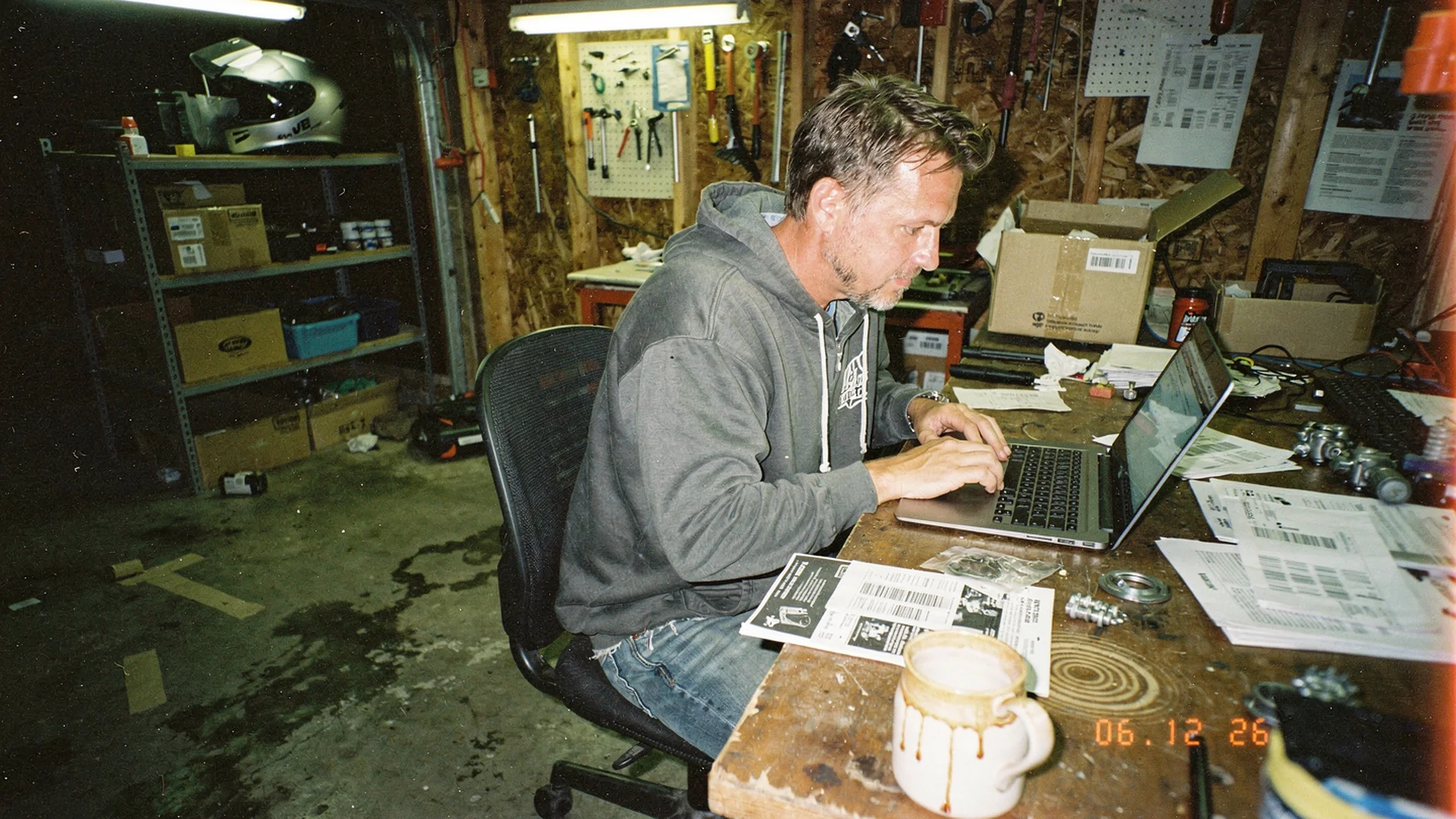
Custom Funnel setup is an operator project: pick hero SKUs, place preview on mobile PDPs, and keep mechanical fitment data visible beside visual try-on.
What Custom Funnel Does On Automotive PDPs
Standard fashion try-on maps garments onto people. Custom Funnel maps parts onto vehicles using shopper-supplied photos from driveways, parking lots, or garage floors.
The shopper flow typically looks like this:
- Land on a high-intent PDP (wheel, spoiler, bag, bar)
- Tap try-on or preview on my vehicle
- Upload a clear side or three-quarter photo of their car or motorcycle
- Wait for generation (model speed depends on Antla Fos vs Pro settings)
- Compare rendered part against their actual paint, stance, and body lines
- Proceed to cart with visual confidence, then verify specs
Visual fit disclaimer: Custom Funnel shows how a part may look on the uploaded photo. It does not certify bolt pattern, offset, brake clearance, thread pitch, or VIN-specific compatibility. Keep manufacturer specs, fitment notes, and professional installer guidance on the same PDP.
That division matters legally and operationally. Visual preview reduces “it looked wrong on my car” returns. Mechanical mismatch still requires structured fitment data.
Prerequisites Before Install
Custom Funnel amplifies honest PDPs. If your listing hides offset options or uses only catalog renders, preview helps but support tickets will persist.
Gather before you enable try-on:
- Return reasons for the last 90 days, grouped by SKU family (wheels, aero, luggage, controls)
- Hero SKU list of five to ten products with the highest visual-fit return language
- Mobile screen recording on your top PDP template
- Fitment fields audit (bolt pattern, offset, year/make/model, clearance notes)
- Baseline metrics: add-to-cart rate, conversion, return rate, fitment-related tickets
Cross-check virtual try-on reduces returns before checkout and Shopify PDP conversion optimization for measurement habits that transfer to parts stores even when the SKU is not apparel.
Step 1: Install Antla From The Shopify App Store
- Open Antla on the Shopify App Store and click Add app
- Approve OAuth scopes shown in onboarding
- Complete store connection and billing selection if your trial ends
- Open the in-app dashboard and locate Custom Funnel or non-standard product settings
- Enable try-on on one test wheel or moto SKU before storewide rollout
Shopify theme documentation is useful when you place the experience via theme editor app blocks rather than Liquid edits.
Fashion merchants evaluating the same stack should read how to add virtual try-on to Shopify for parallel install habits. Automotive rollout differs mainly in vehicle photo capture and spec tables, not in OAuth mechanics.
Step 2: Configure Custom Funnel For Vehicle Photos
In Antla admin, assign Custom Funnel logic to SKUs that need vehicle context:
- Wheels and rims: side profile of the full vehicle helps arch fill read clearly
- Body kits and spoilers: rear three-quarter or side shots show silhouette change
- Motorcycle luggage: bike side profile with seat and exhaust visible
- Handlebars and mirrors: front or side shots where bar sweep and mirror reach matter
Merchant controls to set deliberately:
| Control | Automotive recommendation |
|---|---|
| Product image selector | Pick the hero angle that matches install view (side for wheels, rear three-quarter for lips) |
| Model picker (Fos vs Pro) | Pro when finish and edge detail drive premium AOV |
| Terms toggle | On when you want explicit consent before photo processing |
| Daily generation limit | Reasonable cap to prevent abuse on high-traffic drops |
| Try-on feed | Review which SKUs shoppers preview most after launch |
Invite copy should say vehicle photo, not selfie. Motorcycle and car shoppers understand driveway photos. They hesitate when copy sounds like fashion-only uploads.
Step 3: Place Preview On The PDP (Mobile First)
Placement beats feature depth. Aftermarket buyers research on phones in parking lots and shops.
Strong placements:
- Below the primary gallery on wheel PDPs
- Near finish and size selectors when color mismatch drives returns
- Adjacent to fitment tables on body kit pages
- Above the fold on mobile after the first product swipe
Weak placements:
- Footer-only links shoppers never scroll to
- Separate landing pages disconnected from buy box
- Desktop-only modals while 70%+ traffic is mobile
Read product page engagement and conversion quality while you test scroll depth with and without preview enabled.
Step 4: Pair Visual Preview With Fitment Specs
Custom Funnel is the top of the trust stack, not the whole stack.
Keep visible on the same screen:
- Bolt pattern and lug seat type for wheels
- Offset, width, and center bore with diagrams where possible
- Year, make, model, and trim qualifiers
- Clearance notes (big brake kits, lifted trucks, lowered cars)
- Return policy language that separates visual remorse from mechanical wrong-order
Link category depth from this cluster:
- Wheel visualizer for Shopify aftermarket
- Wheel visualizer vs catalog configurator
- Aftermarket parts returns and visualization
Step 5: QA Checklist For Automotive SKUs
Run on two physical phones, not only browser resize:
- Vehicle upload accepts common photo sizes without failing silently
- Generation completes within the time you promise in copy
- Variant changes (finish, diameter) map to the correct product render
- Add-to-cart and dynamic checkout still work after a session
- Fitment table remains readable and not hidden behind full-screen preview
- Disclaimer about visual vs mechanical fit is visible before upload
If preview breaks sticky add-to-cart on your theme, fix placement before marketing the feature. Shopify conversion guidance applies to parts merchants the same way: protect the buy box.
Step 6: Roll Out Hero SKUs, Then Measure
Week one: five to ten hero SKUs with the highest visual uncertainty.
Week two: compare cohorts:
| Metric | Why it matters |
|---|---|
| Preview start rate | Is entry obvious on mobile? |
| Preview completion rate | Is upload friction low? |
| ATC after preview | Does visual confidence move orders? |
| Conversion: preview vs non | Is lift real on parts AOV? |
| Returns citing look or style | Is visual expectation aligning? |
Antla merchants often see roughly 35% higher conversion among users who engage with try-on, two to three times longer PDP engagement during preview sessions, and return reductions up to 30% when the main issue was “looked different on my vehicle.” Treat those figures as hypothesis ranges until your store proves them on wheels or moto categories.
Step 7: Train Support And Install Partners
CX should answer three questions consistently:
- What photo angle works best?
- Does preview confirm bolt pattern? (No, specs do.)
- What if generation looks wrong? (Retake photo in daylight, square to vehicle.)
Install partners and forum communities amplify trust when your help center uses the same language as PDP disclaimers.
Common Setup Mistakes
- Launching storewide before mobile QA on the busiest template
- Hiding fitment tables behind preview modals
- Using only studio renders as source art so AI misreads scale
- Promising mechanical fit from visual preview in ad copy
- Ignoring motorcycle vs car aspect ratios in hero images
When Custom Funnel Is Not The First Move
Fix catalog integrity first if:
- Fitment data is wrong on hero SKUs
- Product photos hide diameter or lip profile
- Returns are mostly wrong bolt pattern, not visual mismatch
In those cases, invest in fitment provider data and spec tables before scaling preview traffic.
Bridge To Fashion And Core VTO Docs
Antla built depth in fashion before aftermarket expansion. Useful bridges:
- Best virtual try-on for Shopify fashion
- AI virtual try-on in ecommerce
- Product photography vs AI virtual try-on (fashion)
Automotive-specific photography comparison lives in automotive PDP photography vs AI try-on.
Frequently Asked Questions
What is Antla Custom Funnel for automotive Shopify stores?
Custom Funnel lets shoppers upload a photo of their car or motorcycle and preview how your part may look on that vehicle. It targets visual fit anxiety on aftermarket PDPs while mechanical fitment still relies on specs and fitment notes.
Do I need a developer to set up Custom Funnel on Shopify?
Most merchants use no-code theme editor placement and in-app SKU configuration. Developers are optional for custom themes or advanced analytics hooks.
Does Custom Funnel replace bolt pattern and offset charts?
No. Preview shows visual appearance on a photo. Bolt pattern, offset, brake clearance, and trim-specific compatibility still require manufacturer data and your fitment fields.
Which automotive SKUs should get Custom Funnel first?
Start with wheels, aero, luggage, and control products where returns or tickets cite looks on my vehicle. Expand after you measure preview cohort conversion and returns against baseline.
Continue In Cluster 09
- Aftermarket parts returns and visualization
- Automotive virtual try-on case studies
- Virtual try-on automotive aftermarket hub
About the author: Aaron leads Antla and writes about virtual try-on for merchants who need shoppers to preview parts on a real car or bike photo, not a stock render.
Roll out on five hero SKUs first. Install Antla on Shopify, open the virtual try-on feature page, and return to the automotive virtual try-on hub for category playbooks.