

Body Kit and Spoiler Visualizer for Shopify Aftermarket
Body kit and spoiler visualizer for Shopify: preview aero parts on a customer car photo, reduce wrong-look returns, improve conversion.

Body kit shoppers are buying a transformation fantasy tied to a very specific chassis. Your gallery shows a widebody kit on a demo coupe with perfect lighting and a lowered stance. Your buyer owns a daily with stock ride height, street parking scuffs, and a color that never appears in your catalog. The question is not only “will this bolt on?” It is “will I still like this when it is on my car?”
A body kit and spoiler visualizer on Shopify addresses the taste gap. Antla Custom Funnel lets customers upload a photo of their vehicle and preview your splitter, diffuser, spoiler, or full kit rendered on their car before checkout. That preview is visual, not structural. Mount points, drilling, and OEM alignment still live in your install docs and the buyer’s research.
This guide is for aero and styling merchants on Shopify who want fewer wrong-look returns and stronger add-to-cart on subjective SKUs.
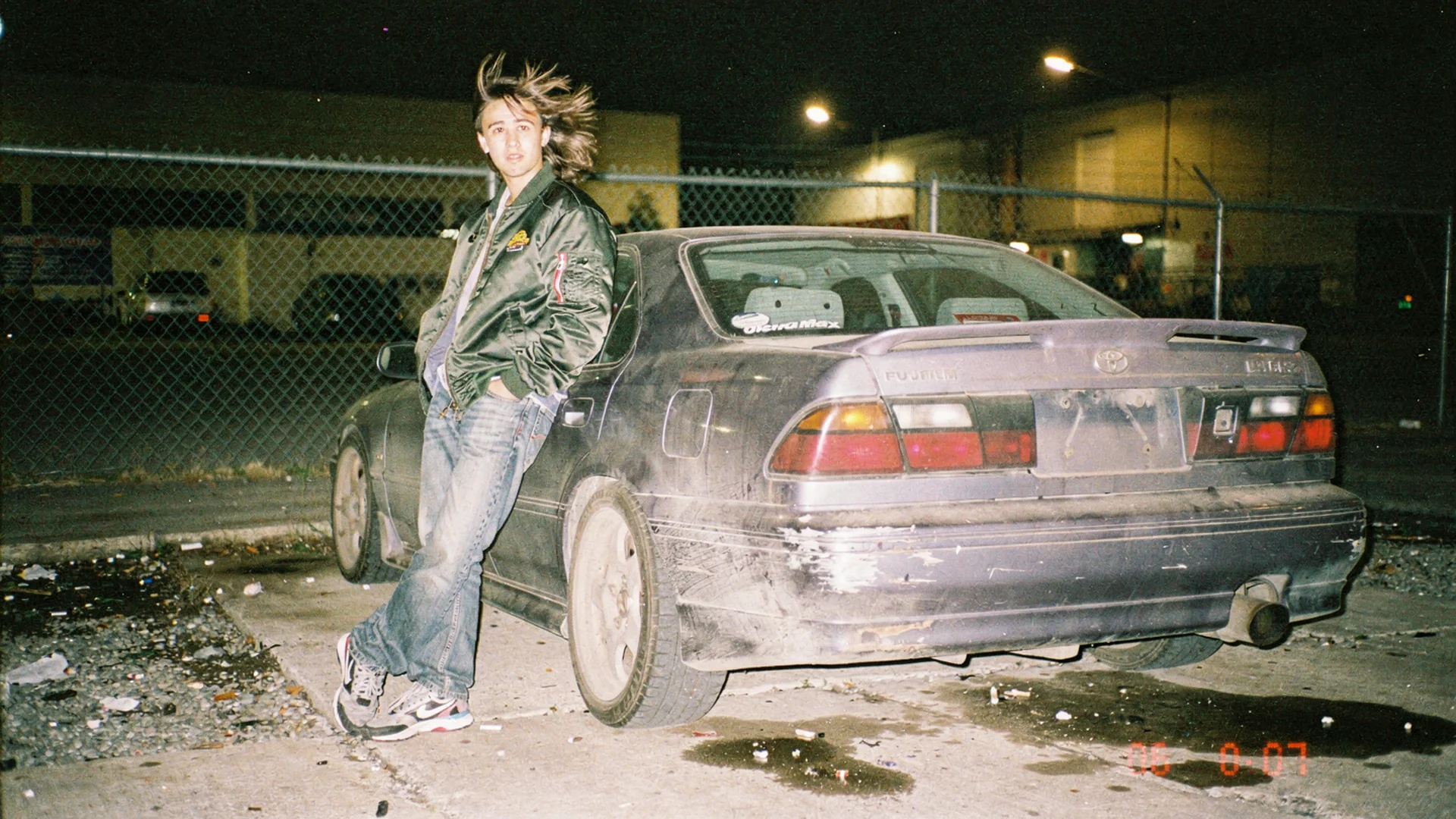
Aero parts convert when enthusiasts judge lines on their own car, not only on a built show vehicle in the gallery.
Why Aero SKUs Need Personal Preview
Body kits and spoilers sit in the highest subjective zone of aftermarket catalogs. Two buyers with the same model year can want opposite outcomes: subtle OEM+ versus aggressive track presence.
Hesitation shows up as:
- Line continuity: Will this lip match my factory curves or look tacked on?
- Rear profile: Does this spoiler look functional or cosmetic on my trunk shape?
- Color and material: Will unpainted PU look acceptable during the paint wait?
- Bundle confusion: Front lip vs full kit value when photos all look similar
Returns on large aero pieces are painful: bulky cartons, paint mismatch claims, and “not what I expected” disputes. Visualization reduces the last category when expectation was visual, not mechanical.
Disclaimer: Virtual try-on shows visual fit of aero parts on the customer’s vehicle photo. Bolt pattern where applicable, mounting hardware, sensor compatibility, and install complexity still require your spec data and professional install guidance where needed.
Visualizer Vs Install Gallery
Most aero stores stack:
- Rendered product shots on white
- Installed photos on built show cars
- Long install PDFs linked in the description
Those assets sell aspiration. They under-serve the buyer who needs to see their stock daily with one specific spoiler option.
Custom Funnel turns the customer’s car into the hero image. They upload a three-quarter or rear photo, preview your SKU, and decide whether the look matches their build plan. That complements automotive photography vs AI try-on rather than replacing studio work.
Connect to the broader automotive virtual try-on hub for evaluation lenses that apply across part categories.
Configuration Notes For Body Merchants
Aero visualization has SKU-specific quirks.
Spoilers and wings: Rear angle photos work best. Prompt copy should ask for clear trunk and roofline visibility.
Front lips and splitters: Low angle shots help. Warn shoppers that ground clearance in render may not match post-install ride height.
Widebody kits: Partial renders may be enough for hero SKUs if full kit preview is complex. Start with highest-return single pieces.
Finish states: Offer preview for gloss black, carbon look, or primer where variants exist. Tie renders to variant selection like any wheel finish workflow in wheel visualizer for Shopify.
Implementation sequence mirrors Shopify Custom Funnel automotive setup. Fashion merchants can cross-read how to add virtual try-on to Shopify for OAuth, theme placement, and QA habits.
PDP Copy That Prevents Wrong Expectations
Visualization without honest copy creates a different refund conversation.
Strong patterns:
- “Preview how this spoiler looks on your car. Professional install recommended.”
- “Render shows exterior appearance only. Confirm fitment for your trim and model year.”
- “Unpainted parts appear in primer color in preview unless you select a finished variant.”
Pair with install difficulty badges, sensor notes for modern bumpers, and links to community installs. Shopify PDP conversion optimization applies: reduce friction, increase clarity.
Metrics Aero Stores Should Track
After soft launch on five to ten hero SKUs, compare try-on users to baseline:
| Signal | Healthy pattern |
|---|---|
| Try-on start rate | Visible placement on mobile |
| Completion rate | Low friction upload |
| ATC after try-on | Preview resolves hesitation |
| Conversion lift | Try-on cohort outperforms |
| Return reasons | Fewer “looked different” tags |
Antla merchants frequently see roughly 35% higher conversion among try-on users, double to triple engagement on PDPs, and return reductions as high as 30% when look expectation was the core issue.
Prove your own cohorts before scaling. Model economics in aftermarket parts returns and visualization and virtual try-on reduces returns before checkout.
Merchandising Bundles With Visualization
When shoppers preview a rear spoiler successfully, suggest:
- Matching front lip SKUs with the same try-on flow
- Wheel visualizer for stance-complete builds
- Case proof from automotive virtual try-on case studies
Cross-cluster technology context: AI virtual try-on in ecommerce and best virtual try-on for Shopify fashion.
Theme And Mobile QA
Aero buyers research on forums and Instagram, then buy on the phone. Confirm:
- Try-on loads acceptably on mobile Safari and Chrome
- Sticky add-to-cart still works
- Variant changes update the correct render
- Upload privacy policy is linked
Shopify theme documentation helps when placing app blocks. Antla uses no-code setup across standard themes via the App Store listing.
Comparison Shopping And Configurators
Some aero brands use 3D configurators for package selection. Visualizers solve a different job: personal taste on the buyer’s car. Read wheel visualizer vs catalog configurator for the decision frame even when you sell body parts instead of wheels.
Mistakes Aero Merchants Make
Overselling fitment from a render. Separate look from mechanical compatibility every time.
Only showing try-on on full kits. Single spoilers often drive faster measurement cycles.
Ignoring paint workflow. If you sell primer-only, say so in copy adjacent to try-on.
Hiding try-on behind tabs. Place preview near primary imagery where hesitation peaks.
Frequently Asked Questions
Can customers preview body kits on their own car?
Yes. Antla Custom Funnel renders aero parts on the shopper’s uploaded vehicle photo on Shopify. Visual try-on shows exterior look; mounting and fitment still require your documentation and the buyer’s verification.
Does a spoiler visualizer confirm sensor or ADAS compatibility?
No. Preview addresses appearance on the customer’s photo. Sensor placement, OEM integration, and install complexity remain spec and install topics outside visualization.
Which aero SKUs should get try-on first?
Prioritize high-traffic spoilers, lips, and diffusers with subjective styling and elevated wrong-look returns. Expand after cohort measurement on hero products.
How do I install a body kit visualizer on Shopify?
Install Antla from the Shopify App Store, configure Custom Funnel on hero SKUs, place try-on near mobile product imagery, and roll out gradually. Full steps are in our Custom Funnel setup spoke.
Continue Reading
- Automotive virtual try-on hub
- Wheel visualizer guide
- Fashion returns reduction strategy
- Virtual try-on feature overview
About the author: Aaron is Antla’s founder. He focuses on PDP clarity for parts merchants tired of paying for traffic that bounces on generic studio shots.
Sell aero and body kits on Shopify? Turn on Custom Funnel with Antla and read the automotive try-on hub for category rollout priorities.