

Wheel Visualizer for Shopify Aftermarket Stores (2026 Guide)
Shopify wheel visualizer guide: AI rim preview on a shopper car photo, Custom Funnel setup, stance confidence, and aftermarket conversion.

Wheel shoppers do not buy specs. They buy stance. They want to know whether a 19-inch flow-formed wheel will fill the fender on their daily, whether the lip depth reads aggressive or tame, and whether the finish matches the rest of the car. Your PDP probably lists bolt pattern, offset, and center bore in a table. That data is necessary. It is rarely sufficient to close the sale.
A wheel visualizer on Shopify closes the visual gap. With Antla Custom Funnel, the shopper uploads a photo of their car and sees your rim rendered in the wheel well before checkout. That preview reduces “will it look right?” anxiety without pretending to verify brake clearance or hub fitment.
This guide is for aftermarket merchants selling wheels and rims on Shopify who want a practical evaluation and rollout path, not a generic 3D configurator pitch.
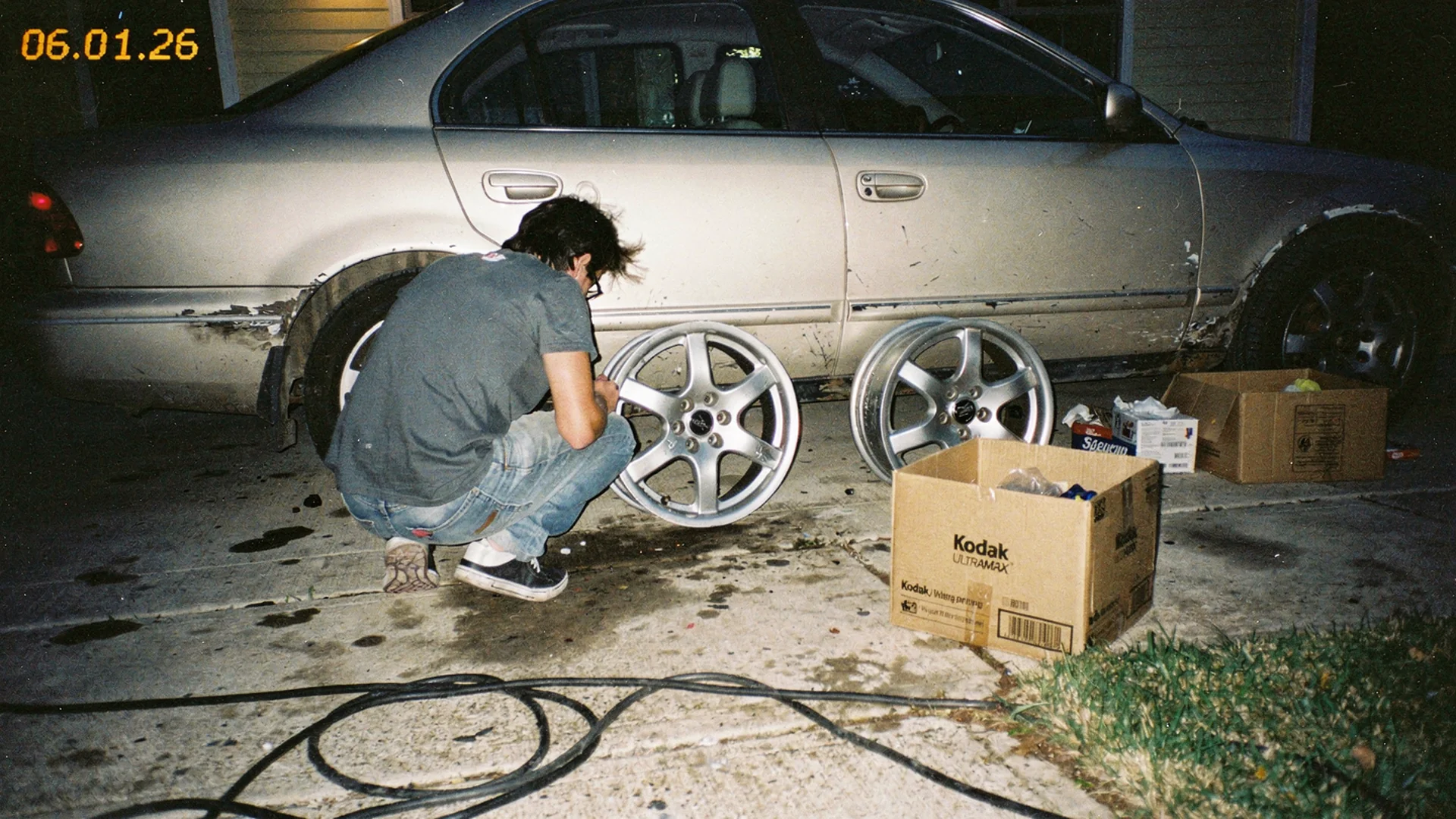
Wheel sales convert when shoppers can judge stance on their own car, not only diameter and offset in a spec table.
Why Wheel PDPs Need Visualization
Wheels are high-consideration, high-return SKUs. A single order can exceed $1,200. Shipping is heavy. Wrong-finish and wrong-look returns destroy margin even when the bolt pattern was technically correct.
Shoppers stall for repeatable reasons:
- Fill and stance: Will the wheel tuck, poke, or sit flush?
- Diameter perception: Does an inch up look OEM+ or cartoonish on my body style?
- Finish matching: Gloss black vs satin vs machine face under real-world light
- Multi-SKU confusion: Similar designs with different offsets look identical in catalog shots
Shopify conversion benchmarks remind merchants that hesitation on the PDP is expensive. Wheels concentrate that hesitation because the purchase is visible every time the owner walks to the driveway.
Disclaimer: A wheel visualizer shows visual fit on the shopper’s vehicle photo. Bolt pattern, offset, backspacing, center bore, and brake clearance still require your published spec data and the buyer’s fitment verification. Never imply that a render replaces those checks.
Wheel Visualizer Vs Static Gallery
Most wheel stores rely on:
- Studio shots on a neutral background
- Stock photos on a generic sedan or truck
- Occasionally, a configurator that swaps colors on the same angle
Those assets answer “what is the wheel.” They weakly answer “what is the wheel on my car in my lighting.”
Antla Custom Funnel inverts the flow. The shopper’s vehicle becomes the canvas. Your SKU renders into the wheel well so they can judge proportion relative to fender line, ride height, and existing trim.
That is different from a catalog configurator that only rotates a 3D asset. Configurators help when the shopper already trusts fitment and wants to pick a finish. Visualizers help when the shopper trusts the brand but not the look on their specific car. Our comparison spoke wheel visualizer vs catalog configurator walks both paths.
What To Demand In A Shopify Wheel Visualizer
Before you install anything from the Shopify App Store, score vendors against wheel-specific reality.
Must-have:
- Mobile photo upload with clear privacy copy
- Rendering that respects wheel well perspective, not a flat overlay
- Variant linkage so finish and diameter match the selected SKU
- Shopify theme placement without Liquid surgery
- Cohort analytics: try-on users vs non-users on conversion and returns
Nice-to-have:
- Multiple angles if your catalog supports them
- Higher-fidelity rendering tier for premium finishes (Antla Pro AI parallel for detail-heavy categories)
- Try-on feed so merchandising sees which designs get the most previews
Red flags:
- Fashion-only try-on with no vehicle upload path
- Demos that use perfect studio cars only
- No App Store listing or thin merchant reviews
- Session pricing with no tie to order quality metrics
Return to the automotive virtual try-on hub for the full cross-category framework.
Implementation Checklist For Wheel Merchants
Rollout should feel like a merchandising project, not an IT project.
Week 1: Pick hero SKUs
Choose five wheels with:
- High traffic but moderate conversion
- Elevated return or exchange rates tied to “look” reasons
- Strong differentiation in lip design or finish
Export return reasons for the last 90 days. Group by “wrong look,” “wrong finish,” and “does not fit” separately. Visualization targets the first two buckets.
Week 2: Configure Custom Funnel
Install Antla and enable Custom Funnel on test products. Map each hero wheel to the correct render asset. Confirm variant pickers for bolt pattern and offset still work after try-on placement.
Detailed steps live in Shopify Custom Funnel automotive setup. Fashion merchants follow a similar sequence in how to add virtual try-on to Shopify.
Week 3: PDP copy and disclaimers
Add plain-language invite copy:
- “Upload a photo of your car to preview stance before you order.”
- “Check bolt pattern and offset in the spec table. Preview shows look only.”
Pair visualization with fitment tables, not instead of them. Automotive photography vs AI try-on explains how renders complement studio photography.
Week 4: Measure cohorts
Track try-on start rate, completion rate, add-to-cart after try-on, conversion compare, and return reason shifts. Product page engagement and conversion quality helps separate useful dwell time from friction.
Metrics Wheel Stores Actually See
Antla merchant data across categories shows strong signals when visualization addresses the dominant hesitation:
- Shoppers who use try-on convert about 35% higher on average than those who do not
- Try-on sessions run 2-3x longer on PDPs, indicating real evaluation rather than accidental clicks
- Returns can drop as much as 30% when the main gap was “looked different on my car”
Your store should prove its own lift before storewide rollout. Use hero SKUs with documented hypotheses, not faith in benchmarks.
Connect returns math to aftermarket parts returns and visualization and virtual try-on reduces returns before checkout.
Merchandising And Marketing Uses
Wheel visualizer output is not only a PDP widget.
- Email flows: Invite past browsers to preview new releases on their car
- Paid social: “See it on yours” beats another static carousel for consideration campaigns
- Support deflection: Link try-on in pre-purchase chat when shoppers ask “how aggressive is this?”
- Merchandising feedback: SKUs with high try-on starts but low conversion may need better spec copy or photography
AI virtual try-on in ecommerce covers cross-channel patterns that started in fashion and apply to parts.
Common Wheel Visualizer Mistakes
Hiding try-on below the fold on mobile. Most wheel research happens on the phone in a driveway or parking lot.
Launching every SKU at once. You will not know what broke or what worked.
Implying fitment approval from a render. Always separate visual preview from bolt pattern verification.
Ignoring finish variance across variants. If gloss and matte use different assets, tie renders to variant selection.
Skipping theme QA on sticky add-to-cart. Aftermarket themes love sticky buy boxes. Confirm they still work after try-on.
Category Neighbors In This Cluster
Wheels often sit beside other visualization-friendly parts:
- Body kit and spoiler visualizer for aero bundles
- Motorcycle saddlebags try-on if you sell powersports
- Automotive case studies for proof ranges
Fashion cluster bridge: best virtual try-on for Shopify fashion for vendor evaluation habits that transfer to wheels.
Frequently Asked Questions
What is a wheel visualizer for Shopify?
It lets shoppers upload a photo of their car and preview your wheel rendered in the wheel well on the product page. Antla Custom Funnel provides this for Shopify aftermarket stores. It shows visual stance and finish; bolt pattern and offset still require spec verification.
Does a wheel visualizer check bolt pattern and offset?
No. Visualizers address look and proportion on the shopper’s vehicle. Bolt pattern, offset, backspacing, and brake clearance remain the buyer’s responsibility using your fitment data and their own checks.
How many wheel SKUs should I start with?
Five to ten hero wheels with known look-related hesitation or returns. Measure try-on cohorts for two to four weeks before expanding across the catalog.
Wheel visualizer or 3D configurator?
Use a visualizer when shoppers need to see the wheel on their own car. Use a configurator when they already trust fitment and mainly pick finishes. Many stores benefit from both; see our comparison spoke for details.
Where To Go Next
- Virtual try-on automotive hub
- Wheel visualizer vs configurator
- Custom Funnel setup guide
- Fashion returns reduction strategy
- Virtual try-on feature page
About the author: Aaron runs Antla and writes for aftermarket Shopify operators selling wheels, aero, and motorcycle accessories where look drives the order.
Run try-on on your top five wheel SKUs. Install Antla on Shopify and read the automotive virtual try-on hub for the full rollout framework.