

Virtual Try-On for Motorcycle Saddlebags on Shopify
Let riders preview saddlebags on their bike photo on Shopify. Custom Funnel setup, visual fit returns, and PDP conversion for moto luggage.

Motorcycle saddlebag shoppers carry a mental picture of their bike that no studio catalog can fully replace. They know their tank line, exhaust routing, passenger pad, and how much visual weight the rear already carries. When your PDP shows bags on a clean demo Harley or adventure bike, the rider still asks the hard question: will this look balanced on mine?
Virtual try-on for motorcycle saddlebags on Shopify answers the look question before checkout. Antla Custom Funnel lets riders upload a photo of their motorcycle and see your hard bags, leather throws, or rack system rendered on their actual bike. That is visual confidence, not a substitute for mount compatibility charts or model-year fit lists.
This guide is for powersports and moto luggage merchants on Shopify who want fewer “looked wrong on my bike” returns and higher confident orders on high-AOV luggage SKUs.
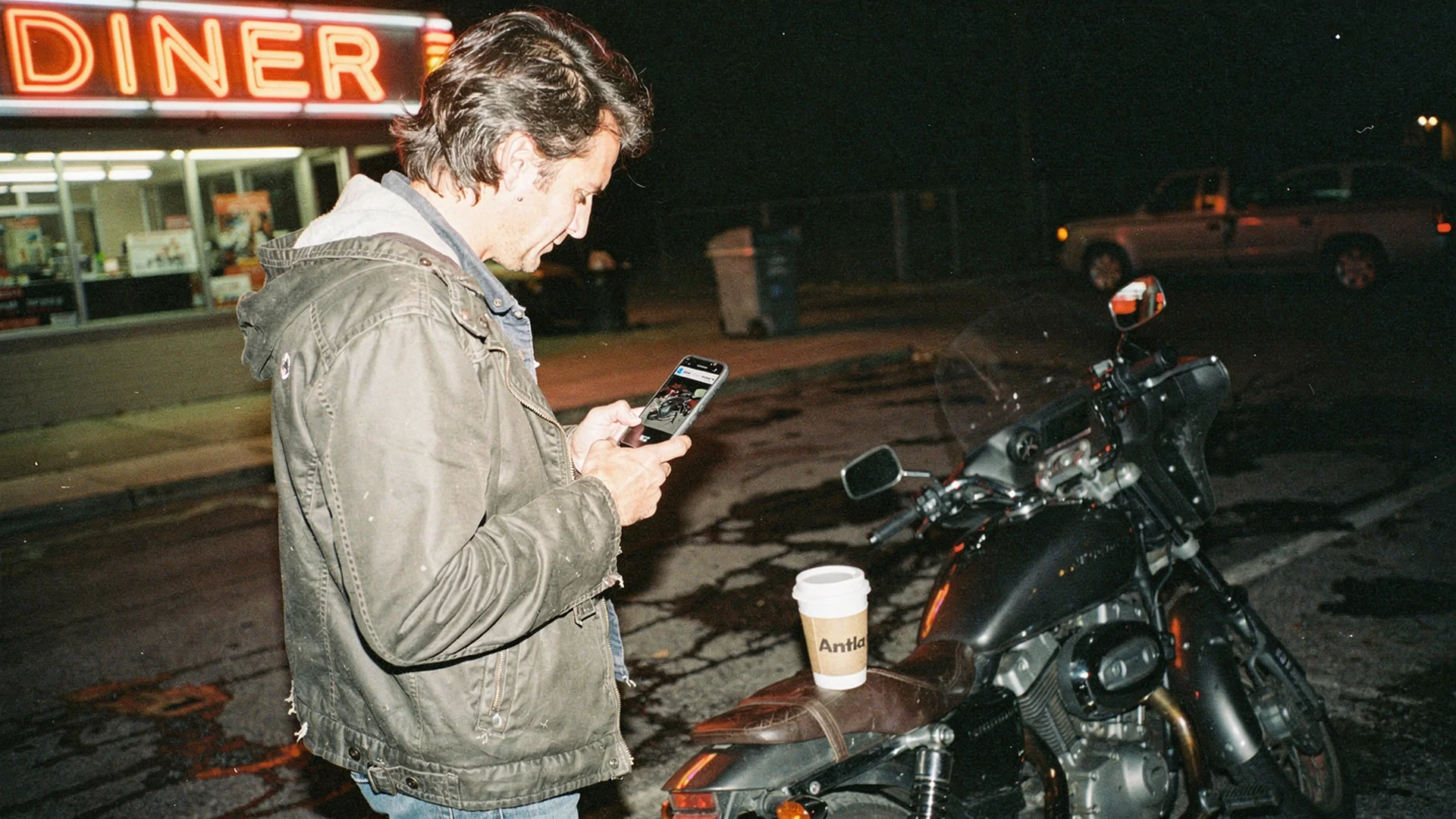
Luggage sales convert when riders judge balance and proportion on their own motorcycle, not only capacity specs in a bullet list.
Why Saddlebag PDPs Bleed Conversion
Saddlebags sit at the intersection of function and aesthetics. Capacity and waterproof ratings matter. So does whether the bags make a slim cruiser look like a touring rig, or whether an adventure bike looks top-heavy.
Common hesitation patterns:
- Visual bulk: Will these bags dwarf my rear fender?
- Symmetry and hang: Do slant bags match my exhaust side?
- Color and leather grain: Does vintage brown fit my blacked-out build?
- Rack vs strap systems: Shoppers fear buying the wrong mounting story
Returns on luggage hurt. Restocking leather, dealing with mount hardware, and paying return shipping on bulky cartons adds up fast. Shopify’s returns overview applies to powersports merchants facing the same structural pressure as apparel, with heavier boxes.
Disclaimer: Virtual try-on shows visual fit of bags on the rider’s motorcycle photo. Mount compatibility, swingarm clearance, exhaust interference, and weight capacity still require your fitment documentation and the buyer’s verification.
Custom Funnel For Moto Luggage
Fashion try-on assumes a body. Saddlebag try-on assumes a bike silhouette: tank, seat, fender, exhaust, and sometimes a sissy bar or rack.
Antla Custom Funnel maps your product render onto the rider’s upload. The workflow mirrors what we built for automotive aftermarket visualization and wheel visualizers, tuned for lateral bag volume and rear-end proportion.
Shopper flow:
- Land on saddlebag PDP from search or community referral
- See studio photography and capacity specs
- Tap try-on, upload a side or three-quarter bike photo
- Preview bags rendered on their motorcycle
- Add to cart with clearer aesthetic expectations
Install through Antla on Shopify. Placement should sit near primary imagery on mobile, where most riders browse between rides.
What Good Moto Try-On Looks Like
Generic AR demos fail when they treat a saddlebag like a flat sticker. Evaluate vendors on:
- Perspective match on common phone photos (driveway, garage, meet)
- Proportional scaling relative to wheel and fender size
- Variant linkage for left/right sets, color, and hardware finish
- Privacy copy that explains image use clearly
- Speed that does not break mobile patience
Read Shopify virtual try-on app evaluation for App Store signals that transfer from fashion to moto. Antla carries 5-star ratings from 80+ reviews and serves 100+ Shopify brands, including merchants with non-standard catalogs via Custom Funnel.
Rollout Plan For Luggage Merchants
Step 1: Audit return reasons
Pull 90 days of returns and exchanges on top saddlebag SKUs. Tag reasons:
- Mount or compatibility (spec problem)
- Capacity or feature mismatch (copy problem)
- Look, color, or proportion (visual problem)
Try-on targets the visual bucket first. Fix spec gaps in parallel.
Step 2: Select hero SKUs
Start with five products that combine:
- High page views
- Moderate conversion relative to category average
- Visual differentiation between similar listings
Step 3: Configure and QA
Enable Custom Funnel on test products. QA on real iOS and Android devices, not only desktop resize. Confirm variant pickers for color and mount type still work. See Custom Funnel automotive setup for the shared sequence.
Step 4: Copy that sets expectations
Example PDP lines:
- “Upload a side photo of your bike to preview bag size and balance.”
- “Confirm mount compatibility with your year, make, and model before ordering.”
Step 5: Measure try-on cohorts
Compare try-on users to everyone else on add-to-cart, conversion, and returns. Product page engagement and conversion quality helps interpret time-on-page.
Metrics And ROI Signals
Merchants using Antla often report:
- Conversion lift around 35% among shoppers who engage with try-on versus those who do not
- Engagement multiples of two to three times on PDPs where try-on is visible and used
- Return rate improvements up to 30% when visual expectation was the primary pre-purchase gap
Your numbers will vary by bike mix, price point, and how honest your baseline photography already is. Build a one-page memo using aftermarket parts returns and visualization.
External context: NRF return volume data reminds finance stakeholders that prevention beats processing.
Cross-Sell Visualization Opportunities
Saddlebag buyers often shop adjacent categories:
- Handlebars and mirrors try-on for cockpit refreshes
- Automotive hub if you also sell four-wheel parts
- Automotive case studies for proof narratives
Photography cooperation: product photography vs AI virtual try-on and automotive photography vs AI try-on.
Support And Community Dynamics
Moto buyers trust forums, Instagram builds, and YouTube installs. Visualization gives them a private first pass before they post “will this fit?” threads.
Train support to link try-on in chat when shoppers send bike photos anyway. You are meeting them where they already behave.
For broader AI context, AI virtual try-on in ecommerce explains the technology without moto jargon.
Mistakes To Avoid
Launching try-on without mount docs. Visual preview plus weak compatibility copy creates a different kind of return.
Using only front-facing bike photos in marketing. Saddlebags need side and three-quarter preview prompts.
Storewide rollout day one. Hero SKU measurement de-risks theme conflicts.
Ignoring passenger and exhaust context. Merchandising notes about slant direction and heat shields still matter alongside renders.
Frequently Asked Questions
Can riders preview saddlebags on their own motorcycle?
Yes, with Antla Custom Funnel on Shopify. Riders upload a photo of their bike and see your bags rendered before checkout. Visual try-on shows look and balance; mount compatibility still requires your fitment data.
Does motorcycle saddlebag try-on verify fitment?
No. Try-on addresses visual proportion and finish on the rider’s photo. Year-make-model compatibility, mount type, and clearance checks remain the buyer’s responsibility using your documentation.
Which saddlebag products should get try-on first?
Start with high-traffic bags where returns or support tickets mention look, size, or balance. Measure cohort metrics for two to four weeks before expanding.
How is this different from fashion virtual try-on?
Custom Funnel renders parts on a vehicle photo instead of garments on a person. The Shopify install and measurement playbook parallels our fashion guides, including the hub at best virtual try-on for Shopify fashion.
Related Guides
- Automotive virtual try-on hub
- Handlebars and mirrors try-on
- Virtual try-on reduces returns before checkout
- Add virtual try-on to Shopify
About the author: Aaron built Antla to help shoppers see products on themselves and their vehicles. He advises merchants on Custom Funnel rollout and return reduction.
Sell touring luggage on Shopify? Enable Custom Funnel with Antla and review virtual try-on features on your hero saddlebag SKUs.